Learn Revit from zero to advanced with live training (Registrations Closing Soon)

Learn Revit from zero to advanced with live training (Registrations Closing Soon)
Learn Revit from zero to advanced with live training (Registrations Closing Soon)
Learn Revit from zero to advanced with live training (Registrations Closing Soon)
Learn Revit from zero to advanced with live training (Registrations Closing Soon)


Revit Training For Architects & Interior Designers
Only 02 seats left at this price.

Upto 350% salary hike for Learners
Shift to High-paying Design career
Enhance your design skills
100% Customized Learning Paths
What will you learn from this Course?
- Learn to develop architectural projects in Revit from concept modeling to detailed documentation.
- Gain hands-on expertise in walls, floors, roofs, stairs, site modeling, detailing, annotations, and sheet management.
- Understand worksharing, clash coordination, and cloud-based collaboration tools.
- Create smart families, explore parametric logic, visualization tools, coordination software.
Course Highlights

One-on-One Sessions
Cohort Group Discussions
20+ Real-Life Case Studies
Comprehensive Courseware
Who is this Course for?

Architecture Students:
Build a strong foundation in Revit aligned with academic studios and real-world architectural workflows.

Interior Design Students:
Learn how Revit integrate with interior planning, coordination, and detailed documentation for built projects.

Fresh Graduates:
Transition confidently from college to professional practice by mastering industry-ready Revit standards.

Architecture Professionals:
Upgrade your skills with advanced modeling, collaboration workflows used in professional offices.

BIM Beginners:
Start from first principles and develop structured BIM thinking without prior experience in Revit software.

Educators & Academics:
Expand your technical expertise to collaborate effectively with multidisciplinary teams.
Course Curriculum
Week 1 - Fundamentals of Revit - I


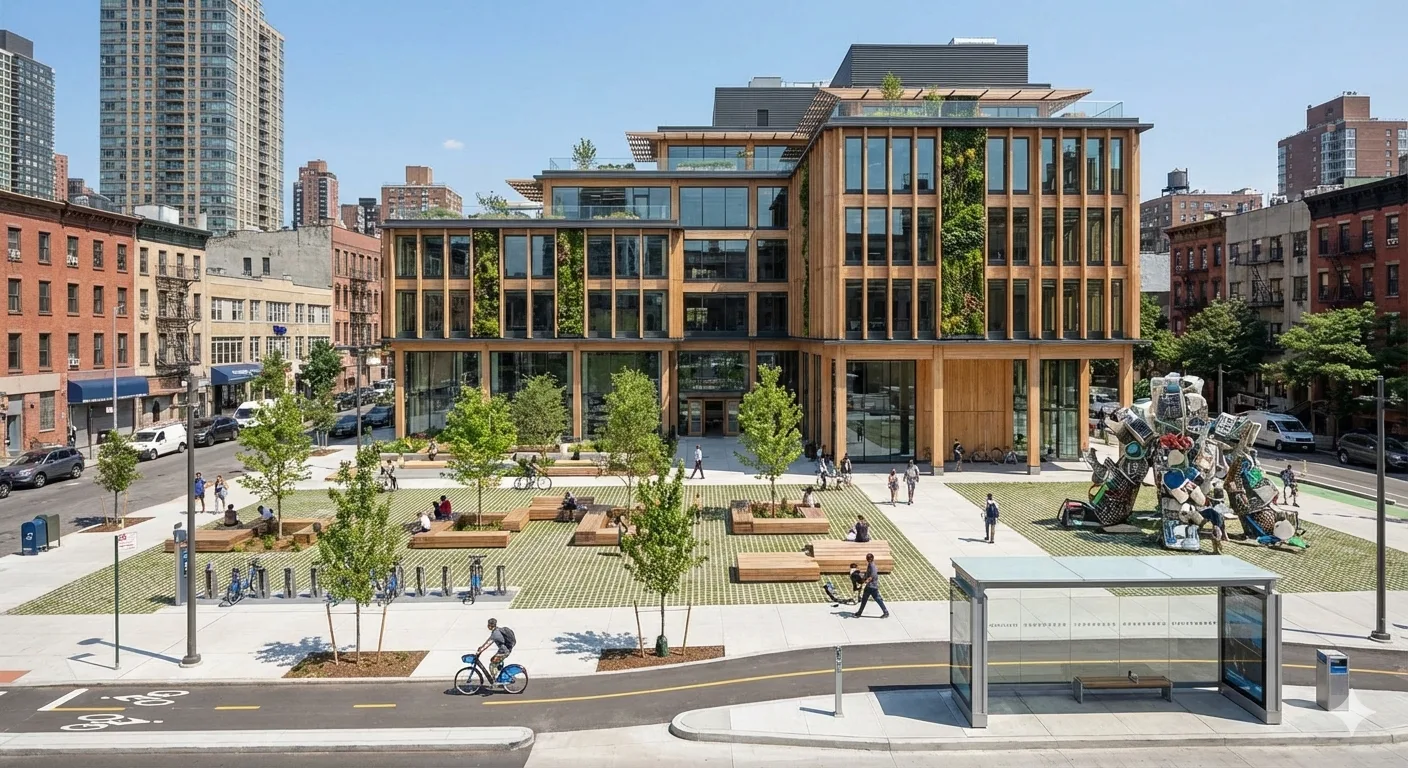
- Understanding how Revit works, fundamentals of the software, Revit views and interface the concept, evolution, and advantages of BIM over traditional CAD workflows.
- Revit file formats, introduction to templates, properties and project browser
- Explore Revit fundamentals, views, templates, properties, and best practices for starting projects.
- How to start a project? (Best Practices)
- Basic Wall Modeling: Directions and controlling parameters
Week 2 - Fundamentals of Modeling in Revit - II
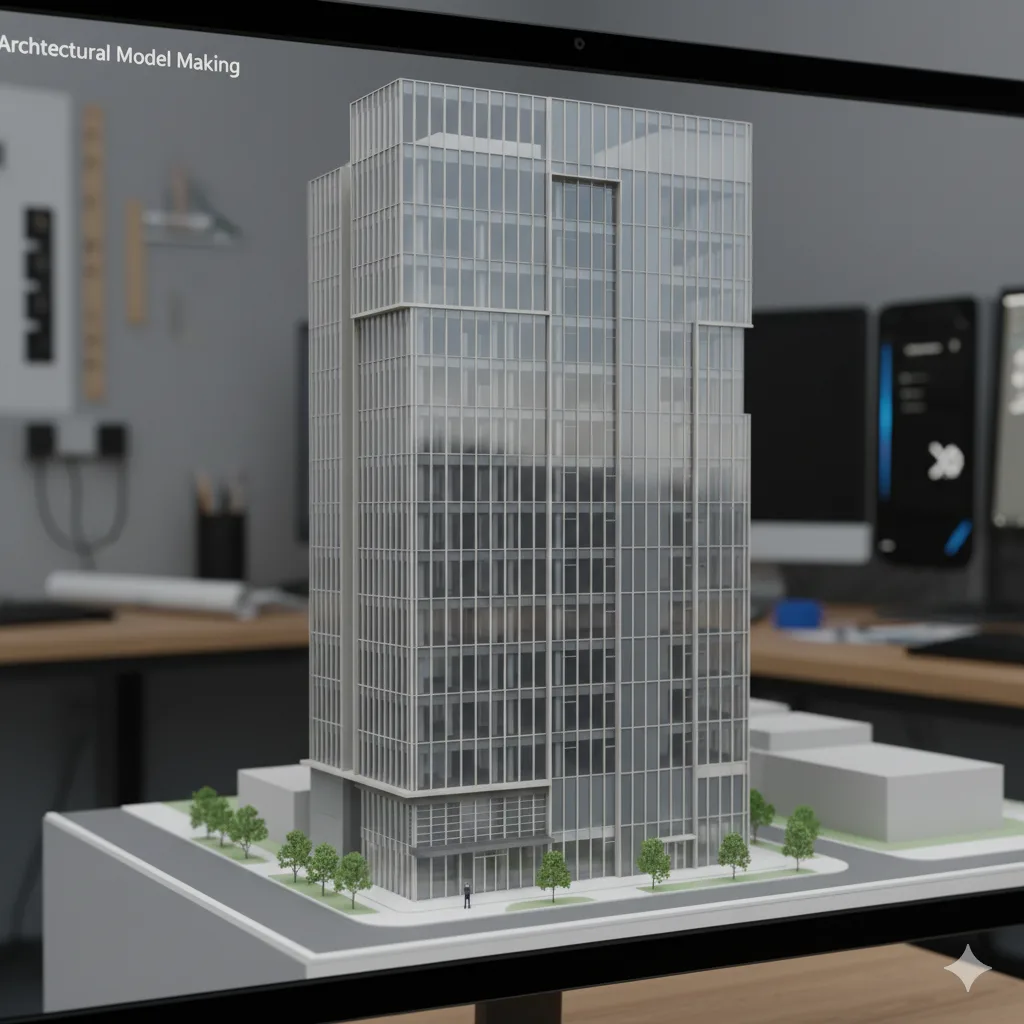
- Selection, editing and Modifying elements (Walls) and snapping
- Revit element ID 4. Revit review warnings and types
- Understand type vs instance parameters, element IDs, and how properties control model behavior.
- Visual styles and Detail levels
- Crop view and Sections
Week 3 - Architectural Modeling and Model Management -I

- Understand wall types, line locations, and edit type settings for precise architectural control.
- Modify wall profiles to create custom shapes and design-specific wall conditions.
- Apply sweeps and reveals to enhance architectural detailing within wall systems.
- Control wall joins and intersections to ensure clean geometry and accurate construction logic.
- Create and manage curtain walls, mullions, and panel systems for façade design.
Week 4 - Architectural Modeling and Model Management – II
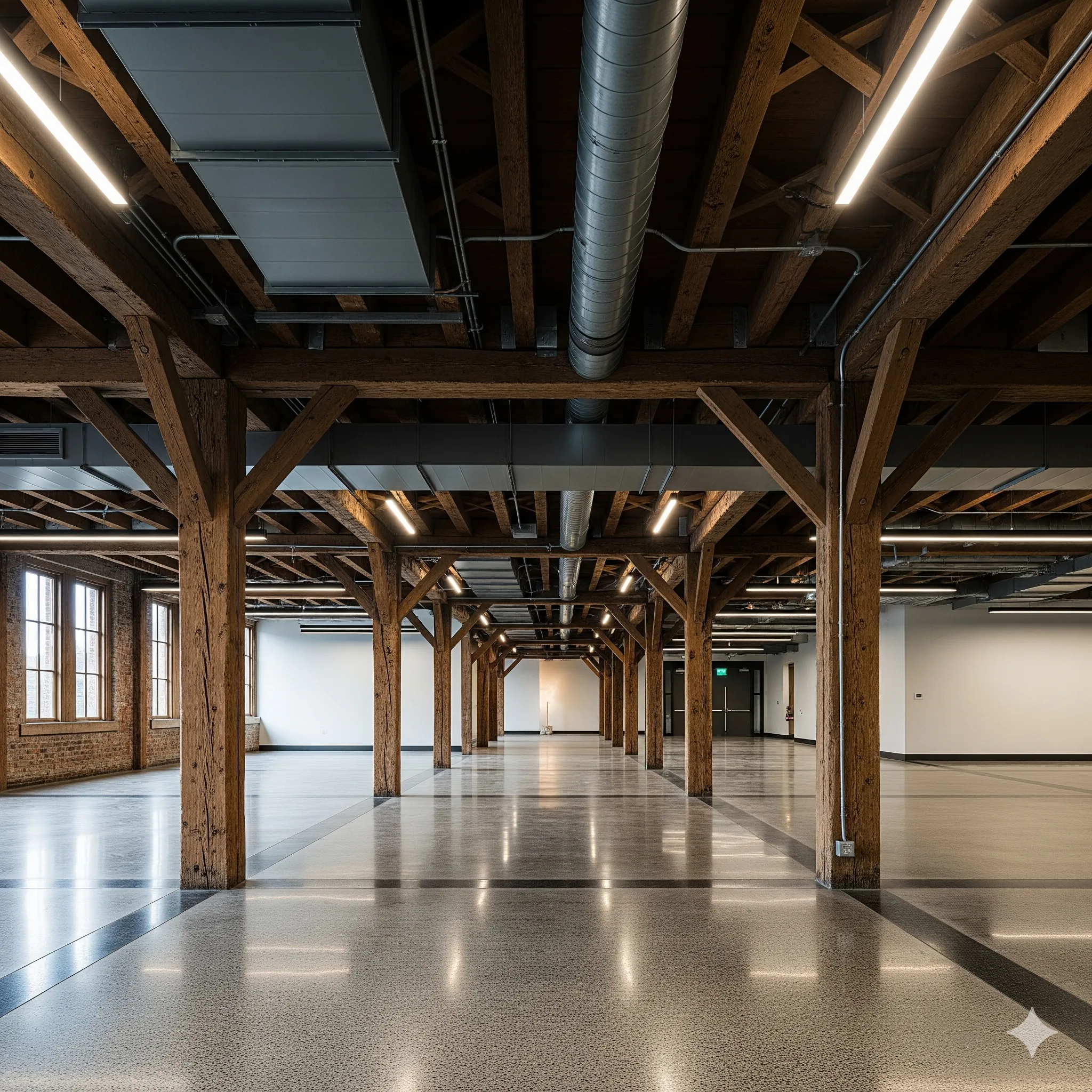
- Model architectural floors, ceilings, and footprint-based roofs with proper types and constraints.
- Place and manage columns, furniture, and component families for spatial and functional planning.
- Access, evaluate
- Manage visibility graphics overrides and temporary hide or isolate elements effectively.
- Understand extents, view range, and underlay settings to control model representation.
Week 5 - Architectural Modeling – Circulation and Structure

- Create openings and model ramps, railings, and staircases for functional building circulation.
- Design staircases and railings using system-based tools and parametric controls.
- Set up grids and reference systems to align architectural and structural elements accurately.
- Model structural columns and beams to define the primary load-bearing framework.
- Create foundations and footings based on structural requirements and building layout.
Week 6 - Architectural Modeling, Graphics and Model Management - III

- Define rooms, create groups, and manage repeated elements efficiently within the model.
- Use cameras, 3D views, section boxes, and displacement tools for spatial understanding and presentations.
- Create and manage plan views, elevations, and sections for coordinated documentation.
- Apply view templates and temporary view properties to maintain consistency across drawings.
Week 7 - Model Management, Collaboration and Coordination - I

- Use filters and phasing to control model visibility and represent project stages accurately.
- Create schedules and material take-offs to extract data and quantities directly from the model.
- Import and link CAD and other file formats for coordinated multidisciplinary workflows.
- Manage linked models efficiently to maintain coordination and performance.
- Export views and drawings in required formats for sharing and submissions.
Week 8 - Visualization and Architectural Modeling – Massing and Site
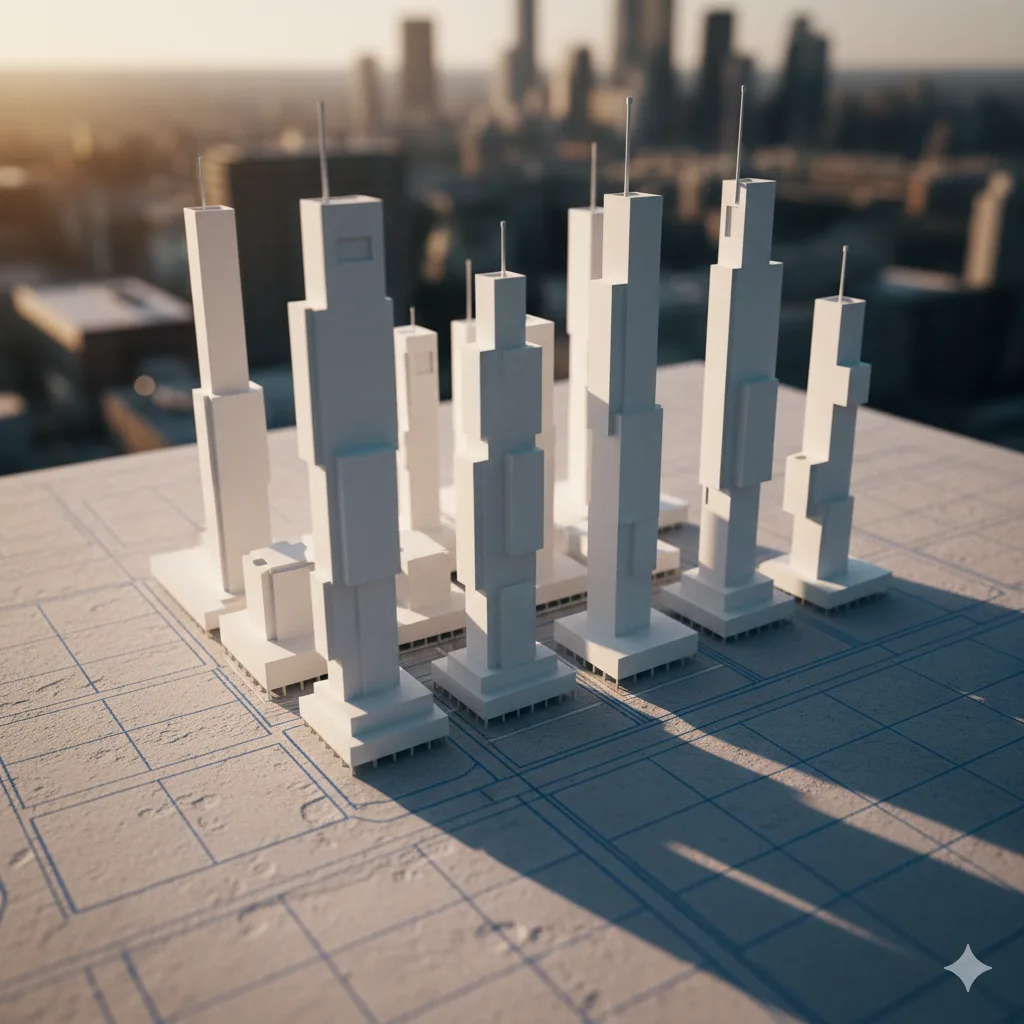
- Create and manage topo-surfaces and topo-solids, including pads, sub-regions, and imported terrain data.
- Design site components such as surface finishes, levels, roads, plantations, and supporting landscape elements.
- Develop in-place and conceptual massing using extrusion, sweep, blend, and advanced massing tools.
- Modify mass forms, apply elements by face, and create roofs by extrusion for complex geometry.
Week 9 - Advanced Architectural Modeling, systems and Documentation

- Develop detailed wall sections, skirtings, and construction-level architectural details.
- Understand basic MEP systems, analytical modeling, and performance-based design tools.
- Use sun path, solar studies, and design options to evaluate and compare design alternatives.
- Create adaptive components and curtain system-based models using parametric logic.
- Apply dimensions, texts, linework, callouts, keynotes, legends, and symbols accurately.
Week 10 - Content Creation
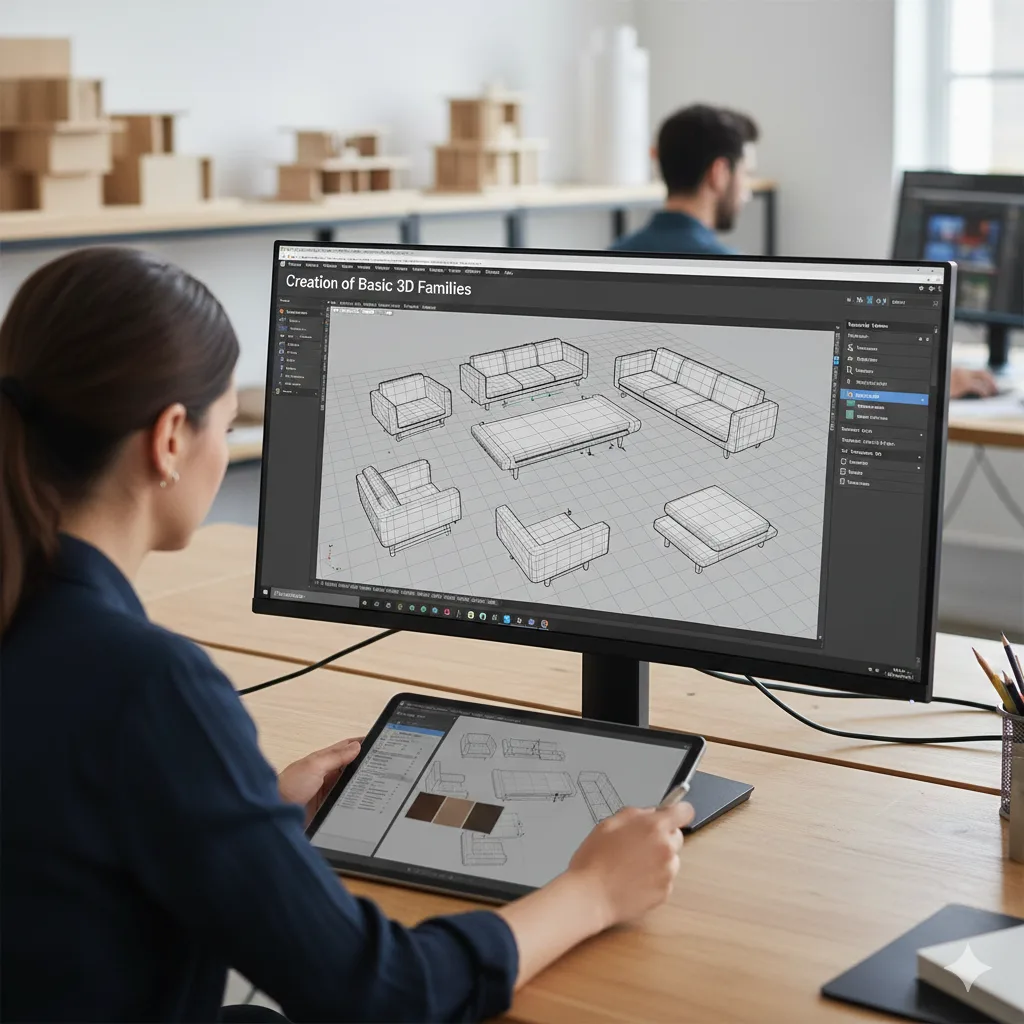
- Create titleblock families and manage texts and labels for professional documentation.
- Work with 2D family templates and create profile-based families for detailed representations.
- Understand 3D family templates, categories, and parameter setup for accurate behavior.
- Create basic 3D families including doors, lighting, and other commonly used components.
- Develop smart, line-based, and behavior-driven families for flexible design use.

Tools we teach







How are we different?
Why settle for just another Revit Course?
We don't just upskill you, we give you the tools to excel in your path.
Interactive Lectures
Some
No
Hands-on Workshops
Yes
No
Real-life Case Studies
Yes
No
Group Discussions and Feedback Sessions
Yes
No
Interactive Lectures
Some
No
Hands-on Workshops
Yes
Some
Real-life Case Studies
Some
Some
Group Discussions and Feedback Sessions
Yes
No
Real-life Case Studies
Some
Some
Group Discussions and Feedback Sessions
Yes
No
What Will You Gain Through This Course - Revit Training For Architects & Interior Designers

Software Awareness:
Develop a clear understanding of Revit and how they differ from traditional CAD-based practices.

Professional Revit Proficiency:
Model, document, and manage architectural projects in Revit.

Construction-Ready Documentation:
Produce coordinated drawings, details, schedules, and sheets suitable for real-world project delivery.

Collaboration & Coordination Skills:
Work confidently in shared models with coordination with team members.

Parametric & Automation Awareness:
Create smart families, use parametric logic, and understand automation tools to improve efficiency.

Future-Ready Outlook:
Gain exposure to advanced Revit workflows including 4D, clash detection, visualization, and AI tools.
Enroll Now for the April 2026 Batch
You can be a part of the new generation of tech-skilled architects. Over 2000 AEC professionals have already taken the leap with our Revit training. Will you be next?
- 40+ live sessions
- 3+capstone projects based on real client briefs
- Fundamentals of Revit integrated throughout
- 5+ Guided career sessions
- Completion certificate from ASDAV
- Lifelong access to course recordings, templates & resources


Attain Industry-Recognized Certificate
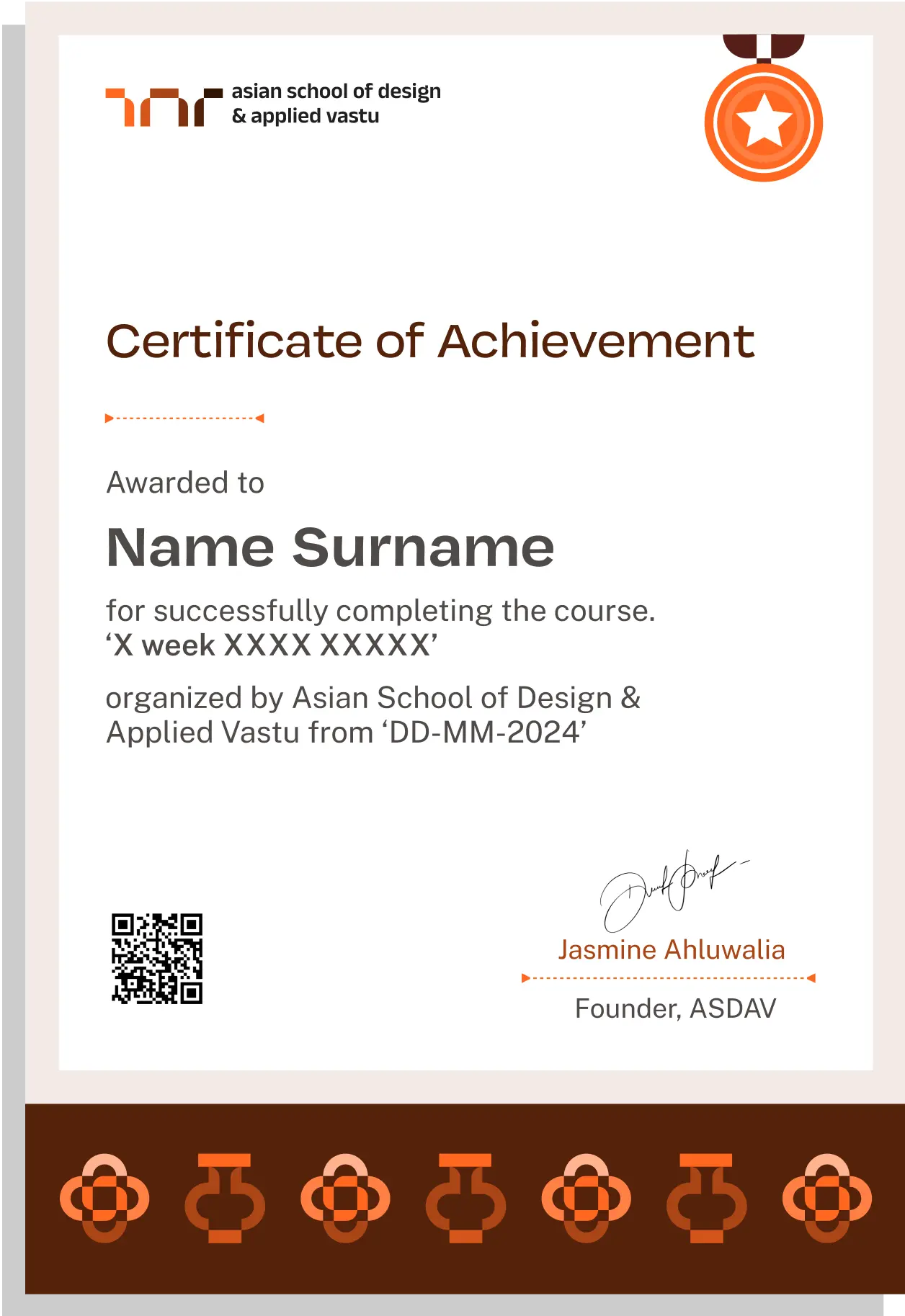
Earn Industry-Recognized Certification through Our Advanced Course, in Partnership with Google for Education, Elevating Your Career Profile
Easily sharable PDF document on LinkedIn, portfolio, resume or CV.


TESTIMONIALS
Your love inspires us, every minute. Inspirational Words Shared by Our Members
ASDAV's classes have empowered countless students to bridge theoretical knowledge with practical industry application.
Our community of passionate learners, where exploration knows no bounds.
Mridangini Bhatacharya


Taking ASDAV’s interior design Residential course was a great choice for my career. I learned practical skills and got tips from top instructors that have really helped me stand out in the job market. The hands-on training from expert teachers has made a big difference in my projects.”
Aaryam Sinha


The barrier-free architecture masterclass at ASDAV was fantastic! It taught me how to design spaces that everyone can use. The skills I learned are already making a big difference in my work. Loved how Ar. Jha made it personalised with her life experiences.
Gokul Maurya


ASDAV’s design courses are great because they mix theory with real-world practice. The workshops taught me valuable skills in sustainable design, and having lifetime access to course materials is a big plus for continuing my learning. The young teacher bring in their technological skill set and other professor bring in their experience.
Humaira Saifi

The faculty at ASDAV are amazing! They really know their stuff and gave me the support I needed to handle tough design problems. Their advice and experience have been super helpful for my career in architecture.
NEED SOME HELP?
Here are some frequently asked questions
What does this online Revit course for architects cover?


This online Revit certifications course helps architects build strong, practical skills step by step.

Is this a beginner or advanced Autodesk Revit course?
The course starts from fundamentals and progressively moves to advanced modeling, coordination, documentation, and automation concepts.
How long is the course and how is it structured?
The course runs for 10 weeks with structured weekly modules, live sessions, hands-on assignments, and guided practice.
Does the course include practical assignments?
Yes, every module of this professional Revit certification course includes practical modeling and documentation tasks to reinforce real-world workflows.
Will I work on real architectural project scenarios?
Yes, the course follows studio-style learning using realistic architectural project setups and workflows
Which software will I learn in this Revit certification course?
You will primarily learn Autodesk Revit.
Is prior Revit knowledge required?
No prior Autodesk Revit experience is required. The course begins with fundamentals and gradually builds professional-level proficiency.
Will I learn family creation and parametric modeling?
Yes, this is one of the best online courses to learn Revit and the course includes 2D and 3D family creation, smart families, and rule-based parametric modeling.
Does the course cover Revit collaboration tools?
Yes, you will learn worksharing, central and local file workflows, cloud collaboration, and model coordination.
Will I learn automation or AI tools in Revit?
No, That is not included in the course.
How is this course relevant for professional architectural practice?
The Revit architecture training course is aligned with real architectural office workflows.
Does the course teach Documentation?
Yes, the course covers coordination, documentation, standards, and collaboration.
Will this course help me in architectural offices?
Yes, the skills taught are directly applicable to architecture and interior design.
Is this course suitable for working professionals in the field of architecture?
Yes, the structured learning approach is designed for both students and working professionals.
Does the course focus only on software?
The course focuses on workflows, decision-making, coordination logic, and professional application, not just software commands.
Are the classes live or recorded?
Classes are conducted live, with recordings available for revision and missed sessions.
Will I receive feedback on my work?
Yes, students receive structured feedback during reviews and live sessions.
Is this a cohort-based course for learning Revit?
Yes, the course follows cohort-based learning to encourage peer discussion and collaborative learning.
Will I get one-on-one guidance?
Mentorship and review-based guidance are integrated within the course structure.
What is the weekly time commitment for this course?
The course requires approximately 4 hours per week, including live sessions, guided practice, and independent assignments.
Who should enroll in this Revit course?
Architecture students, interior designers, fresh graduates, working professionals.
Can interior designers take this course?
Yes, the course is suitable for interior designers looking to integrate revit into their design and documentation process.
Does this course guarantee placement?
The course focuses on skill-building and professional readiness. Placement is not guaranteed.
Is this course suitable for someone without site or office experience?
Yes, the course is designed to build Revit skills from fundamentals, making it suitable even for learners without prior site or professional office experience.
Do I need a high-end system or paid software to attend this course?
A standard laptop capable of running Revit is sufficient. Students can use an educational or trial version of the software for the duration of the course.