Learn Revit from zero to advanced with live training (Registrations Closing Soon)

Learn Revit from zero to advanced with live training (Registrations Closing Soon)
Learn Revit from zero to advanced with live training (Registrations Closing Soon)
Learn Revit from zero to advanced with live training (Registrations Closing Soon)
Learn Revit from zero to advanced with live training (Registrations Closing Soon)


Best Revit and BIM Course in Noida
Only 02 seats left at this price.

Upto 350% salary hike for Learners
Shift to High-paying Design career
Enhance your design skills
100% Customized Learning Paths
Growing Demand for Revit Professionals in Noida and Across India
- Increasing BIM Adoption in Architecture Firms: Many architecture and design firms in Noida now use Revit and BIM workflows for project planning, modeling, documentation, and coordination. This has increased demand for professionals with practical Revit skills.
- Strong Demand in Construction and Infrastructure Projects: Large-scale residential, commercial, and infrastructure projects across India increasingly rely on BIM-based processes. Revit professionals play an important role in design development, documentation, and project execution.
- Better Career Opportunities for Architecture Students: Architecture students with Revit expertise often gain an advantage when applying for internships and entry-level positions. Employers actively seek candidates who can contribute to project workflows from day one.
- Growing Freelance Opportunities: Revit skills open opportunities to work on architectural drafting, BIM modeling, visualization, and documentation projects for architects, consultants, and construction firms across India and overseas.
- Higher Value Technical Skills for Professionals: Architects and designers who upgrade from traditional drafting methods to Revit-based workflows often gain access to more complex projects, greater responsibilities, and improved career growth opportunities.
- Opportunities to Work on Global Projects: Revit has become a widely adopted platform in international architecture and construction projects. Learning industry standard workflows can help professionals collaborate with global teams and clients.
Course Highlights

One-on-One Sessions
Cohort Group Discussions
20+ Real-Life Case Studies
Comprehensive Courseware
Who Can Join This Revit Course in Noida?

Aspiring BIM Professionals:
Individuals looking to build a career in Building Information Modeling can learn Revit workflows used for design coordination, documentation, and project execution in architecture and construction projects.

Architecture Undergraduates and Diploma Holders:
Students pursuing architecture education can strengthen their technical skills by learning industry-standard Revit tools used by architecture firms and design consultancies.

Interior Planning and Design Professionals:
Professionals involved in interior projects can use Revit to create detailed layouts, furniture plans, documentation sets, and coordinated design drawings for clients.

CAD Users Looking to Upgrade:
Professionals currently working with AutoCAD can transition to BIM-based workflows and learn advanced project modeling, coordination, and documentation techniques through Revit.

Construction and Project Coordination Teams:
Site engineers, project coordinators, and construction professionals can better understand digital project workflows, drawing management, and design coordination processes.

Freelance Designers and Career Switchers:
Freelancers and individuals exploring architecture-related careers can develop practical Revit skills that support independent projects, remote work opportunities, and long-term professional growth.
Course Curriculum
Week 1 - Introduction to BIM and Fundamentals of Revit - I


Yes, we do provide certificates to all our participants for attending the workshop. The certificates are mailed within 15 days from the workshop conclusion date.
- Understand the concept, evolution, and advantages of BIM over traditional CAD workflows.
- Learn about industry BIM tools, file formats, and how different platforms communicate effectively.
- Explore Revit fundamentals, views, templates, properties, and best practices for starting projects.
- Understand native Revit elements, family hierarchy, types, parameters, and element behavior.
- Learn levels, reference planes, workplanes, and coordinate systems for accurate model setup.
Week 2 - Fundamentals of Modeling in Revit - II
Yes, we do provide certificates to all our participants for attending the workshop. The certificates are mailed within 15 days from the workshop conclusion date.
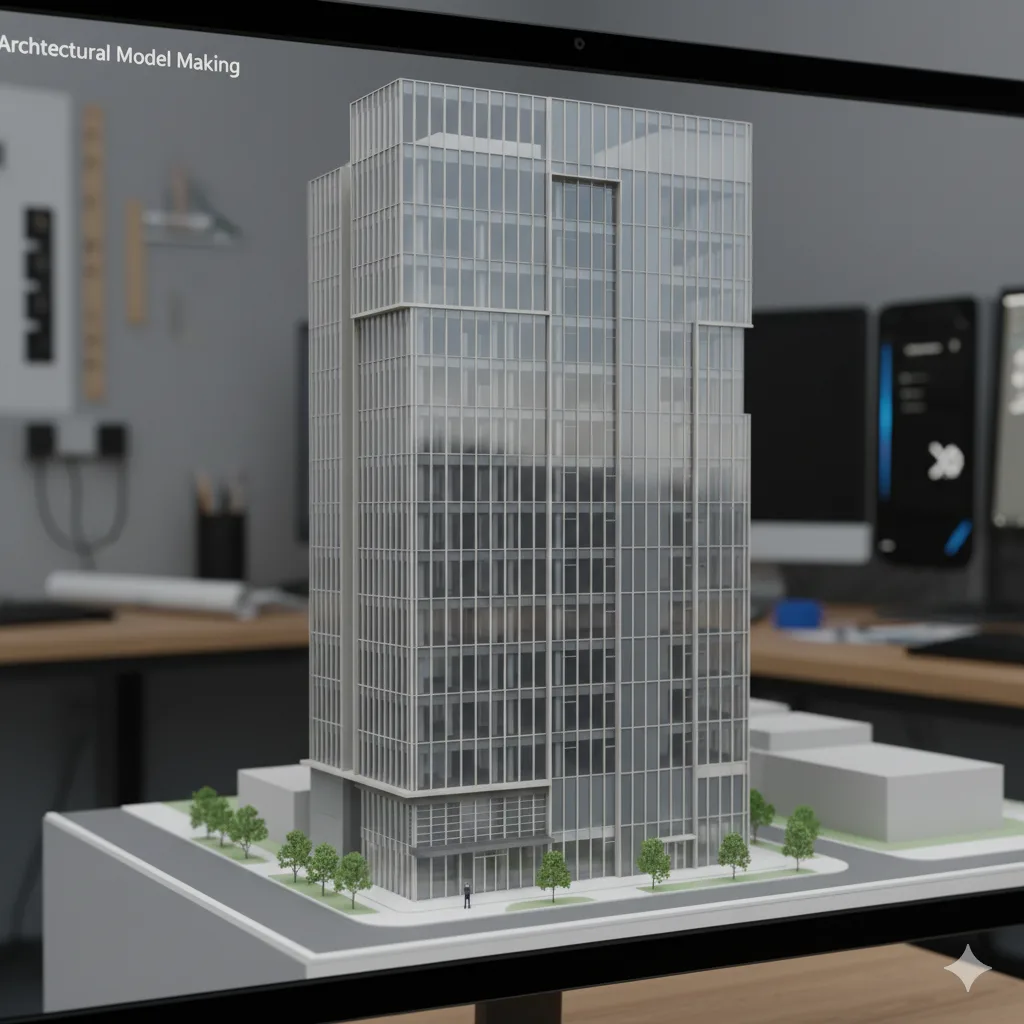
- Learn precise selection, snapping, and editing techniques for walls and other architectural elements.
- Master core modify commands such as trim, extend, array, and shortcuts to improve modeling efficiency.
- Understand type vs instance parameters, element IDs, and how properties control model behavior.
- Work with project, shared, and global parameters to maintain consistency and data integrity.
- Manage visual styles, detail levels, and graphic display options for clear model representation.
Week 3 - Architectural Modeling and Model Management -I
Yes, we do provide certificates to all our participants for attending the workshop. The certificates are mailed within 15 days from the workshop conclusion date.

- Understand wall types, line locations, and edit type settings for precise architectural control.
- Modify wall profiles to create custom shapes and design-specific wall conditions.
- Apply sweeps and reveals to enhance architectural detailing within wall systems.
- Control wall joins and intersections to ensure clean geometry and accurate construction logic.
- Create and manage curtain walls, mullions, and panel systems for façade design.
Week 4 - Architectural Modeling and Model Management – II
Yes, we do provide certificates to all our participants for attending the workshop. The certificates are mailed within 15 days from the workshop conclusion date.
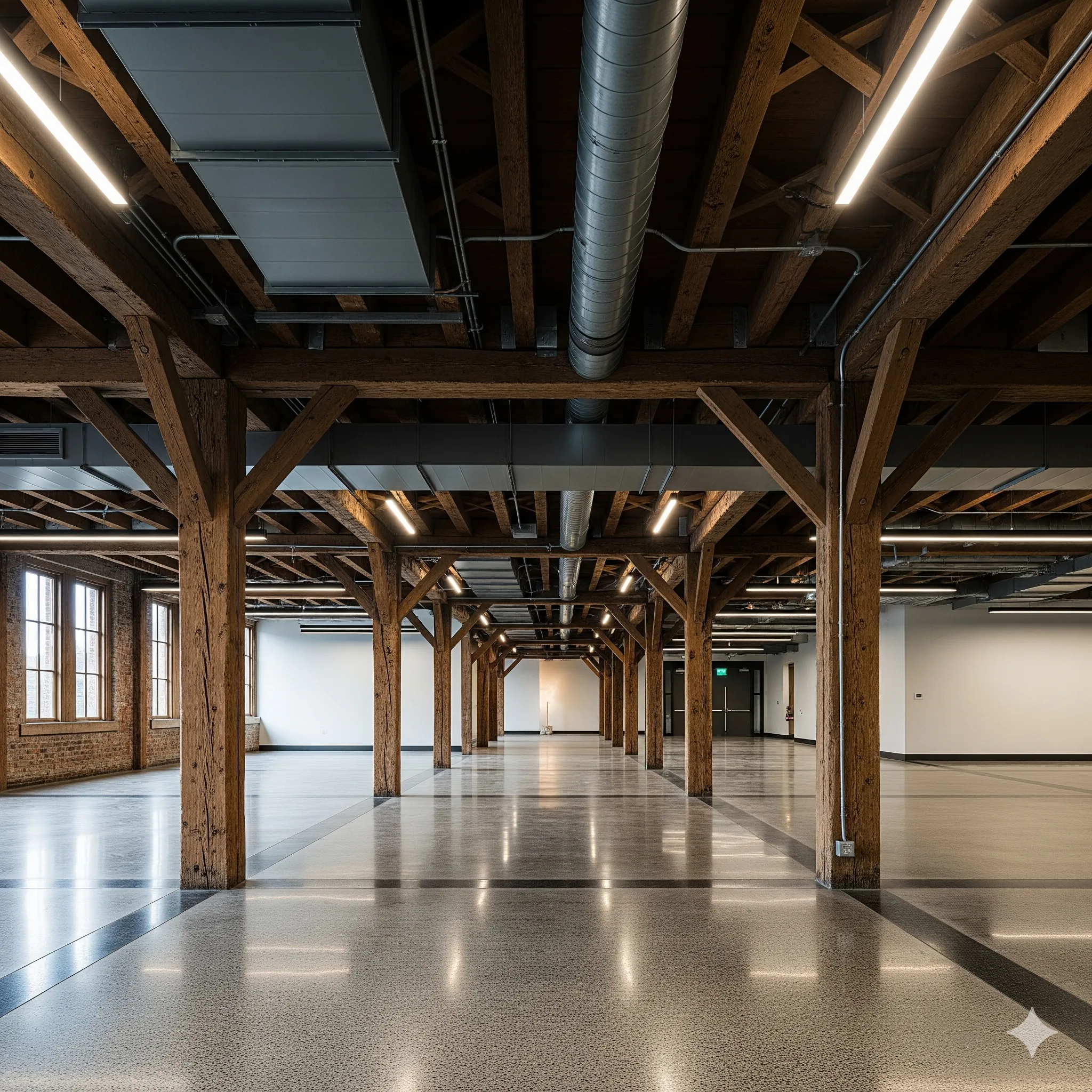
- Model architectural floors, ceilings, and footprint-based roofs with proper types and constraints.
- Place and manage columns, furniture, and component families for spatial and functional planning.
- Access, evaluate, and use BIM content from Autodesk libraries and trusted online sources
- Manage visibility graphics overrides and temporary hide or isolate elements effectively.
- Understand extents, view range, and underlay settings to control model representation.
Week 5 - Architectural Modeling – Circulation and Structure
Yes, we do provide certificates to all our participants for attending the workshop. The certificates are mailed within 15 days from the workshop conclusion date.
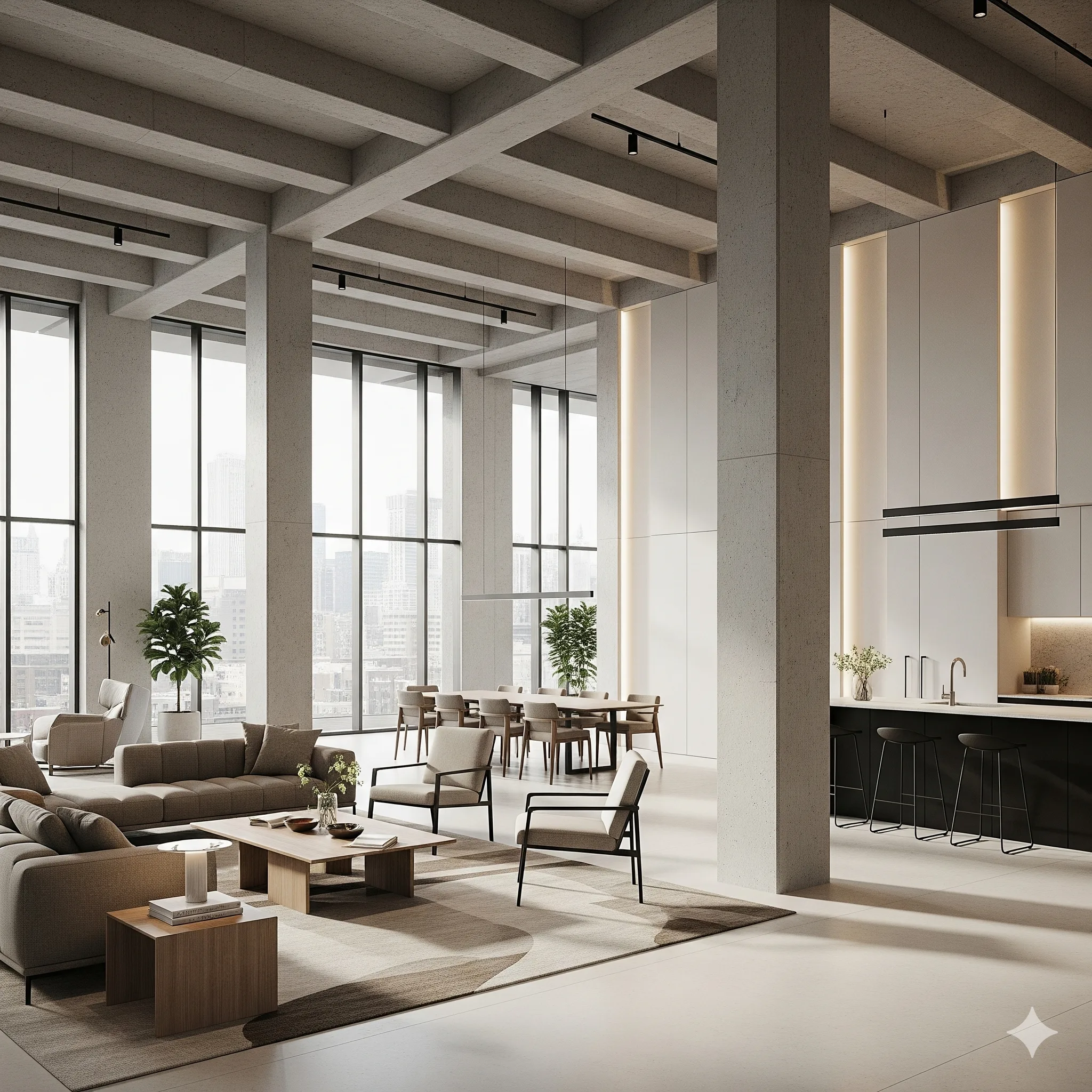
- Create openings and model ramps, railings, and staircases for functional building circulation.
- Design staircases and railings using system-based tools and parametric controls.
- Set up grids and reference systems to align architectural and structural elements accurately.
- Model structural columns and beams to define the primary load-bearing framework.
- Create foundations and footings based on structural requirements and building layout.
Week 6 - Architectural Modeling, Graphics and Model Management - III
Yes, we do provide certificates to all our participants for attending the workshop. The certificates are mailed within 15 days from the workshop conclusion date.

- Define rooms, create groups, and manage repeated elements efficiently within the model.
- Use cameras, 3D views, section boxes, and displacement tools for spatial understanding and presentations.
- Create and manage plan views, elevations, and sections for coordinated documentation.
- Apply view templates and temporary view properties to maintain consistency across drawings.
Week 7 - Model Management, Collaboration and Coordination - I
Yes, we do provide certificates to all our participants for attending the workshop. The certificates are mailed within 15 days from the workshop conclusion date.

- Use filters and phasing to control model visibility and represent project stages accurately.
- Create schedules and material take-offs to extract data and quantities directly from the model.
- Import and link CAD and other file formats for coordinated multidisciplinary workflows.
- Manage linked models efficiently to maintain coordination and performance.
- Export views and drawings in required formats for sharing and submissions.
Week 8 - Visualization and Architectural Modeling – Massing and Site
Yes, we do provide certificates to all our participants for attending the workshop. The certificates are mailed within 15 days from the workshop conclusion date.
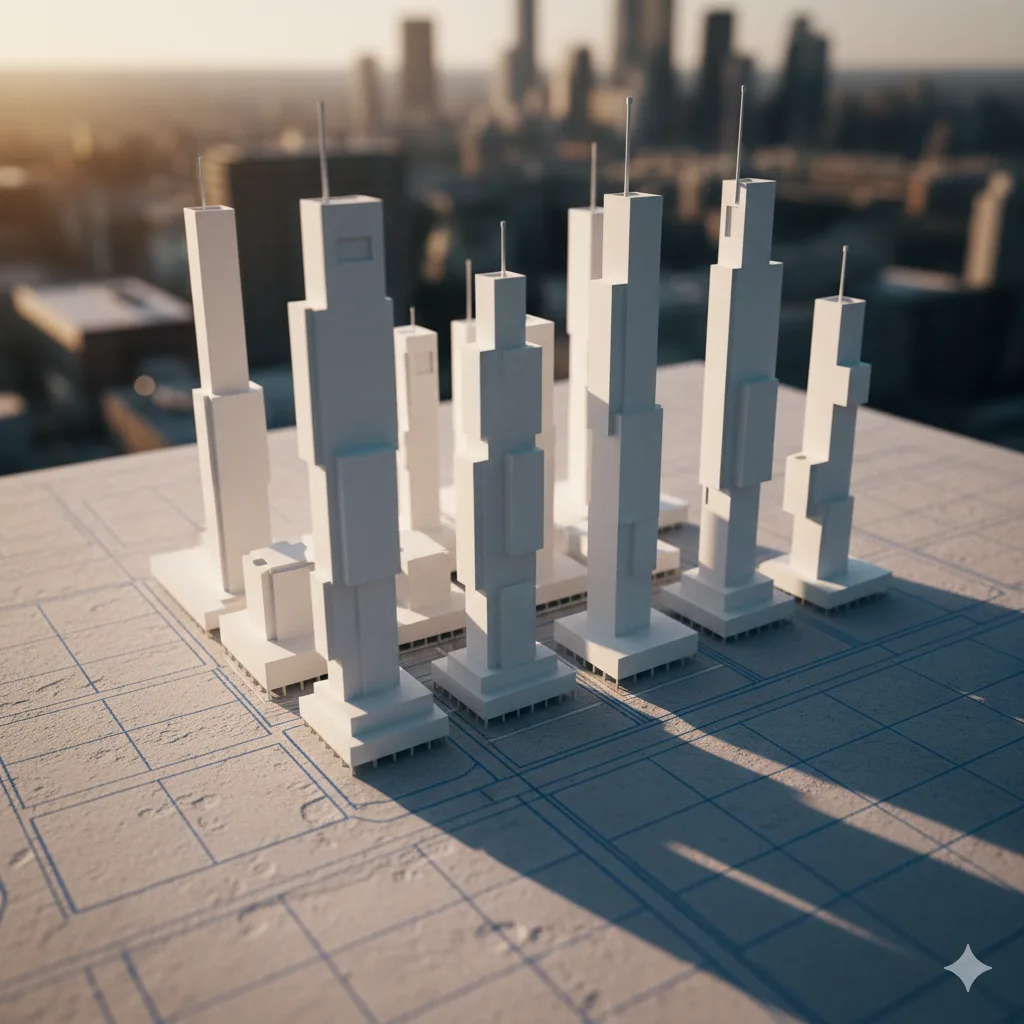
- Create and manage topo-surfaces and topo-solids, including pads, sub-regions, and imported terrain data.
- Design site components such as surface finishes, levels, roads, plantations, and supporting landscape elements.
- Develop in-place and conceptual massing using extrusion, sweep, blend, and advanced massing tools.
- Modify mass forms, apply elements by face, and create roofs by extrusion for complex geometry.
Week 9 - Advanced Architectural Modeling, systems and Documentation
Yes, we do provide certificates to all our participants for attending the workshop. The certificates are mailed within 15 days from the workshop conclusion date.
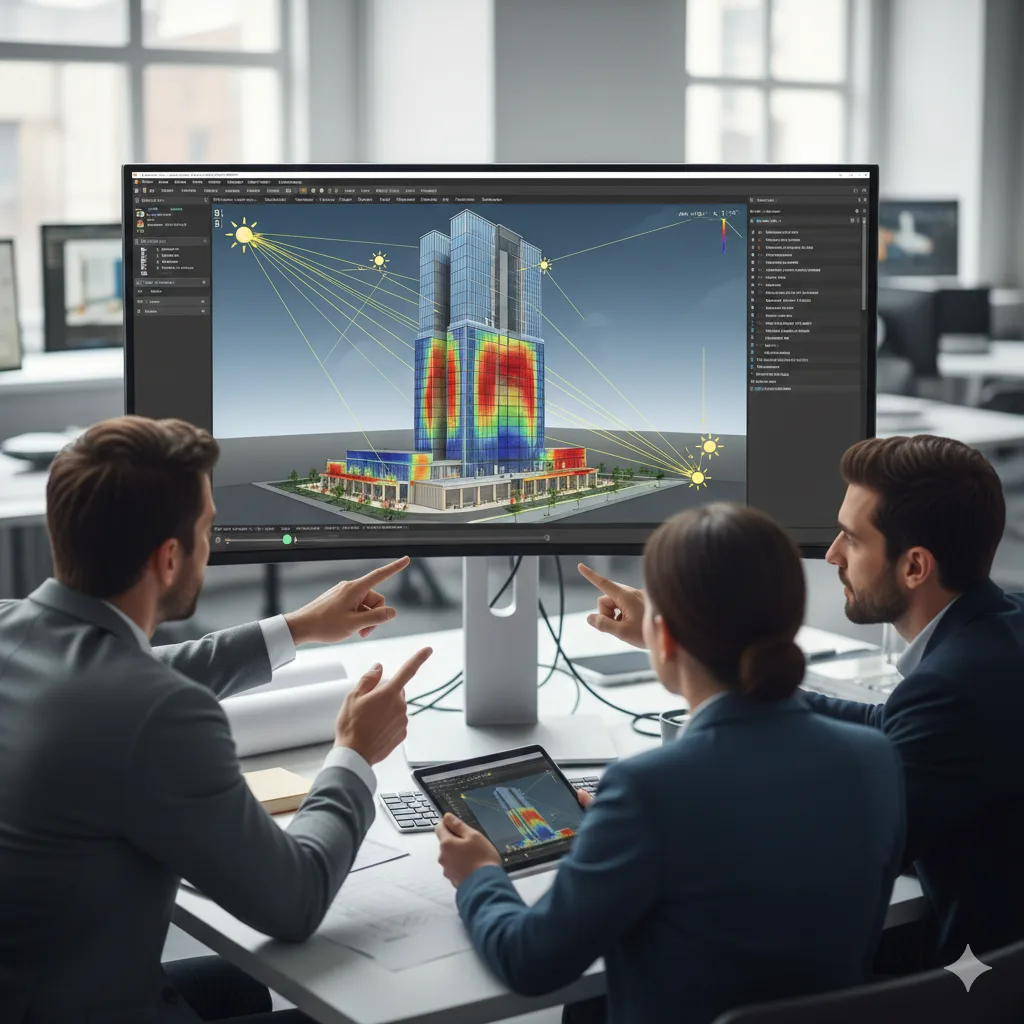
- Develop detailed wall sections, skirtings, and construction-level architectural details.
- Understand basic MEP systems, analytical modeling, and performance-based design tools.
- Use sun path, solar studies, and design options to evaluate and compare design alternatives.
- Create adaptive components and curtain system-based models using parametric logic.
- Apply dimensions, texts, linework, callouts, keynotes, legends, and symbols accurately.
Week 10 - Content Creation
Yes, we do provide certificates to all our participants for attending the workshop. The certificates are mailed within 15 days from the workshop conclusion date.
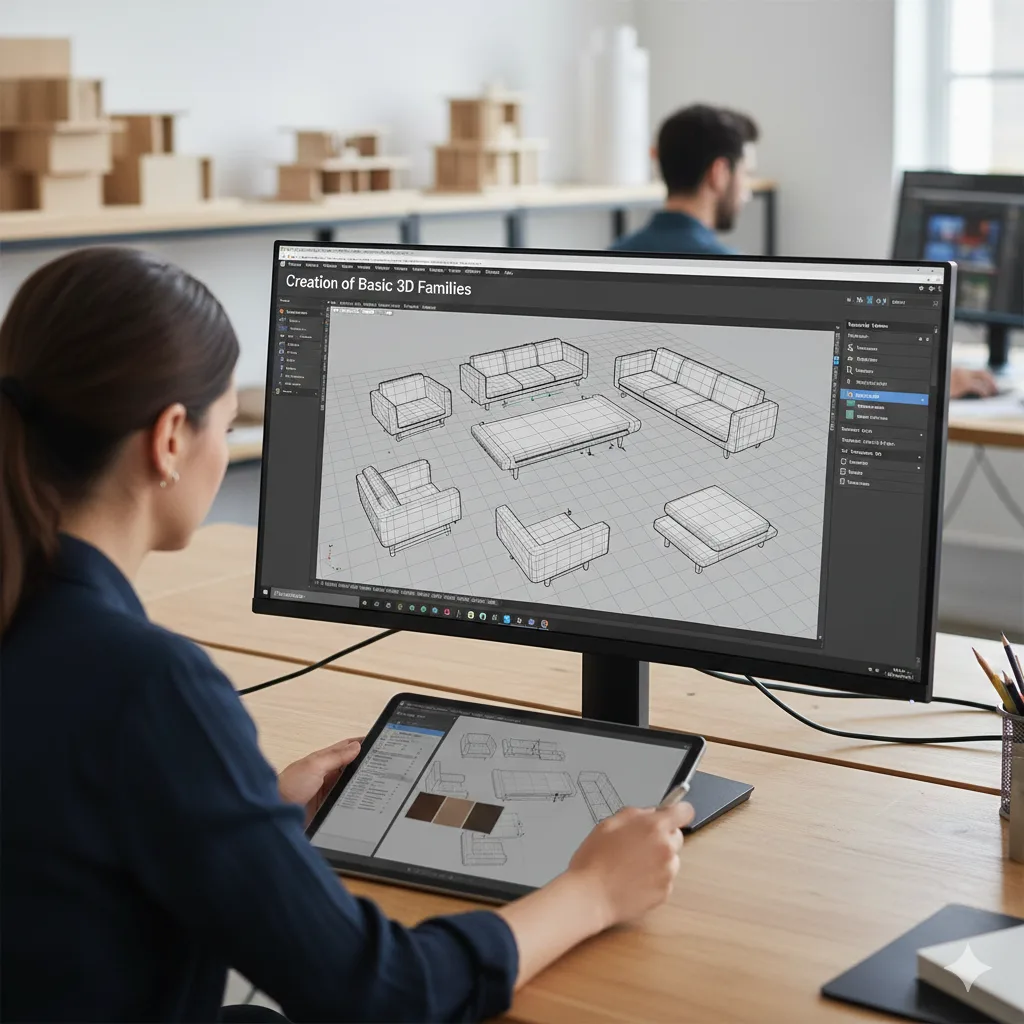
- Create titleblock families and manage texts and labels for professional documentation.
- Work with 2D family templates and create profile-based families for detailed representations.
- Understand 3D family templates, categories, and parameter setup for accurate behavior.
- Create basic 3D families including doors, lighting, and other commonly used components.
- Develop smart, line-based, and behavior-driven families for flexible design use.
Week 11 - Collaboration and Coordination - II
Yes, we do provide certificates to all our participants for attending the workshop. The certificates are mailed within 15 days from the workshop conclusion date.

- Review created content and models to ensure accuracy, consistency, and project readiness.
- Manage project information, browser organization, and collaboration packages efficiently.
- Understand and prepare BIM Execution Plans aligned with project goals and workflows.
- Learn international BIM standards and structured information management practices.
- Set up central and local files, worksets, and manage LAN and cloud-based collaboration.
Week 12 - BIM Beyond Revit
Yes, we do provide certificates to all our participants for attending the workshop. The certificates are mailed within 15 days from the workshop conclusion date.
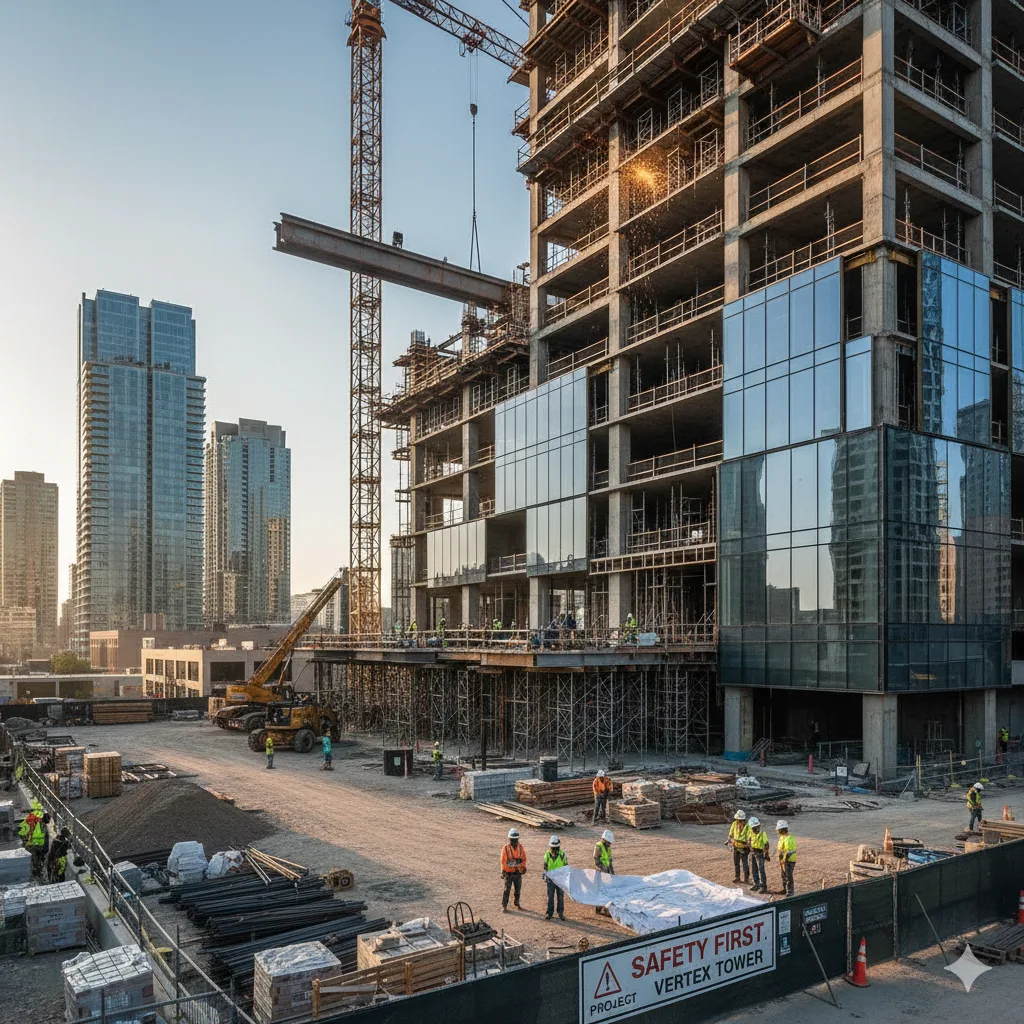
- Model and Documentation Review
- Other BIM tools by Autodesk
- Naviswork and Clash Detection
- 4D modeling and Sequencing
- Visual Programming


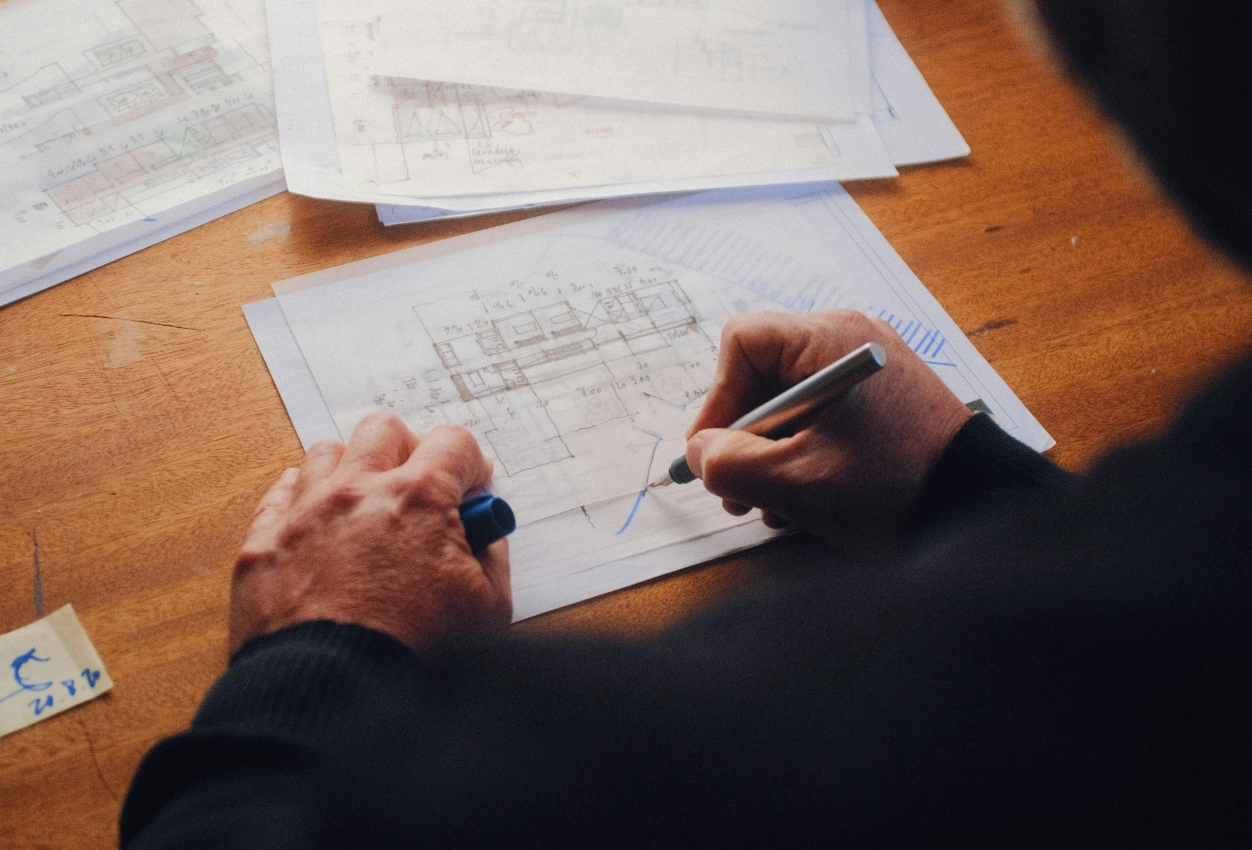
Learn through real-world, guided design projects
You will learn through live residential and Vastu-based design projects developed by ASDAV. Each project reflects real client requirements, site conditions, and execution challenges. You will apply design principles, space planning, and practical workflows while gaining industry-ready experience.

Tools we teach







How are we different?
Why settle for just another Bim & Revit Course?
We don't just upskill you, we give you the tools to excel in your path.
Interactive Lectures
Some
No
Hands-on Workshops
Yes
No
Real-life Case Studies
Yes
No
Group Discussions and Feedback Sessions
Yes
No
MEET THE HUMANS BEHIND ASDAV
We eat, learn, teach & repeat

Ar. Vijay P.
Architect | BIM Specialist
With 13+ years of experience across industry and academia, Vijay has led large-scale BIM projects like Nine Elms London, FIFA stadiums, and royal residences in Qatar. A CEPT alum and PhD scholar at IIT Roorkee, At ASDAV, he trains students to bridge the gap between practice and education through BIM.
Off duty, he’s a scale model collector and passionate photographer.

Ar. Aditya K.
Architect | Landscape Consultant
Aditya is a SPA Alum - landscape architect passionate about heritage, cultural spaces, and site-driven design. His work explores the sweet spot where history, ecology, and modern thinking meet.
At ASDAV, he helps students sharpen their ideas and design with clarity—encouraging them to question more, explain less.
Outside the classroom, you’ll find him jamming to music, and fuelling great conversations over chai.

Ar. Anuj K.
Architect | Interior Designer
Anuj is an architect with 5+ years of experience in residential, commercial interior design. As the Proprietor and Principal Designer of Base MUSC, he focuses on creating functional, well-planned spaces that balance aesthetics with everyday practicality.
At Base MUSC, he brings a thoughtful, detail-driven approach, ensuring each design meaningfully supports how people live and work.
When he’s not managing projects, he’s usually folding origami, exploring new trails, or going for a run to reset and recharge.

Ar. Shubham K
Architect | Sustainable Materials Advocate
Shubham is an architect with 5+ years of experience in architecture, product design, and brand strategy. He specialises in sustainable materials like bamboo, blending design with usability and commercial impact. At ASDAV, he brings sharp focus to execution, material thinking, and real-world design clarity.
When not designing, he’s usually trekking high-altitude trails or playing fetch with his dog.

Ar. Jasmine A
Architect | Global Vastu Consultant
Jasmine is an architect and global Vastu consultant with 8+ years of experience across design and teaching, including international work in architecture and interiors. Her approach blends architectural thinking, human-centered interiors, and practical Vastu.
At ASDAV, she leads with clarity, encouraging learners to design purposefully, and build meaningful careers with confidence.
When not mentoring students, she’s either bonding with dogs or finally finishing her first cup of coffee for the day.

Ar. Hitesh K
Furniture Designer | Interior Educator
Hitesh is a furniture and interior design professional with expertise in material-driven design, detailing, and production thinking. An NID graduate, he blends design craft with real-world execution.At ASDAV, he leads sessions on furniture design, spatial planning, and design software—helping students bridge ideas with execution through clarity, craft, and process.
When not teaching or designing, he’s deep into furniture case studies—or quietly redesigning the everyday.

Ar. Anushruti S
Landscape Architect | Urban Design Educator
Anushruti is a landscape architect with experience across real estate, urban infrastructure, and environmental design projects in India and Europe. At ASDAV, she helps students make sense of landscape and urban systems—focusing on critical thinking, environmental sensitivity, and scale-based design clarity.
When not mapping or mentoring, she’s out exploring green corners of the city and how people interact with them.

Ar. Meher T
Architect | Design + Construction Specialist
Meher is an architect with over 10 years of experience focused on the intersection of design vision and buildability. Her strength lies in translating conceptual ideas into precise construction drawings.
At ASDAV, she brings a practical lens to design education, helping students understand how ideas become structures.
Outside the studio, she’s obsessed with Travel and her harmonium.

Ar. Rayan M
Interior Architect | Global Design Consultant
Rayan is an interior architect with 9+ years of international experience across residential, commercial, and hospitality projects in the UAE, Italy, and Southeast Asia.
At ASDAV, he guides students through design detailing, spatial logic, and project workflows.
When he’s not teaching, you’ll find him exploring city backstreets, or hunting down the best De-cafe in town.
Skills You Will Gain Through ASDAV's Revit Training Program

Revit Project Setup and BIM Fundamentals:
Learn how to create projects, manage templates, organize views, and understand BIM workflows that form the foundation of modern architectural design and documentation.

Architectural Modeling and Building Design:
Develop the ability to create walls, floors, roofs, doors, windows, stairs, and complete building models using professional Revit workflows followed by architecture firms.

Construction Documentation and Drawing Creation:
Learn how to generate floor plans, elevations, sections, schedules, annotations, and construction-ready drawings required for residential and commercial projects.

Revit Family Creation and Parametric Design:
Build custom Revit families and parametric components that improve project flexibility, design accuracy, and modeling efficiency across different project types.

Project Coordination and BIM Collaboration:
Understand worksharing, model coordination, design updates, and collaborative workflows that help multiple teams work efficiently within a BIM environment.

Industry Ready Revit and BIM Expertise:
Gain practical skills that support architecture jobs, BIM modeling roles, design documentation positions, freelance projects, and long-term career growth in the AEC industry.
Enroll Now for the April 2026 Batch
You can be a part of the new generation of tech-skilled architects. Over 2000 AEC professionals have already taken the leap with our Reveit & BIM training. Will you be next?
- 40+ live sessions
- 3+capstone projects based on real client briefs
- Fundamentals of BIM integrated throughout
- 5+ Guided career sessions
- Completion certificate from ASDAV
- Lifelong access to course recordings, templates & resources
See What Our Learners Have to Say


Master Revit with ASDAV's Project-Based Training and Certification
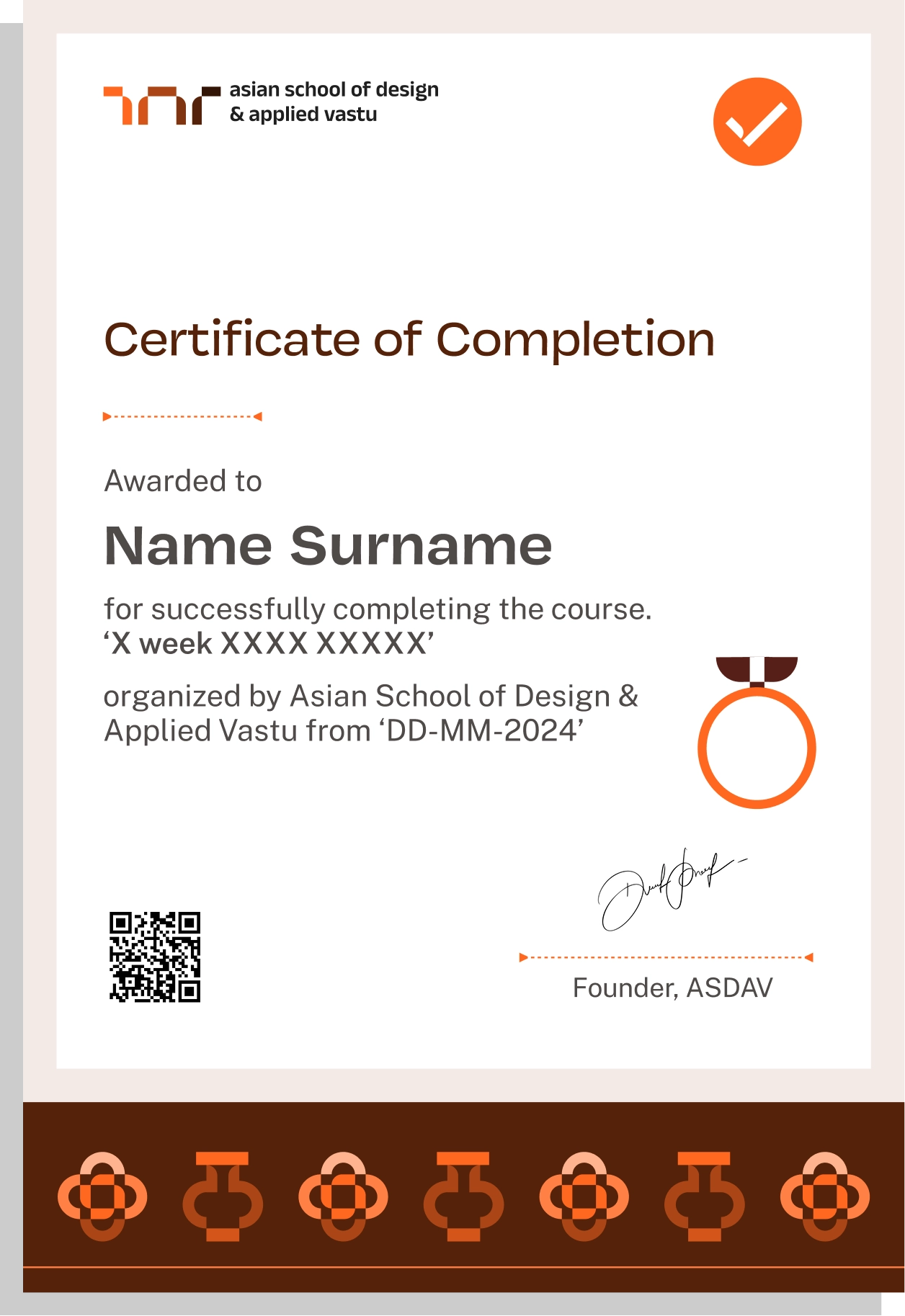
ASDAV's Revit Course combines live online training with hands on project work to help students build practical architectural design and BIM skills. The program focuses on real world workflows used by architecture firms, design consultancies, and construction companies. Throughout the course, students work on modeling exercises, documentation tasks, and guided projects that strengthen their understanding of professional Revit workflows. Upon successful completion, students receive an ASDAV certification that validates their Revit and BIM expertise for architecture and design careers.
Easily sharable PDF document on LinkedIn, portfolio, resume or CV.


TAUGHT BY INSTRUCTORS FROM










ALUMNI GROWTH STORIES
Where our learners grow, lead & succeed






TESTIMONIALS
Your love inspires us, every minute. Inspirational Words Shared by Our Members
ASDAV's classes have empowered countless students to bridge theoretical knowledge with practical industry application.
Our community of passionate learners, where exploration knows no bounds.
Shavi Gupta


I am a practicing interior designer and when I got to know about their Vastu course, I immediately enrolled myself in it. They taught me practical Vastu and gave me several case studies to practice. I 100% recommend ASDAV’s Vastu course to everyone in the field.
Himanshi Rawat

Even though I studied design, I wasn’t confident with real interior designing tasks. At ASDAV, the trainers explained everything step by step. I built a complete portfolio with detailed floor plan, 3D views, and material palette. That portfolio helped me get my first interview.
Nikkita Bisht


I joined ASDAV’s masterclass because I wanted to design something that was accessible for everyone. The class taught me ramp gradient, turning radius, door clearance, and accessible bathrooms. I applied this to a community center project, and my client appreciated me a lot.
Aekeshwar Saxena

In practice, we are expected to design fast and think clearly, but college never really prepared me for that. ASDAV’s session helped me sharpen my decision making from site analysis to layout logic. It’s one of the few platforms that really understand how real-world architects work.
Jai Singh


Taking classes in ASDAV for Vastu has been a great experience. It wasn’t just about tradition, it’s about how spaces feel, how they function, how they can affect us. Even being a student in London, it has added a lot more depth to my approach.
Our Presence In Noida
- +91-9217141316
- hello@asdav.in
- Asian School of Design and Applied Vastu, Block D, Gulshan Vivante, Sector 137, Noida, Uttar Pradesh 201305
NEED SOME HELP?
Here are some frequently asked questions
What topics are covered in the Revit course?


The course covers Revit fundamentals, BIM workflows, architectural modeling, project setup, construction documentation, family creation, scheduling, collaboration tools, and industry standard workflows used in architecture and construction projects.

Will I work on practical architectural projects?
Yes. Students complete guided architectural projects that involve building modeling, documentation, detailing, and BIM workflows. These projects help develop practical skills used in professional architecture and design environments.
Does the course include assignments and case studies?
Yes. The training includes practical assignments, project based exercises, workflow demonstrations, and real world architectural scenarios that help students apply Revit concepts in professional projects.
Is this a live online Revit training program?
Yes. ASDAV delivers the Revit course through live online interactive classes where students learn directly from industry experts, participate in practical sessions, and receive guidance throughout the training.
How long does it take to complete the course?
The Revit training program runs for 12 weeks and includes live classes, guided exercises, project work, assignments, and practical learning activities designed for architecture and BIM professionals.
Will I get recordings and learning resources?
Yes. Students receive access to session recordings, project files, templates, learning materials, and additional resources that support revision and continued practice after classes.
What is the fee for the Revit course in Noida?
The total course fee is ₹50,000. It includes live online training, project based learning, assignments, study resources, mentor support, and certification upon successful course completion.
Will I receive a certificate after completing the course?
Yes. Students receive an ASDAV Revit Certification after successfully completing the training program, projects, and learning requirements outlined during the course.
Who can join this Revit training program?
The course is suitable for architecture students, architects, interior designers, BIM aspirants, CAD professionals, freelancers, construction professionals, and anyone interested in learning Revit for design and documentation.
How can I enroll in the course?
You can enroll through ASDAV‘s official website or contact the admissions team to learn about upcoming batches, seat availability, enrollment procedures, and course details.
