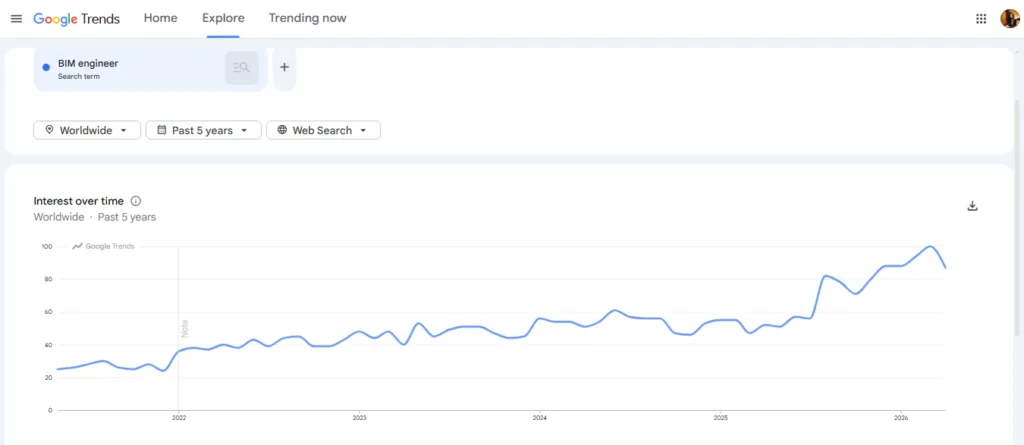
The demand for BIM engineers shows no signs of slowing in the coming years.
Google Trends shows a steady rise in searches for “BIM engineers” globally over the past five years, highlighting how quickly BIM adoption is growing across the architecture, engineering, and construction industries.
As BIM workflows become standard for modern building projects, architects now need software that can support everything from intelligent 3D modeling and documentation to collaboration, clash detection, and construction coordination.
Want to Learn Revit & BIM?
Join ASDAV’s live session based Professional Revit & BIM Certification Course. Learn practical industry skills from experts. New batches are starting soon.
To help you save time in researching the best BIM software every architect should know, we have listed and compiled them for you to evaluate.
Best BIM Software for Architects in 2026 at a glance
- Autodesk Revit — Best for complete BIM workflows and architectural documentation
- Graphisoft Archicad — Best for collaborative architectural design teams
- Vectorworks Architect — Best for flexible BIM and creative design workflows
- BricsCAD BIM — Best for CAD users moving into BIM
- ALLPLAN — Best for architecture and engineering coordination
- Chief Architect Premier — Best for residential home design projects
- Tekla Structures — Best for structural BIM and fabrication detailing
- Autodesk Navisworks Manage — Best for clash detection and BIM coordination
- Solibri — Best for BIM validation and compliance checks
- Revizto — Best for BIM collaboration and issue tracking
- Autodesk Forma — Best for connected construction workflows
- Trimble Connect — Best for cloud-based project collaboration and model sharing
1. Autodesk Revit
- Category: Building Information Modeling (BIM)
- Suitable for: Architects, BIM specialists, multidisciplinary teams
- Pricing: ₹192,340/year (annual) or ₹23,600/month
Autodesk Revit helps architects build intelligent 3D models where every element is parametric and data-rich. You can place walls, doors, and systems that update automatically across plans, sections, and schedules.
Autodesk Revit supports full project workflows like documentation, revision tracking, and phased construction planning. Architects can collaborate through shared models, run performance analysis, and detect clashes early. It also connects with tools like Twinmotion for realistic visualization and supports multiple file formats, making it easy to integrate with other design and engineering software.
2. Graphisoft Archicad
- Category: Building Information Modeling (BIM)
- Suitable for: Architects, design firms, collaborative teams
- Pricing: Starts from ~$201/month (subscription) for Archicad Studio
Archicad helps architects design complete building models using intuitive tools like walls, roofs, stairs, and curtain walls. It supports parametric design, so you can create and edit elements with precision. The software automates documentation, scheduling, and clash detection, reducing manual work.
The software also includes energy analysis and lifecycle tools to improve building performance early. With open BIM standards like IFC and real-time collaboration via BIMcloud, architects can work across teams and software without data loss.
3. Vectorworks Architect
- Category: BIM and architectural design
- Suitable for: Architects, interior designers, multidisciplinary firms
- Pricing: Custom pricing and subscription plans available
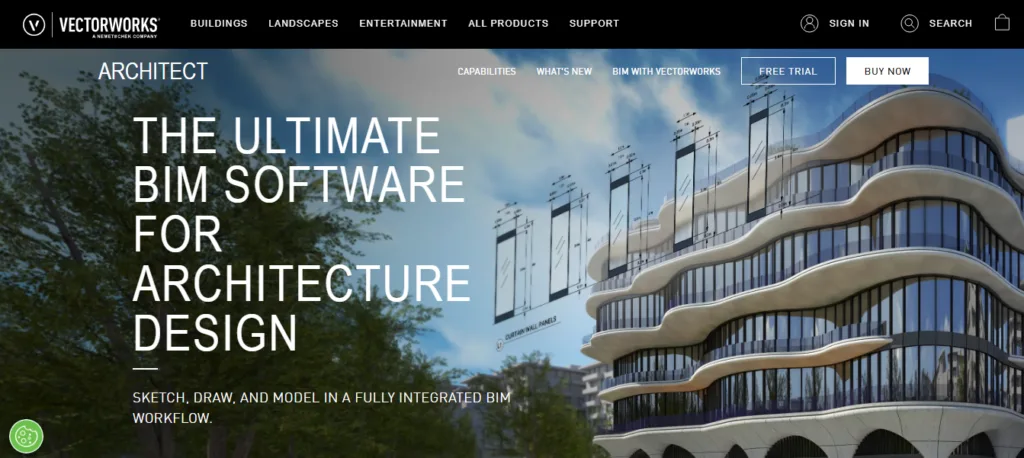
Vectorworks Architect combines sketching, drafting, 3D modeling, BIM, and visualization in one flexible platform. Unlike rigid BIM tools, it gives architects more creative freedom during conceptual and schematic design. The software supports intelligent BIM workflows with parametric objects, automated schedules, quantity takeoffs, and detailed construction documentation.
Architects can also run sustainability and energy assessments, create immersive AR/VR presentations, and collaborate with users of Revit, Rhino, SketchUp, and AutoCAD using openBIM standards. Its cloud processing tools help teams handle rendering, sharing, and file exports more efficiently.
4. BricsCAD BIM
- Category: CAD and BIM software
- Suitable for: Architects, CAD users, BIM professionals, survey teams
- Pricing: Starts from €530/year
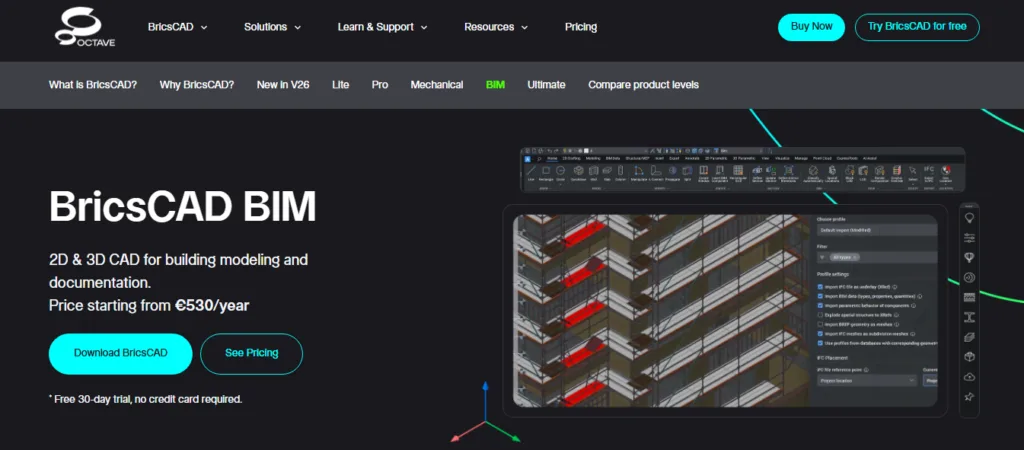
BricsCAD BIM gives architects a flexible way to move from traditional 2D drafting to full BIM workflows without changing their entire process. It supports both 2D and 3D design within a single DWG-based platform, making it easier for CAD users to gradually adopt BIM.
Architects can create shop drawings, sections, elevations, schedules, and quantity takeoffs using automated tools. The software also supports AI-driven detailing, scan-to-BIM workflows, point cloud processing, and open file formats such as IFC, Revit, Rhino, and SketchUp for smoother collaboration across teams.
5. Allplan
- Category: BIM and engineering design software
- Suitable for: Architects, structural engineers, infrastructure teams
- Pricing: Starts from $241/user/month
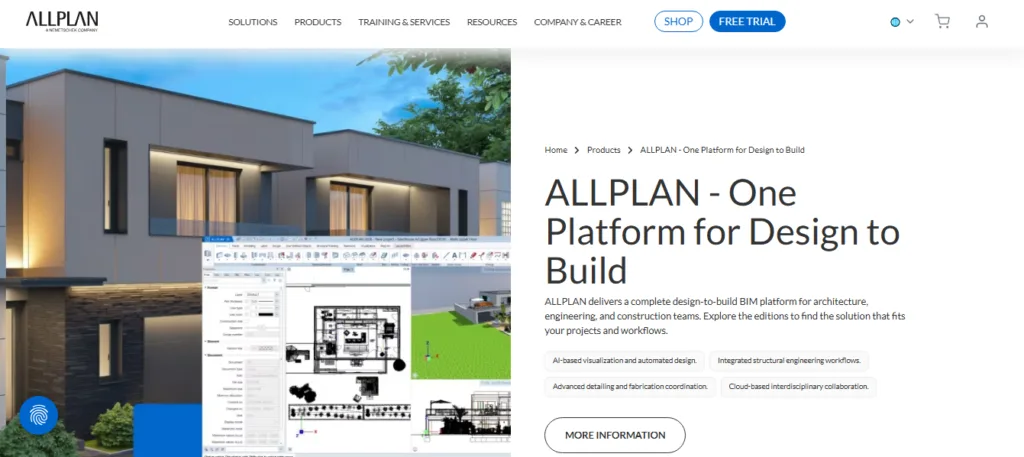
ALLPLAN is a design to build a BIM platform built for architecture, engineering, and construction workflows. It combines high-performance 3D modeling with automated documentation, helping teams generate plans, elevations, schedules, and quantity takeoffs directly from BIM data.
The software also supports reinforcement detailing, steel connection design, terrain modeling, and infrastructure planning in one environment. Architects and engineers can collaborate using open BIM standards such as IFC, DWG, RVT, and LandXML, making it easier to coordinate with external teams while maintaining accurate project data throughout the full construction lifecycle.
6. Chief Architect Premier
- Category: Residential architectural and interior design software
- Suitable for: Home architects, builders, remodelers, and interior designers
- Pricing: $1,995/year or $229/month
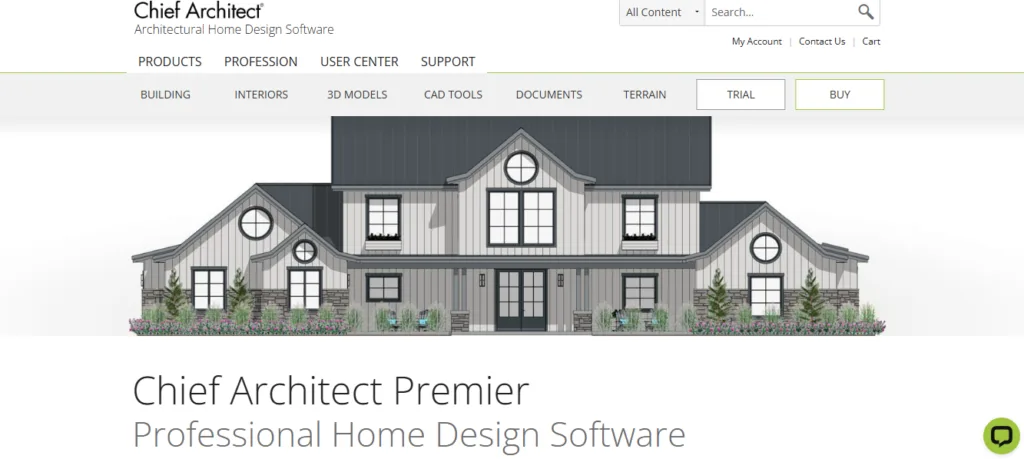
Chief Architect Premier is purpose-built for residential home design and remodeling workflows. The software automatically generates roofs, foundations, framing, elevations, materials lists, and construction documents as architects draw plans. It combines 2D drafting with real-time 3D modeling, allowing users to edit designs from any view.
Architects and interior designers can also use manufacturer-specific catalogs for cabinets, appliances, doors, and finishes to create realistic home visualizations. Features like virtual walkthroughs, terrain modeling, kitchen and bath planning, and automatic cost estimation make it especially useful for residential projects.
7. Tekla Structures
- Category: Structural BIM and construction modeling
- Suitable for: Structural engineers, steel detailers, fabricators, contractors
- Pricing: Starts from ₹95,500/year + tax
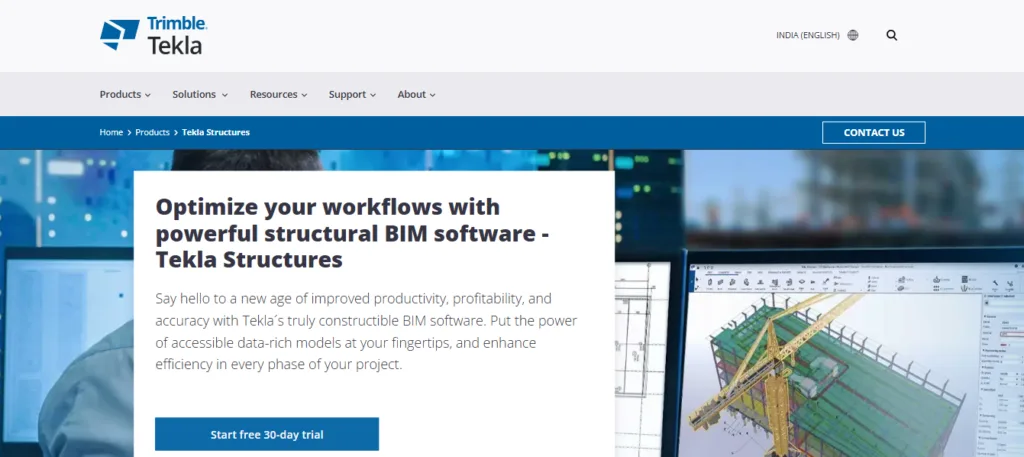
Tekla Structures is a structural BIM platform designed to create highly detailed, constructible 3D building models. It helps teams model steel, concrete, precast, and reinforcement elements with high accuracy and production-level detail. The software generates fabrication drawings, schedules, and erection documents directly from the BIM model, reducing errors during construction.
Tekla also supports collaborative workflows through IFC interoperability and Tekla Model Sharing, allowing multiple teams to work on the same project simultaneously. It is widely used for large infrastructure and industrial projects where precision and constructability are critical.
8. Autodesk Navisworks Manage
- Category: BIM coordination and clash detection
- Suitable for: Architects, BIM coordinators, construction managers, MEP teams
- Pricing: Paid subscription (Free trial available)
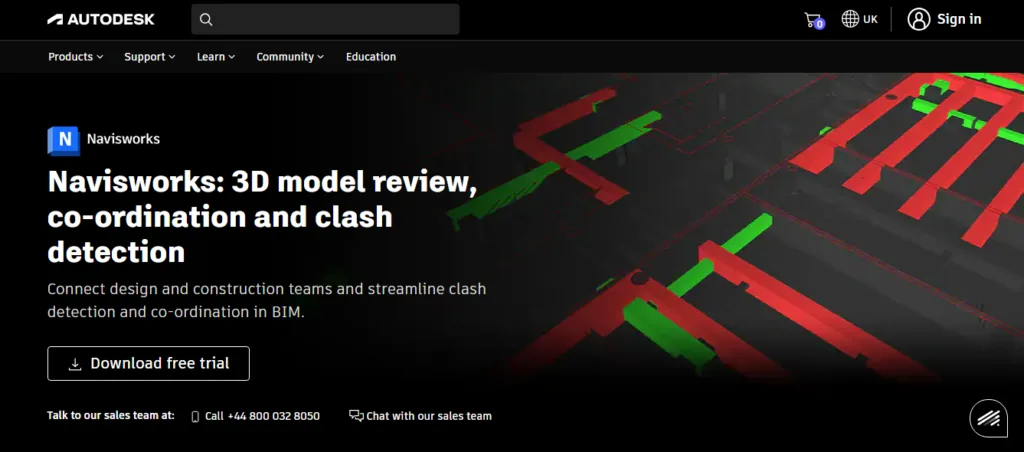
Autodesk Navisworks Manage helps construction and design teams combine multiple 3D models into one federated BIM environment for project review and coordination. The software is widely used for clash detection among architectural, structural, and MEP systems before construction begins, helping reduce costly on-site errors and rework.
Teams can also run 4D construction simulations, perform quantity takeoffs, review schedules, and track issues through Autodesk Construction Cloud integration. Navisworks supports over 60 file formats, making it useful for coordinating projects across different software platforms and disciplines.
9. Solibri

- Category: BIM validation and coordination
- Suitable for: Architects, BIM managers, contractors, engineering teams
- Pricing: Custom pricing based on edition
Solibri is a BIM validation platform designed to improve model quality, coordination, and compliance before construction begins. It helps teams combine federated BIM models, run rule-based checks, detect clashes, and validate geometry, classifications, and project data.
Architects and contractors use Solibri to identify design conflicts, missing information, and compliance gaps early in the workflow, reducing costly rework onsite. The platform also supports issue tracking, coordination governance, and open BIM collaboration, making it useful for large multidisciplinary projects that require accurate and construction-ready BIM data.
10. Revizto
- Category: BIM collaboration and project coordination
- Suitable for: Architects, engineers, contractors, BIM teams
- Pricing: Custom pricing
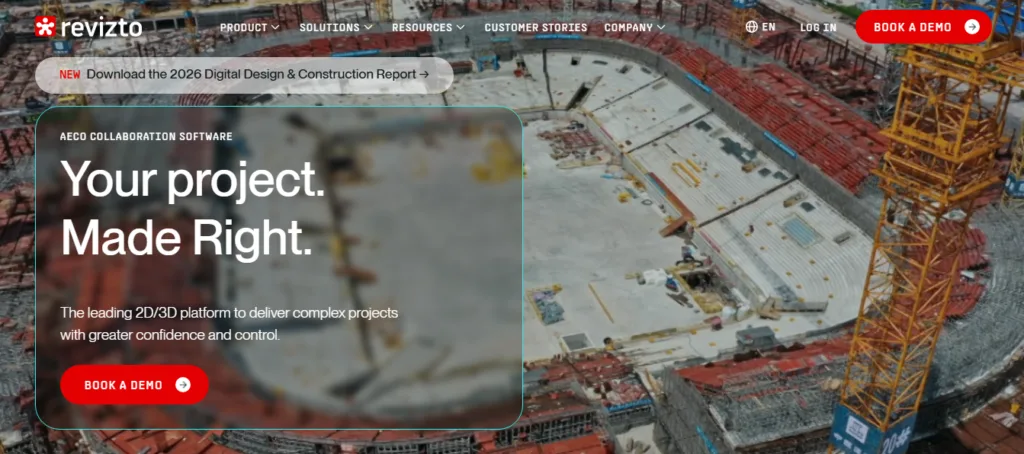
Revizto is a collaborative BIM platform that brings 2D drawings, 3D models, clash detection, and issue tracking into one connected workspace. It helps architecture and construction teams review models, detect coordination issues, and manage tasks directly inside the project environment.
Teams can create markups, assign issues, and track progress in real time from desktop or mobile devices. Revizto also supports AR/VR visualization, automated clash detection workflows, and integrations with tools such as Revit, Navisworks, Rhino, and Procore, making it easier to coordinate complex projects across multiple disciplines.
11. Autodesk Forma
- Category: Construction management and BIM collaboration
- Suitable for: General contractors, architects, owners, construction teams
- Pricing: Custom pricing based on products and workflows
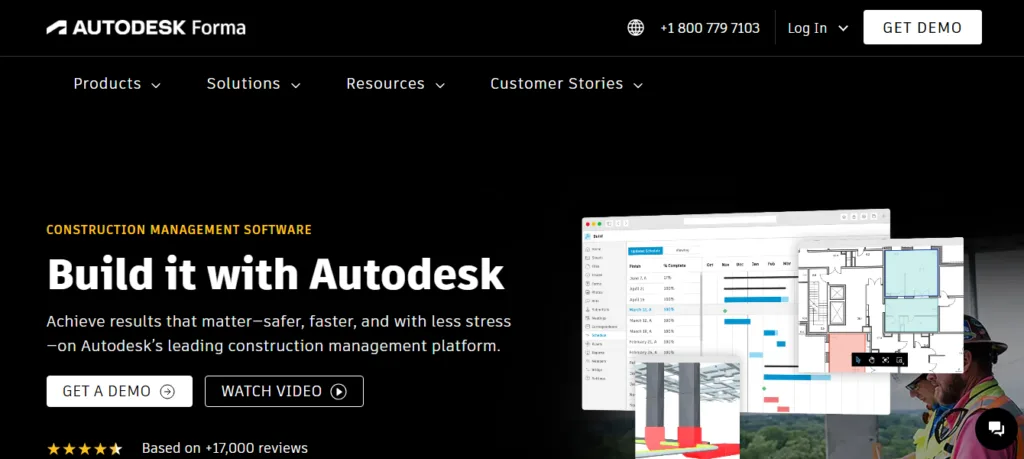
Autodesk Forma, formerly known as Autodesk Construction Cloud (ACC), is a connected construction platform that brings design, planning, construction, and operations workflows into one system. Some resources may still use the older ACC branding. The platform helps teams manage BIM coordination, documents, schedules, costs, RFIs, safety, and field collaboration in real time. Architects and contractors can use automated clash detection, model coordination, and centralized project data to reduce rework before construction begins. It also supports AI-driven insights, analytics dashboards, and 400+ integrations with ERP, CRM, and BIM tools to enable smoother project delivery throughout the full construction lifecycle.
12. Trimble Connect

- Category: Construction collaboration and project coordination
- Suitable for: Architects, contractors, BIM teams, field engineers
- Pricing: Basic plan starts from $129/year per user
Trimble Connect is a cloud-based collaboration platform that helps construction and design teams share, review, and manage project data in one common data environment. Teams can access 2D drawings, 3D models, documents, and geospatial data from desktop, mobile, or tablet devices. The platform supports over 45 file formats and allows users to combine multiple models into a unified 3D view for better coordination. Features like issue tracking, commenting, tagging, and version control help architects and contractors improve communication, reduce silos, and keep projects aligned from office to field.
Become a Revit and BIM expert in the next 12 weeks
Asian School of Design & Applied Vastu offers a 12 week live Revit and BIM training program focused on practical architectural workflows and industry ready BIM skills. The course helps architecture students, interior designers, fresh graduates, and professionals learn Autodesk Revit from beginner to advanced level through live residential design projects and guided assignments. Learners gain hands on experience in BIM documentation, worksharing, clash coordination, smart families, visualization, and ISO 19650 workflows while working with experienced architects and BIM specialists from the industry.
Explore the course curriculum and join the next live cohort to build real-world BIM expertise.

Jasmine Ahluwalia is a Licensed Architect, Interior designer, Global Vastu consultant and the founder of ASDAV.
She is a graduate of Scuola Master F.lli Pesenti, Politecnico di Milano, and brings strong global exposure through academic learning and professional design projects. Her background combines architecture, interior design, and applied design education.
Before founding ASDAV, Jasmine worked as an assistant professor at Amity School of Architecture and Planning, Amity University Noida. Her research covers sustainable architecture, urban heat island reduction, and circular economy practices in construction. Her work has been published in Scopus indexed and peer reviewed journals as well. She also has strong international on-site experience from countries like Canada, Mauritius, UK, and many more.
Through ASDAV, she has trained more than 500 students across 25 cities. The ASDAV platform has 12+ instructors from IIT, SPA, CEPT and NID , and has delivered over 200 live learning sessions. Her mission is to bridge the gap between design education and real industry expectations, to deliver real growth for her students.
She designs spaces for a living, but her favourite project is designing careers.