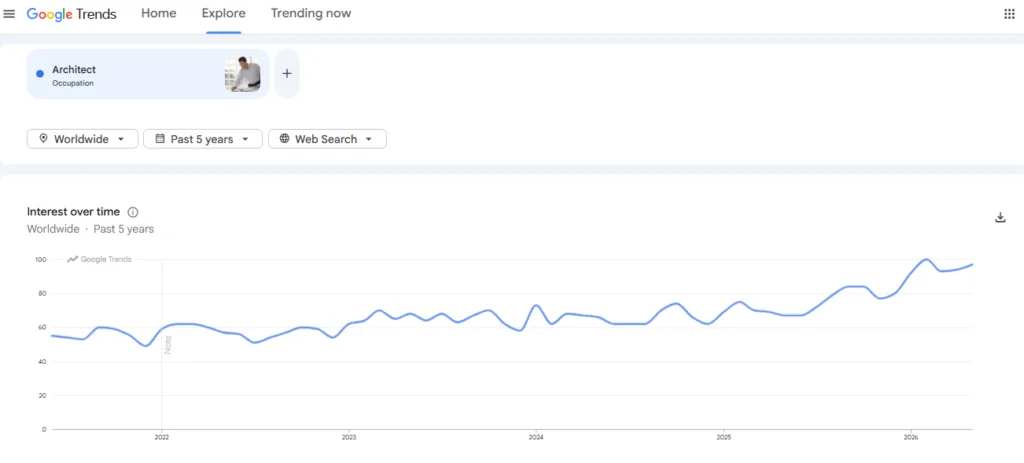
Google Trends data show that global interest in architecture as a career has steadily increased over the past five years.
As the profession continues to evolve, architects are expected to do much more than create drawings. Modern projects require professionals to work with BIM models, 3D visualization, construction documentation, project coordination, rendering, and collaboration platforms.
As a result, software proficiency has become a core skill for architecture students and professionals alike.
To help you understand which tools are shaping today’s design workflows, we have researched and compiled a list of the 10 best architecture software every architect should know.
Best Architecture Software at a Glance
- AutoCAD — Best for 2D drafting, floor plans, construction drawings, and technical documentation.
- Revit — Best for BIM-based architectural design, project coordination, and construction documentation.
- SketchUp — Best for quick 3D modeling, conceptual design, and client presentations.
- Rhinoceros with Grasshopper — Best for parametric design, computational workflows, and complex architectural forms.
- Archicad — Best for architects who want BIM modeling, documentation, and collaboration within a single platform.
- Lumion — Best for creating realistic architectural renderings, walkthroughs, and client presentations.
- Enscape — Best for real-time rendering and design visualization directly inside BIM and CAD software.
- Vectorworks Architect — Best for architects who need flexible BIM workflows from concept design to construction documentation.
- Twinmotion — Best for fast real-time visualization, animations, virtual reality, and design reviews.
- Bluebeam — Best for drawing reviews, PDF markups, construction documentation, and project collaboration.
👉 Download Full Revit Course Syllabus (BIM Training)
1. AutoCAD by Autodesk
Category: CAD Software (2D Drafting and 3D Modeling)
Suitable for: Architects, Interior Designers, Civil Engineers, Construction Professionals, Architecture Students
Pricing: Paid plans available. Autodesk offers monthly, annual, and multi-year subscriptions.
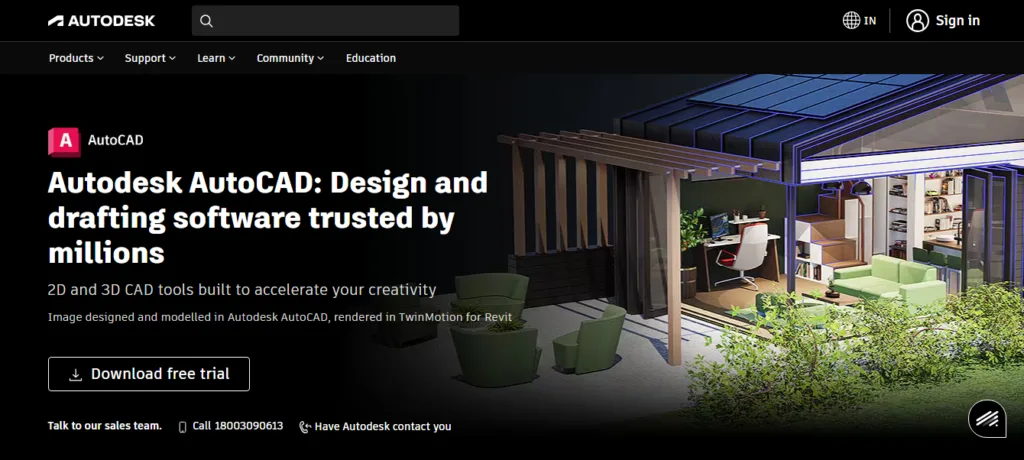
AutoCAD, developed by Autodesk, is one of the most widely used design and drafting tools in architecture. Architects use it to create accurate floor plans, elevations, sections, site plans, and construction drawings that guide a project from design development to construction.
The software includes a dedicated Architecture Toolset with intelligent building objects, automated schedules, and drafting features that reduce repetitive work. Its features, such as Smart Blocks, AI-powered markup assistance, drawing comparisons, and automated schedules, make revisions easier to manage.
AutoCAD also supports collaboration across desktop, web, and mobile devices, making it easier for teams to review designs, coordinate changes, and maintain detailed project documentation throughout the architectural process.
2. Revit by Autodesk
Category: BIM (Building Information Modeling) Software
Suitable for: Architects, Structural Engineers, MEP Engineers, Construction Professionals, BIM Managers, Architecture Students
Pricing: Starts at approximately ₹16,029/month (paid annually) or ₹23,600/month (paid monthly).
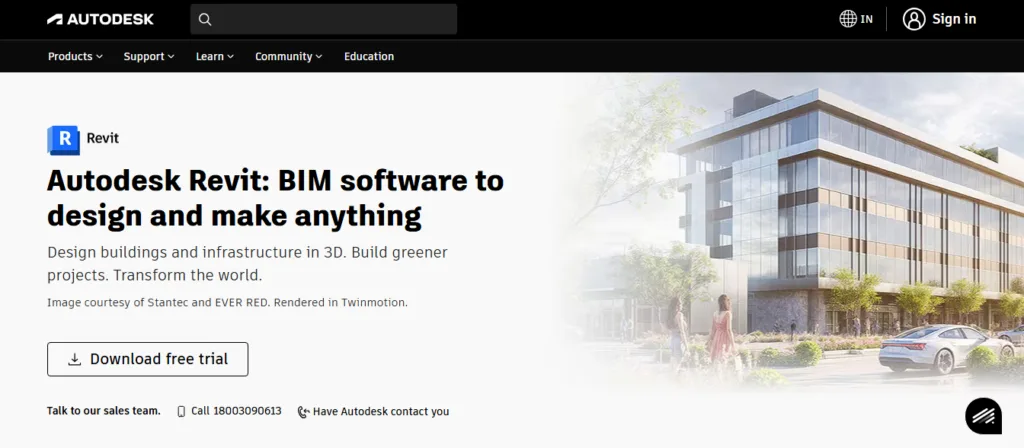
Autodesk’s Revit allows architects to design buildings as intelligent 3D models rather than separate collections of drawings. The software automatically keeps plans, elevations, sections, schedules, and sheets synchronized with the model, making documentation faster and more accurate as designs evolve.
Revit supports architectural, structural, and MEP workflows within the same project environment, helping teams coordinate work and resolve conflicts before construction begins. It also connects with tools such as Rhino, Twinmotion, AutoCAD, and Navisworks while supporting performance analysis, generative design, and cloud-based collaboration.
These capabilities make Revit a core platform for managing complex building projects from concept development through construction documentation.
3. SketchUp by Trimble
Category: 3D Modeling and Architectural Design Software
Suitable for: Architects, Interior Designers, Landscape Architects, Urban Planners, Builders, Architecture Students
Pricing: Starts at $319.20/year for SketchUp Pro and $655.20/year for SketchUp Studio.
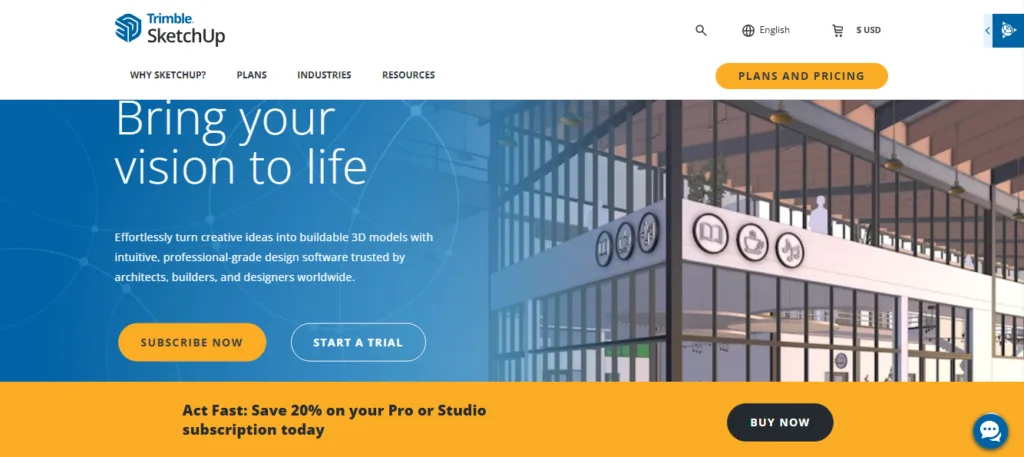
SketchUp by Trimble helps designers quickly turn ideas into 3D models, without the steep learning curve often associated with professional modeling software. Its drawing tools are designed to feel as natural as sketching with a pencil, making it popular for conceptual design, massing studies, and early-stage architectural visualization.
Architects can develop 3D models, generate 2D documentation in LayOut, create presentations for clients, and access millions of prebuilt objects in the 3D Warehouse. The software also supports extensions, cost estimation workflows, cloud collaboration, and integration with BIM and construction tools as projects move toward execution.
4. Rhinoceros with Grasshopper by Robert McNeel & Associates

Category: Parametric Modeling and Computational Design Software
Suitable for: Architects, Computational Designers, Facade Engineers, Structural Engineers, Urban Designers, Architecture Students
Pricing: Commercial license starts at $995 as a one-time purchase. Student license costs $195.
Rhinoceros with Grasshopper, developed by Robert McNeel & Associates, gives architects the freedom to create complex forms that would be difficult to develop using traditional modeling tools alone. The combination pairs Rhino’s precise 3D modeling capabilities with Grasshopper’s visual programming environment, allowing design decisions to be driven by parameters, rules, and real-world data.
Instead of manually updating geometry, designers can adjust a single variable and instantly generate new design alternatives across an entire model. This approach is particularly useful for parametric facades, freeform structures, large roof systems, and computational design workflows. The platform also supports environmental analysis, BIM integration, structural simulations, and digital fabrication, helping teams translate complex concepts into buildable solutions.
5. Archicad by Graphisoft
Category: BIM (Building Information Modeling) Software
Suitable for: Architects, Architectural Firms, BIM Managers, Interior Designers, Architecture Students
Pricing: Starts at $201/month for Archicad Studio and $237/month for Archicad Collaborate.
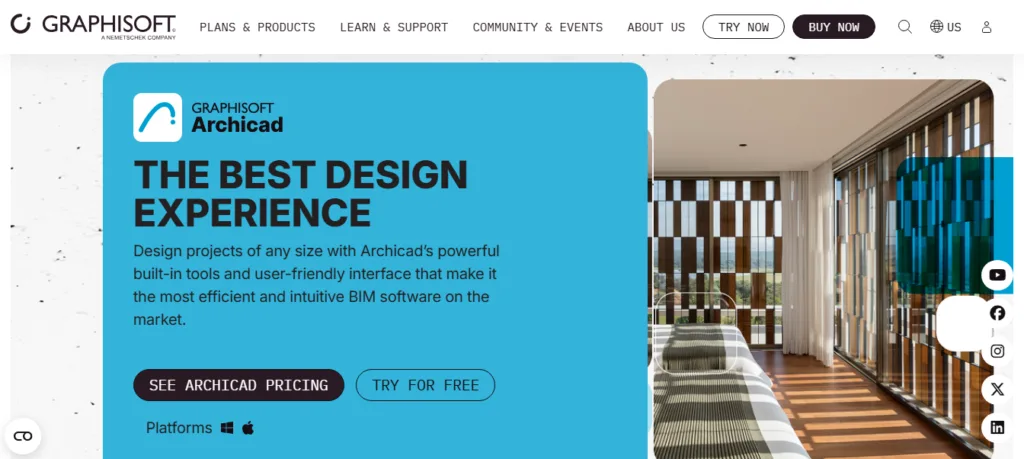
Graphisoft’s Archicad is built around the idea of designing once and automatically generating coordinated documentation from the same BIM model. As the design evolves, floor plans, sections, elevations, schedules, and drawings update in real time, reducing the need for manual revisions and helping teams maintain consistency across project deliverables.
The software combines architectural modeling, documentation, clash detection, issue tracking, and collaboration within a single workflow. Archicad also supports openBIM standards, allowing teams to exchange information across different platforms while maintaining project coordination.
AI-powered tools, integrated visualization capabilities, and BIM cloud-based teamwork further help architects move projects from concept development to construction documentation more efficiently.
6. Lumion by Act-3D
Category: Architectural Visualization and Rendering Software
Suitable for: Architects, Interior Designers, Landscape Architects, Visualization Artists, Urban Designers
Pricing: Paid plans start at €199 per year for Lumion View, while Lumion Pro and Studio are available from €999 and €1,299 per year, respectively, with custom enterprise licensing also offered.
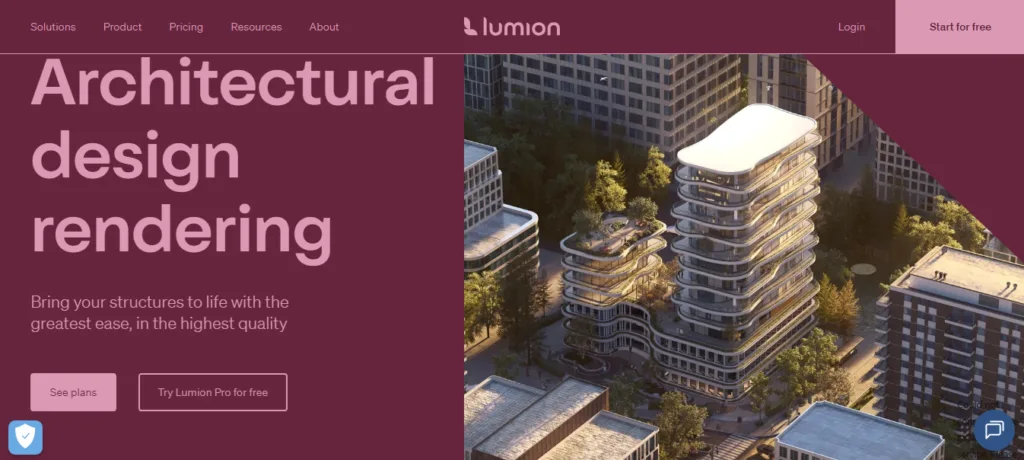
Lumion by Act-3D helps architects turn technical models into realistic visual experiences that clients, stakeholders, and project teams can understand quickly. Designers can import models from software such as SketchUp, Revit, Archicad, Rhino, and AutoCAD, then add lighting, materials, landscaping, weather effects, and surrounding context to create lifelike presentations.
Because the software works in real time, design changes can be visualized almost instantly, making it easier to explore alternatives and communicate ideas during reviews. Architects often use Lumion throughout the design process to create renderings, walkthroughs, animations, and presentations that support faster feedback and project approvals.
7. Enscape by Chaos
Category: Real-Time Rendering and Visualization Software
Suitable for: Architects, Interior Designers, BIM Professionals, Architectural Visualization Specialists, Architecture Students
Pricing: Starts at $47.90/month for Enscape Solo and $55.90/month for Enscape Premium.
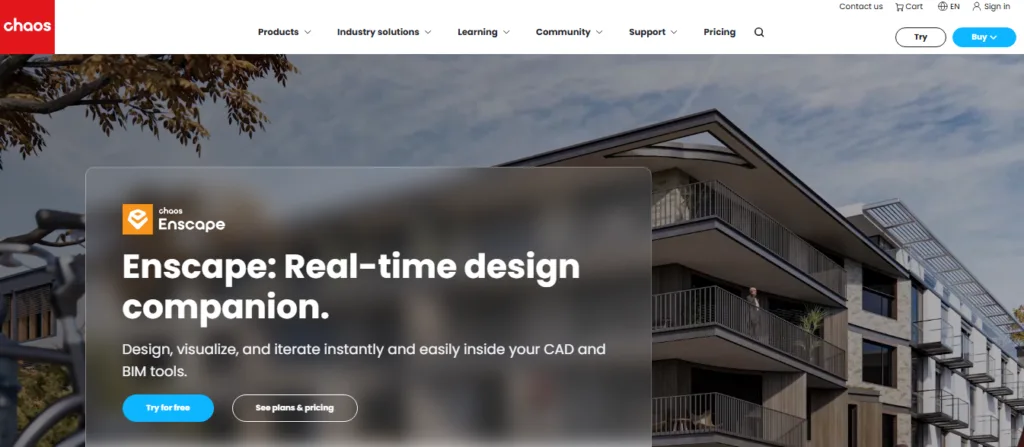
Enscape by Chaos brings real-time visualization directly inside design software such as Revit, SketchUp, Rhino, Archicad, and Vectorworks, allowing architects to see design changes instantly as they work. Instead of exporting models to a separate rendering platform, Enscape keeps the design and visualization process connected through a live, synchronized workflow.
This makes it easier to test design options, evaluate materials, study lighting conditions, and communicate ideas during the early stages of a project. Virtual reality support, cloud-based collaboration, AI-enhanced visualizations, and a large library of ready-to-use assets further help teams create immersive presentations and gather stakeholder feedback without slowing down the design process.
8. Vectorworks Architect
Category: BIM and Architectural Design Software
Suitable for: Architects, Interior Designers, Urban Designers, Landscape Architects, BIM Professionals, Architecture Students
Pricing: Starts at ₹49,337 per year for the Architect plan, with optional add-ons and higher-tier design suites available.
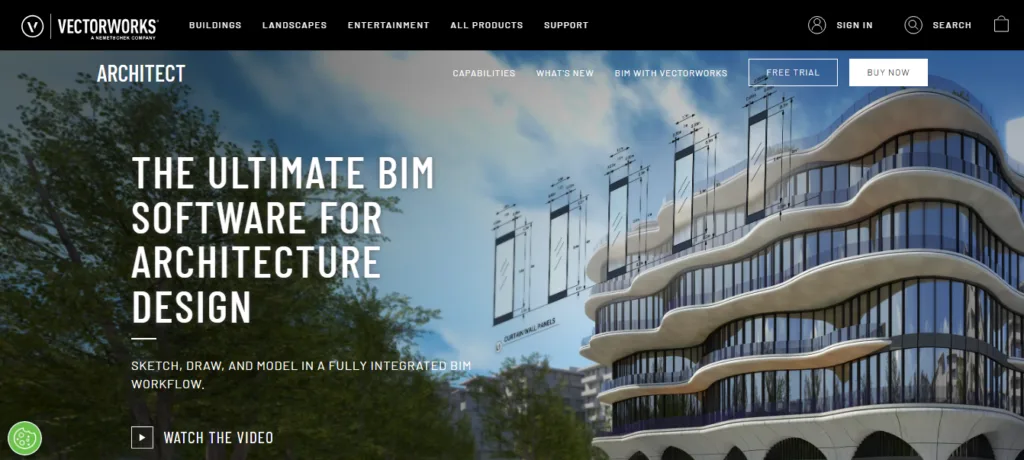
Vectorworks Architect is designed for architects who want to move from sketches and conceptual models to construction documentation without switching between multiple applications. The software supports every stage of the architectural process, including site planning, schematic design, design development, and construction documentation, within a single BIM workflow. Rather than forcing designers into predefined modeling methods,
Vectorworks provides a flexible 3D modeling environment that encourages creative exploration while keeping project data connected. As designs evolve, drawings, schedules, reports, quantity takeoffs, and project information remain coordinated, helping teams make informed decisions about design, cost, and sustainability throughout the project lifecycle.
9. Twinmotion by Epic Games
Category: Architectural Visualization and Real-Time Rendering Software
Suitable for: Architects, Interior Designers, Landscape Architects, Urban Designers, Visualization Artists
Pricing: Free for individuals, students, educational institutions, and businesses with less than $1 million in annual revenue. Paid licenses are available for larger organizations.
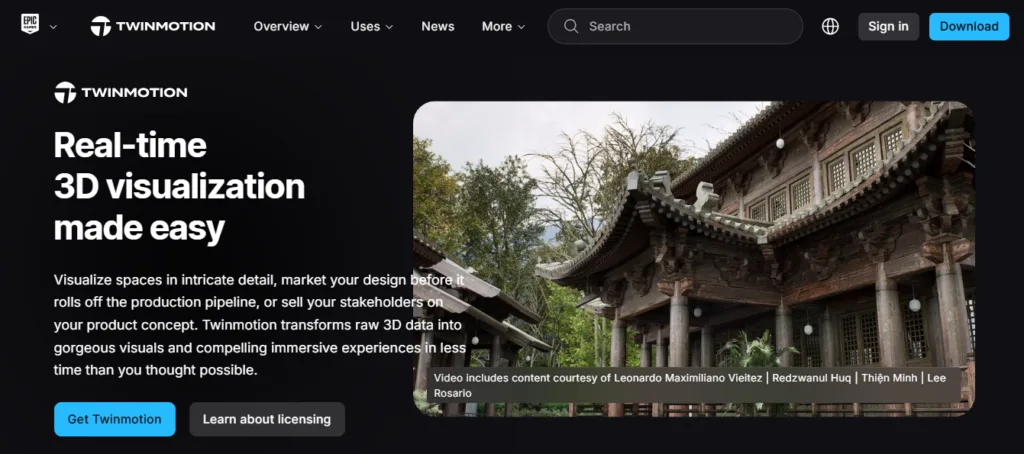
Twinmotion by Epic Games turns CAD and BIM models into high-quality visual experiences with minimal setup and technical complexity. Architects can import projects directly from Revit, Archicad, Rhino, SketchUp, Vectorworks, and other design tools, then enhance them with realistic materials, lighting, vegetation, weather effects, people, vehicles, and environmental context.
Real-time rendering allows design teams to explore ideas, review changes, and generate presentations without waiting for lengthy render processes. The software also supports animations, phasing studies, virtual reality walkthroughs, interactive presentations, and cloud sharing, making it a practical tool for communicating design intent throughout the project lifecycle.
10. Bluebeam

Category: Construction Documentation, PDF Markup, Design Review, and Project Collaboration Software
Suitable for: Architects, Engineers, Contractors, BIM Managers, Construction Teams
Pricing: Starts at $260 per user per year. Advanced plans with automation, collaboration, and AI capabilities are available up to $590 per user per year.
Bluebeam is a construction collaboration platform that helps architecture and construction teams manage drawings, reviews, markups, measurements, and project documentation in one place. The software enables users to create, edit, compare, and annotate PDF drawings while maintaining a single source of project information across teams.
Its Studio collaboration environment allows stakeholders to review and mark up documents in real time from desktop, web, or mobile devices.
Bluebeam also includes quantity takeoff tools, document automation, reporting features, workflow integrations, and AI-powered capabilities such as Smart Review, Smart Overlay, and Connected Studio Sessions with Revit, all aimed at improving coordination and quality control.
Improve your architecture skills in the next 12 weeks
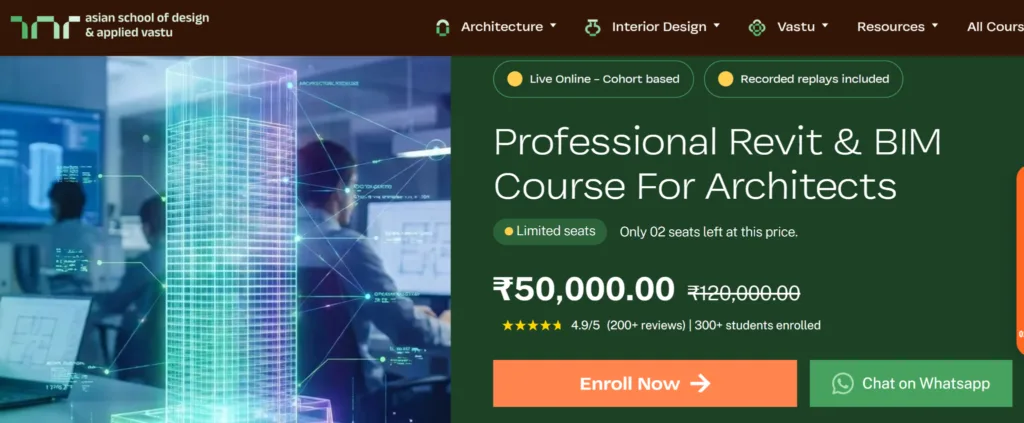
ASDAV offers a 12-week live Revit and BIM training program designed to help learners develop practical architectural and Building Information Modeling skills used in modern design and construction firms.
The course is suitable for architecture students, graduates, architects, and interior designers who want to learn professional BIM workflows through live classes, hands-on assignments, and project-based training.
Students at ASDAV learn architectural modeling, documentation, BIM coordination, worksharing, cloud collaboration, and industry-standard project delivery methods while working under the guidance of experienced faculty and industry professionals.
👉 Explore our architecture courses and masterclasses

Jasmine Ahluwalia is a Licensed Architect, Interior designer, Global Vastu consultant and the founder of ASDAV.
She is a graduate of Scuola Master F.lli Pesenti, Politecnico di Milano, and brings strong global exposure through academic learning and professional design projects. Her background combines architecture, interior design, and applied design education.
Before founding ASDAV, Jasmine worked as an assistant professor at Amity School of Architecture and Planning, Amity University Noida. Her research covers sustainable architecture, urban heat island reduction, and circular economy practices in construction. Her work has been published in Scopus indexed and peer reviewed journals as well. She also has strong international on-site experience from countries like Canada, Mauritius, UK, and many more.
Through ASDAV, she has trained more than 500 students across 25 cities. The ASDAV platform has 12+ instructors from IIT, SPA, CEPT and NID , and has delivered over 200 live learning sessions. Her mission is to bridge the gap between design education and real industry expectations, to deliver real growth for her students.
She designs spaces for a living, but her favourite project is designing careers.