Final 3 Seats Open For Our Most Advanced 3D rendering Course

Final 3 Seats Open For Our Most Advanced 3D rendering Course
Final 3 Seats Open For Our Most Advanced 3D rendering Course
Final 3 Seats Open For Our Most Advanced 3D rendering Course
Final 3 Seats Open For Our Most Advanced 3D rendering Course

SketchUp & Lumion for Interior Design
Only 09 seats left at this price.

Upto 350% salary growth with 3D visualization
High-Paying 3D visualisation job Awaits
Design with Energy, Earn with Impact
Master 3D, Maximize Earnings
What will you learn from this Course?
- Model residential and commercial interiors in 3D using SketchUp.
- Render photorealistic interior images with professional lighting and materials in Lumion.
- Create walkthrough animations that bring your designs to life for clients.
- Build a portfolio of 6-8 stunning renders ready for interviews and freelance work.
Course Highlights

One-on-One Sessions
Cohort Group Discussions
2+ Real-Life Projects
Comprehensive Courseware
Who is this Course for?

Architects & Architecture Students
Add 3D interior visualisation to your existing design knowledge and present your projects as photorealistic renders instead of flat drawings.

Career Changers:
Transition into interior design from any professional background with a structured, portfolio-driven course that doesn't require a degree.

Real Estate & Property Professionals:
Learn to visualise and present spaces in 3D, giving you a competitive edge in client presentations and pre-sales marketing.

Interior Designers & Design Students:
Bridge the gap between your design education and industry expectations by learning the 3D tools that every firm now demands.

Entrepreneurs Designing Their Own Space:
Become an informed client who can brief designers intelligently, evaluate proposals critically, and avoid costly mistakes.

Educators & Faculty:
Upgrade your teaching toolkit with current industry-standard software so you can train the next generation of designers with hands-on 3D skills.
Course Curriculum
Week 1 - SketchUp Fundamentals


Yes, we do provide certificates to all our participants for attending the workshop. The certificates are mailed within 15 days from the workshop conclusion date.
- Navigate the SketchUp interface: toolbar, drawing axes, inference engine, and Measurements box
- Master core tools: Line, Rectangle, Circle, Push/Pull, Offset, Move, Copy, Rotate, and Scale
- Draw your first room: extrude walls to ceiling height, cut door and window openings
- Organise geometry using Groups, Components, and Tags for clean model management
- Import a floor plan (image or AutoCAD DWG) as a reference layer for accurate tracing
Week 2 - SketchUp: Residential Interior Model
Yes, we do provide certificates to all our participants for attending the workshop. The certificates are mailed within 15 days from the workshop conclusion date.
- Download and place furniture, fixtures, and accessories from the 3D Warehouse
- Scale and position components to match a real residential floor plan layout
- Apply materials and textures: wood flooring, wall paint, marble counters, fabric upholstery
- Set up interior cameras at eye height (1500mm) and compose views using rule of thirds
- Create Scenes for quick switching between angles and export high-resolution images
Week 3 - SketchUp: Commercial Interior Model
Yes, we do provide certificates to all our participants for attending the workshop. The certificates are mailed within 15 days from the workshop conclusion date.
- Model a commercial space: walls, columns, glass partitions, ceiling elements, and floor level changes
- Source and place commercial furniture: workstations, cafe seating, reception desks, display shelving
- Add details that bring the space to life: pendant lights, signage, plants, artwork, and acoustic panels
- Apply commercial materials: polished concrete, metal cladding, branded accent walls, carpet tiles
- Compose 4-5 professional camera views capturing scale, depth, and brand character
Week 4 - Lumion: Materials, Lighting & Residential Rendering
Yes, we do provide certificates to all our participants for attending the workshop. The certificates are mailed within 15 days from the workshop conclusion date.
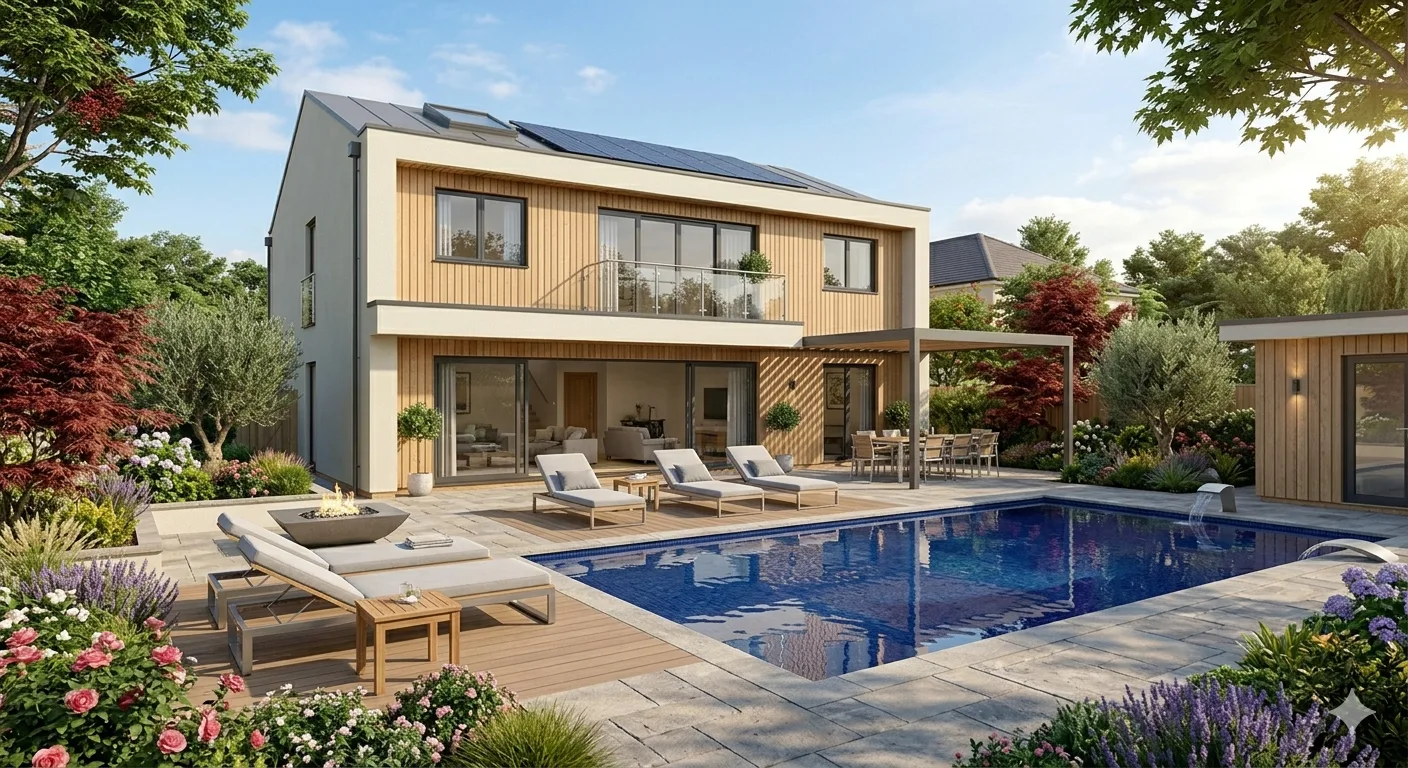
- Navigate the Lumion interface and import your residential SketchUp model with correct scale and positioning
- Apply Lumion PBR materials: override SketchUp textures with photorealistic wood, stone, fabric, and glass
- Fine-tune material properties: roughness, reflection, bump mapping, and weathering for realism
- Set up interior lighting: spotlights, area lights, omni lights, and natural light through windows
- Render 3-4 photorealistic interior views of your residential living room at high resolution
Week 5 - Lumion: Commercial Rendering & Walkthrough Animation
Yes, we do provide certificates to all our participants for attending the workshop. The certificates are mailed within 15 days from the workshop conclusion date.
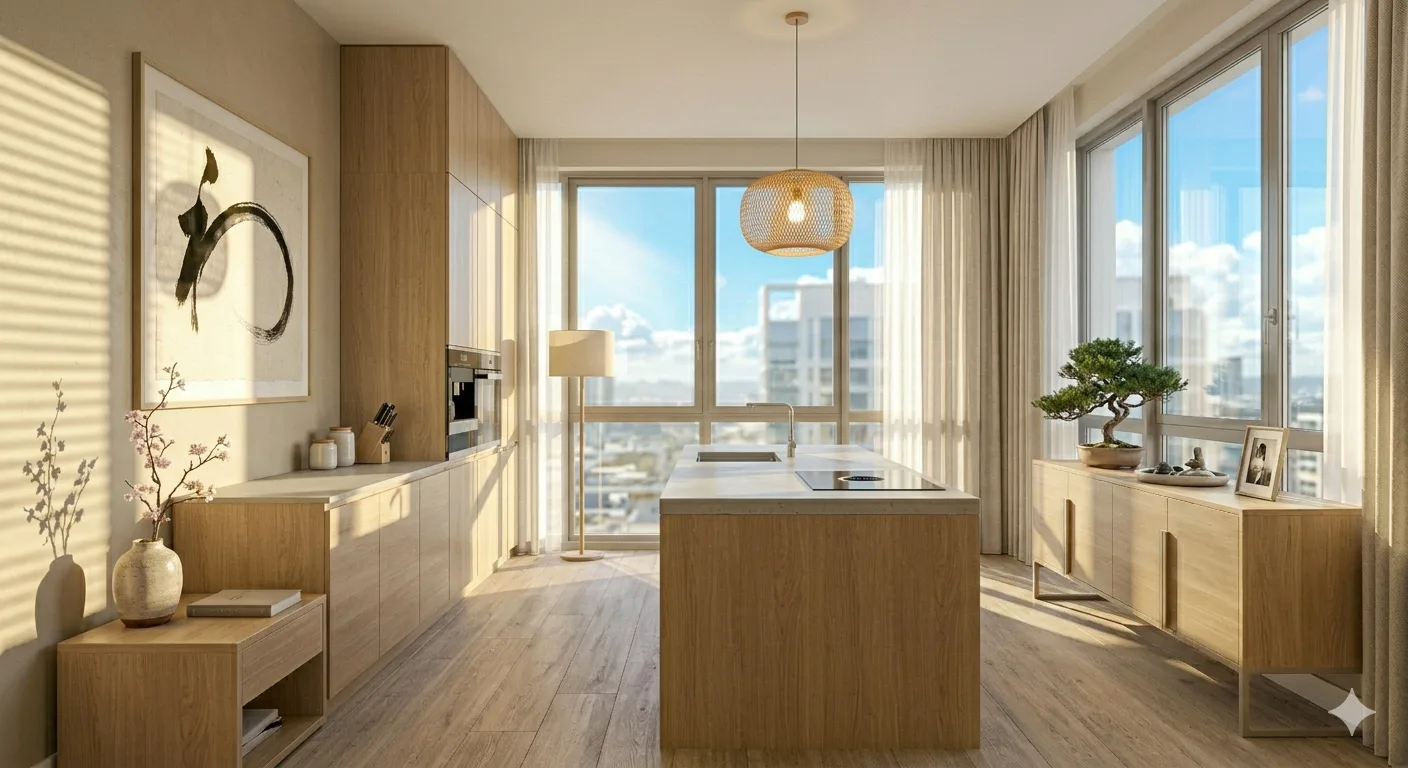
- Import the commercial SketchUp model and apply commercial-specific materials and lighting
- Light commercial zones strategically: warm ambient for cafe, cool task for office, dramatic accent for retail
- Render 4-5 photorealistic commercial views: reception, workspace, cafe, feature wall, and detail shot
- Create a 30-60 second walkthrough animation using keyframe cameras with smooth movement and pacing
- Export rendered images at 4K resolution and walkthrough video at 1080p
Week 6 - Presentation, Portfolio & Capstone
Yes, we do provide certificates to all our participants for attending the workshop. The certificates are mailed within 15 days from the workshop conclusion date.
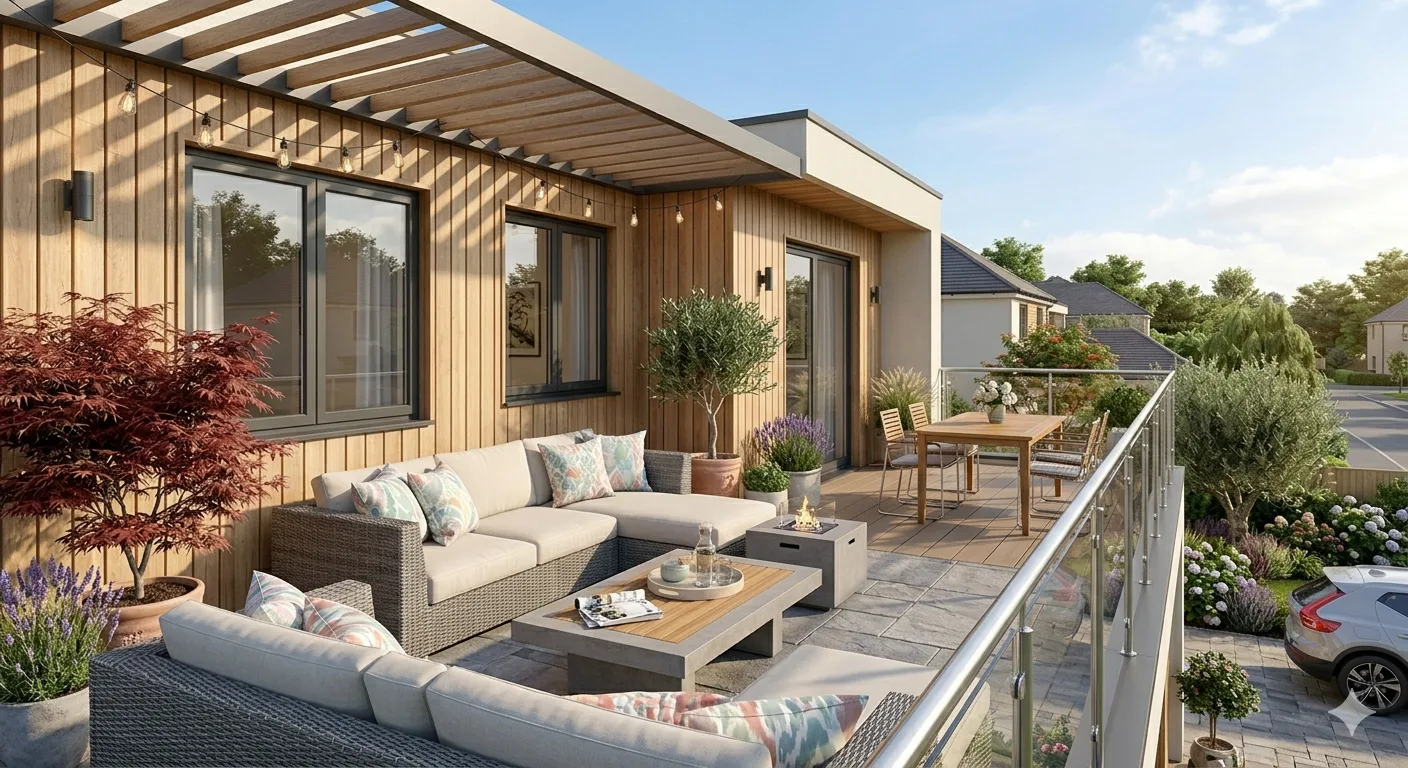
- Select the strongest renders from both residential and commercial projects for portfolio inclusion
- Apply basic post-processing: cropping, brightness, contrast, and composition refinement
- Build a visual portfolio in Canva: floor plan → SketchUp model → Lumion render pipeline for each project
- Present your capstone to faculty and peers: 2 complete projects with renders and walkthrough video
- Receive faculty feedback, peer critique, and certification upon successful submission


Learn through real-world, guided design projects
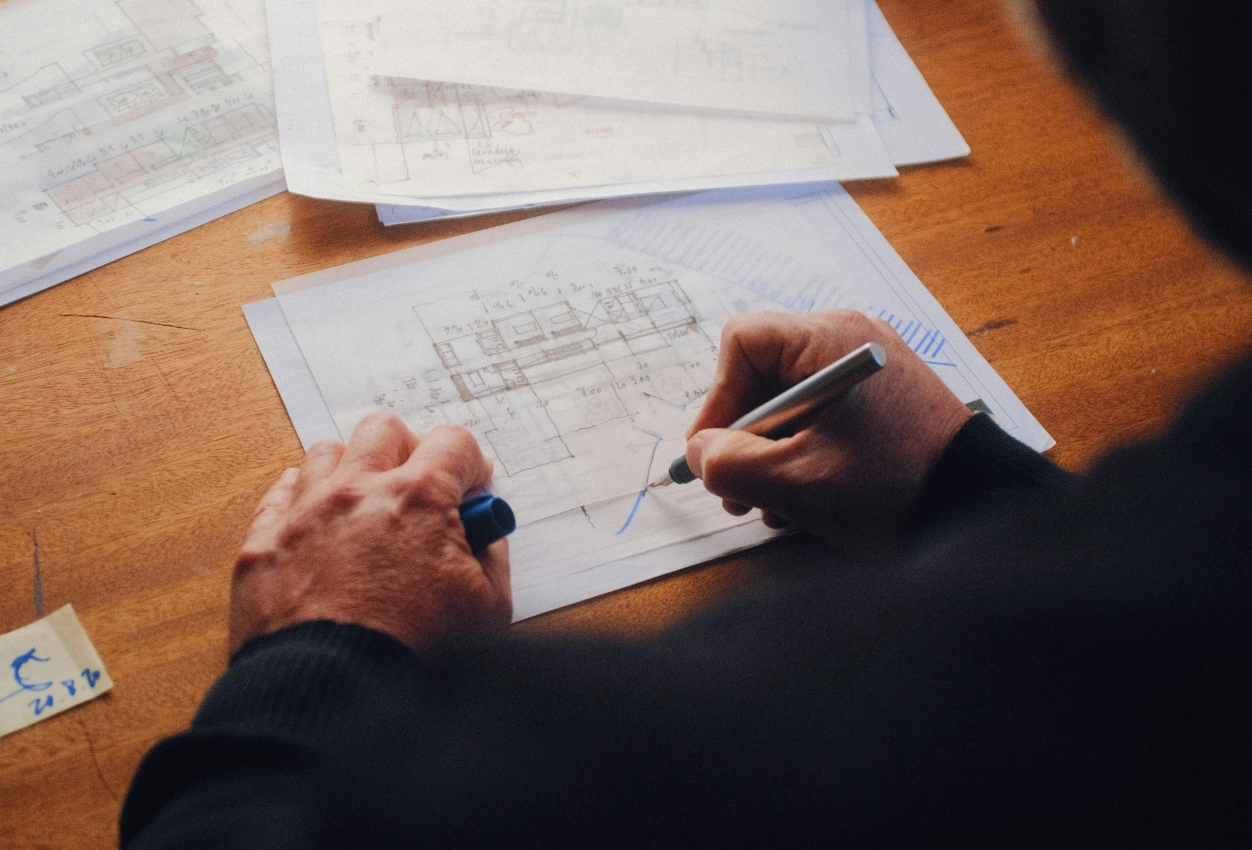
You will learn through live residential and Vastu-based design projects developed by ASDAV. Each project reflects real client requirements, site conditions, and execution challenges. You will apply design principles, space planning, and practical workflows while gaining industry-ready experience.

Tools we teach







How are we different?
Why settle for just another 3D modelling course?
We don't just upskill you, we give you the tools to excel in your path.
Interactive Lectures
Some
No
Hands-on Workshops
Yes
No
Real-life Case Studies
Yes
No
Group Discussions and Feedback Sessions
Yes
No
MEET THE HUMANS BEHIND ASDAV
We eat, learn, teach & repeat

Ar. Vijay P.
Architect | BIM Specialist
With 13+ years of experience across industry and academia, Vijay has led large-scale BIM projects like Nine Elms London, FIFA stadiums, and royal residences in Qatar. A CEPT alum and PhD scholar at IIT Roorkee, At ASDAV, he trains students to bridge the gap between practice and education through BIM.
Off duty, he’s a scale model collector and passionate photographer.

Ar. Aditya K.
Architect | Landscape Consultant
Aditya is a SPA Alum - landscape architect passionate about heritage, cultural spaces, and site-driven design. His work explores the sweet spot where history, ecology, and modern thinking meet.
At ASDAV, he helps students sharpen their ideas and design with clarity—encouraging them to question more, explain less.
Outside the classroom, you’ll find him jamming to music, and fuelling great conversations over chai.

Ar. Anuj K.
Architect | Interior Designer
Anuj is an architect with 5+ years of experience in residential, commercial interior design. As the Proprietor and Principal Designer of Base MUSC, he focuses on creating functional, well-planned spaces that balance aesthetics with everyday practicality.
At Base MUSC, he brings a thoughtful, detail-driven approach, ensuring each design meaningfully supports how people live and work.
When he’s not managing projects, he’s usually folding origami, exploring new trails, or going for a run to reset and recharge.

Ar. Shubham K
Architect | Sustainable Materials Advocate
Shubham is an architect with 5+ years of experience in architecture, product design, and brand strategy. He specialises in sustainable materials like bamboo, blending design with usability and commercial impact. At ASDAV, he brings sharp focus to execution, material thinking, and real-world design clarity.
When not designing, he’s usually trekking high-altitude trails or playing fetch with his dog.

Ar. Jasmine A
Architect | Global Vastu Consultant
Jasmine is an architect and global Vastu consultant with 8+ years of experience across design and teaching, including international work in architecture and interiors. Her approach blends architectural thinking, human-centered interiors, and practical Vastu.
At ASDAV, she leads with clarity, encouraging learners to design purposefully, and build meaningful careers with confidence.
When not mentoring students, she’s either bonding with dogs or finally finishing her first cup of coffee for the day.

Ar. Hitesh K
Furniture Designer | Interior Educator
Hitesh is a furniture and interior design professional with expertise in material-driven design, detailing, and production thinking. An NID graduate, he blends design craft with real-world execution.At ASDAV, he leads sessions on furniture design, spatial planning, and design software—helping students bridge ideas with execution through clarity, craft, and process.
When not teaching or designing, he’s deep into furniture case studies—or quietly redesigning the everyday.

Ar. Anushruti S
Landscape Architect | Urban Design Educator
Anushruti is a landscape architect with experience across real estate, urban infrastructure, and environmental design projects in India and Europe. At ASDAV, she helps students make sense of landscape and urban systems—focusing on critical thinking, environmental sensitivity, and scale-based design clarity.
When not mapping or mentoring, she’s out exploring green corners of the city and how people interact with them.

Ar. Meher T
Architect | Design + Construction Specialist
Meher is an architect with over 10 years of experience focused on the intersection of design vision and buildability. Her strength lies in translating conceptual ideas into precise construction drawings.
At ASDAV, she brings a practical lens to design education, helping students understand how ideas become structures.
Outside the studio, she’s obsessed with Travel and her harmonium.

Ar. Rayan M
Interior Architect | Global Design Consultant
Rayan is an interior architect with 9+ years of international experience across residential, commercial, and hospitality projects in the UAE, Italy, and Southeast Asia.
At ASDAV, he guides students through design detailing, spatial logic, and project workflows.
When he’s not teaching, you’ll find him exploring city backstreets, or hunting down the best De-cafe in town.
What Will You Gain Through This Course - SketchUp & Lumion for Interior Design

3D Modelling Proficiency:
Build complete residential and commercial interiors in SketchUp from floor plan to fully furnished model.

Photorealistic Rendering:
Produce stunning, client-ready interior renders in Lumion with professional lighting, materials, and camera composition.

Walkthrough Animation:
Create cinematic walkthrough videos that let clients experience your design before a single brick is laid.

Portfolio Development:
Graduate with 6-8 rendered images and a visual portfolio ready for job interviews, freelance pitches, and LinkedIn.

Design Presentation Skills:
Learn to compose, curate, and present your 3D work in Canva with the visual storytelling that wins client approvals.

Industry-Ready Workflow:
Master the complete professional pipeline from 2D plan to 3D model to photorealistic render that design firms use daily.
Enroll Now for the 2026 Batch
You can be a part of the new generation of tech-skilled architects. Over 5000 AEC professionals have already taken the leap with our BIM training. Will you be next?
- 2+ real project modelling sessions
- 2+ Capstone projects
- Certification from Asian School of Design & Applied Vastu
- Lifetime access to recorded sessions & resources
- Personalized feedback on 3D model and images
See What Our Learners Have to Say


Attain Industry-Recognized Certificate
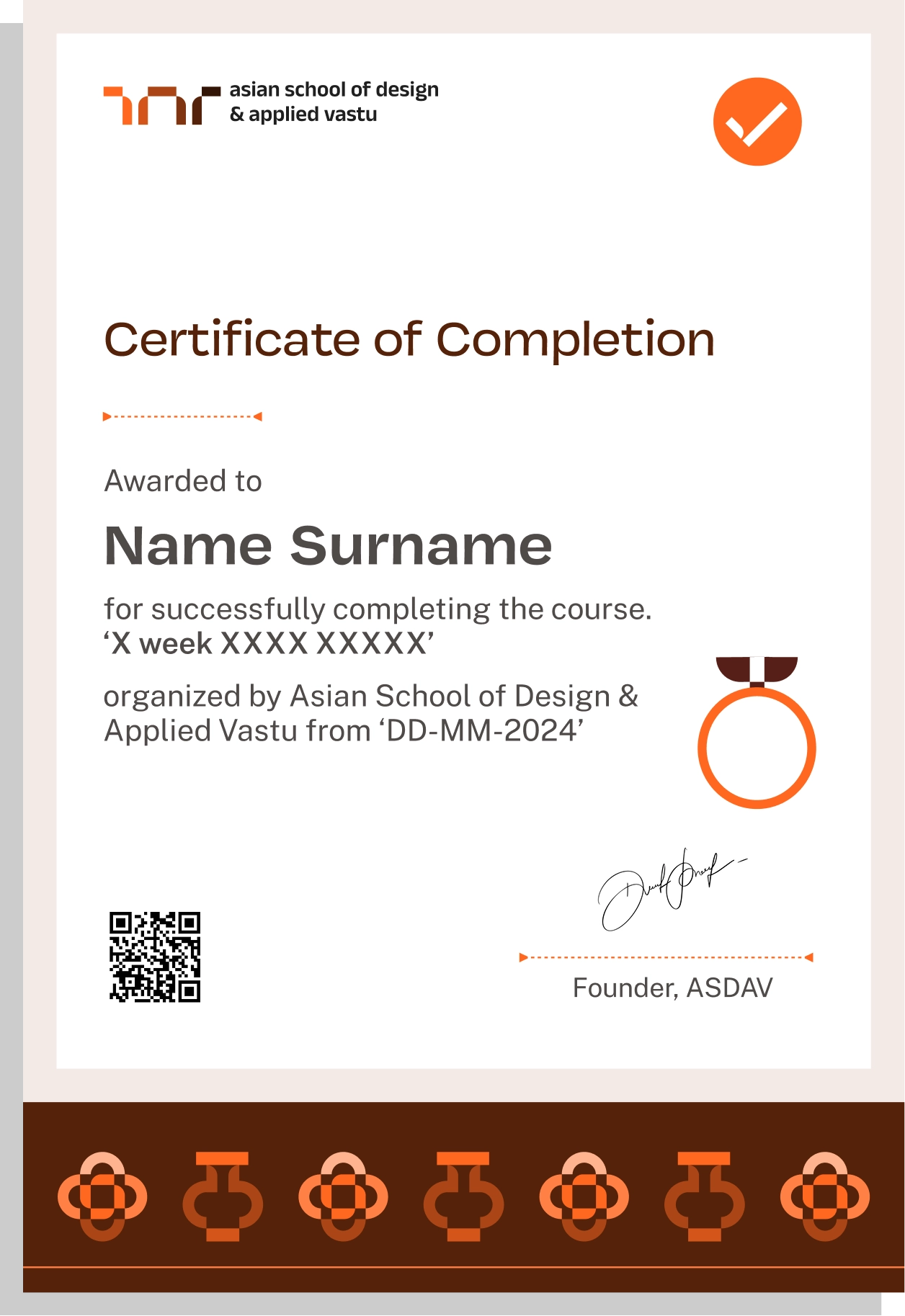
Earn Industry-Recognized Certification through Our Advanced Course, in Partnership with Google for Education, Elevating Your Career Profile
Easily sharable PDF document on LinkedIn, portfolio, resume or CV.


TAUGHT BY INSTRUCTORS FROM












ALUMNI GROWTH STORIES
Where our learners grow, lead & succeed






TESTIMONIALS
Your love inspires us, every minute. Inspirational Words Shared by Our Members
ASDAV's classes have empowered countless students to bridge theoretical knowledge with practical industry application.
Our community of passionate learners, where exploration knows no bounds.
Shavi Gupta


I am a practicing interior designer and when I got to know about their Vastu course, I immediately enrolled myself in it. They taught me practical Vastu and gave me several case studies to practice. I 100% recommend ASDAV’s Vastu course to everyone in the field.
Himanshi Rawat

Even though I studied design, I wasn’t confident with real interior designing tasks. At ASDAV, the trainers explained everything step by step. I built a complete portfolio with detailed floor plan, 3D views, and material palette. That portfolio helped me get my first interview.
Nikkita Bisht


I joined ASDAV’s masterclass because I wanted to design something that was accessible for everyone. The class taught me ramp gradient, turning radius, door clearance, and accessible bathrooms. I applied this to a community center project, and my client appreciated me a lot.
Aekeshwar Saxena

In practice, we are expected to design fast and think clearly, but college never really prepared me for that. ASDAV’s session helped me sharpen my decision making from site analysis to layout logic. It’s one of the few platforms that really understand how real-world architects work.
Jai Singh


Taking classes in ASDAV for Vastu has been a great experience. It wasn’t just about tradition, it’s about how spaces feel, how they function, how they can affect us. Even being a student in London, it has added a lot more depth to my approach.
NEED SOME HELP?
Here are some frequently asked questions
What does the SketchUp & Lumion for Interior Design course cover?


Weeks 1-3 cover SketchUp 3D modelling from basics to complete residential and commercial interior models. Weeks 4-5 cover Lumion photorealistic rendering, interior lighting, and walkthrough animation. Week 6 covers presentation, portfolio output, and a capstone project.

Will I model actual interior design projects or just random 3D shapes?
You will model real interior spaces — a residential living room and a commercial space (cafe, retail, or office) — from actual floor plans with a defined design concept, material palette, and furniture layout. No abstract exercises.
Is SketchUp and Lumion taught together or as separate modules?
They are taught as a connected pipeline. You first build the 3D model in SketchUp (Weeks 1-3), then import it into Lumion for photorealistic rendering (Weeks 4-5). This mirrors exactly how professionals use these tools in practice.
Does the course cover walkthrough animation or only still images?
Both. You will produce photorealistic still renders for both residential and commercial projects, plus a 30-60 second walkthrough animation with keyframe cameras and smooth movement exported at 1080p.
How many rendered images will I have by the end of the course?
ou will have 6-8 photorealistic interior renders (3-4 residential, 4-5 commercial), one walkthrough video, and a compiled visual portfolio in Canva. All are portfolio-ready and client-presentation quality.
Do I get a certificate after completing this course?
Yes. You receive a certification in SketchUp & Lumion for Interior Design from ASDAV upon completing all assignments and the capstone project.
Can I add this certificate to my LinkedIn and resume?
Yes. You receive a shareable PDF certificate that can be uploaded to LinkedIn, attached to your resume, and included in job applications or freelance proposals.
Is this certificate recognised by design firms?
Design firms evaluate candidates on portfolio quality and software proficiency, not certificates alone. This course gives you both — a verified credential from ASDAV and a portfolio of photorealistic renders that demonstrate your actual skill level.
Do I need to pass an exam to get certified?
No exam. Certification is based on completing weekly assignments and submitting your capstone project — two fully rendered interior projects (residential + commercial) presented to faculty.
Will this certification help me get hired as a 3D visualiser?
The certificate adds credibility, but your renders are what get you hired. By the end of this course, you will have a portfolio of photorealistic interior images that you can show at any interview or share with any client.
Is this a live or recorded course?
This is a 100% live course with real-time instruction, peer interaction, and practical tasks—plus access to recorded sessions.
Will I get access to recorded sessions if I miss a class?
Yes. All live sessions are recorded and uploaded to your student dashboard. You get lifetime access to these recordings even after the course ends.
How many hours per week do I need to commit?
The course requires 6 hours per week — three sessions of 2 hours each. Additional time for assignments is approximately 1-2 hours per week depending on the topic.
Is the course taught in English or Hindi?
The primary language is English with Hindi explanations where needed, making it accessible for students across India and internationally.
Do I need to buy SketchUp or Lumion software for this course?
SketchUp has a free web version that works for the course. Lumion offers student licences for educational use. Setup guides and installation support are provided before the relevant software weeks begin. No upfront software purchase is required.
What kind of laptop or computer do I need?
SketchUp runs on most modern laptops with 8GB RAM. For Lumion, a dedicated NVIDIA graphics card with 4GB or more VRAM is recommended for smooth rendering. A detailed specification guide is shared before enrolment so you can verify your system.
Are practice files and project templates provided?
Yes. You receive floor plan reference files, SketchUp starter templates, furniture component libraries, and Lumion scene files to follow along with each week’s exercises.
Will I get personal feedback on my models and renders?
Yes. Every weekly assignment is reviewed by the instructor with specific feedback on modelling accuracy, material quality, lighting setup, and camera composition. Capstone projects receive detailed faculty critique.
Is there a student community or peer group?
Yes. You join a cohort-based group with fellow learners. Group critiques, render comparisons, and peer feedback sessions are part of the course structure, especially during Weeks 5 and 6.
What can I do professionally after learning SketchUp and Lumion?
You can work as a 3D interior visualiser, produce client-ready renders for your own design projects, offer 3D rendering as a freelance service to architects and designers, or strengthen your portfolio for junior designer roles at firms.
Is 3D visualisation a separate career or a skill added to interior design?
Both. Some professionals work exclusively as 3D visualisers producing renders for design firms. Others use it as an add-on skill that makes their interior design practice more competitive. Designers who can model and render their own work earn more and close clients faster.
How much do 3D interior visualisers earn in India?
Entry-level 3D visualisers in India earn ₹2.5-5 LPA at design firms. Freelance rendering work typically ranges from ₹2,000-₹10,000 per image depending on complexity and client. Designers who offer integrated design + visualisation services charge significantly higher project fees.
Can I freelance with just SketchUp and Lumion skills?
Yes. Many architects, interior designers, and real estate developers outsource their 3D rendering work. With a strong portfolio of 6-8 interior renders and a walkthrough video, you can start taking freelance rendering projects immediately after the course.
Will this course help me if I am already a practising interior designer?
Absolutely. Most practising designers in India still rely on 2D presentations or outsource their 3D work. Adding SketchUp and Lumion to your workflow means you can show clients photorealistic renders of your own designs, close projects faster, and eliminate dependency on external visualisers.
