India's first Revit course designed exclusively for interior designers - not architects.

India's first Revit course designed exclusively for interior designers - not architects.
India's first Revit course designed exclusively for interior designers - not architects.
India's first Revit course designed exclusively for interior designers - not architects.
India's first Revit course designed exclusively for interior designers - not architects.

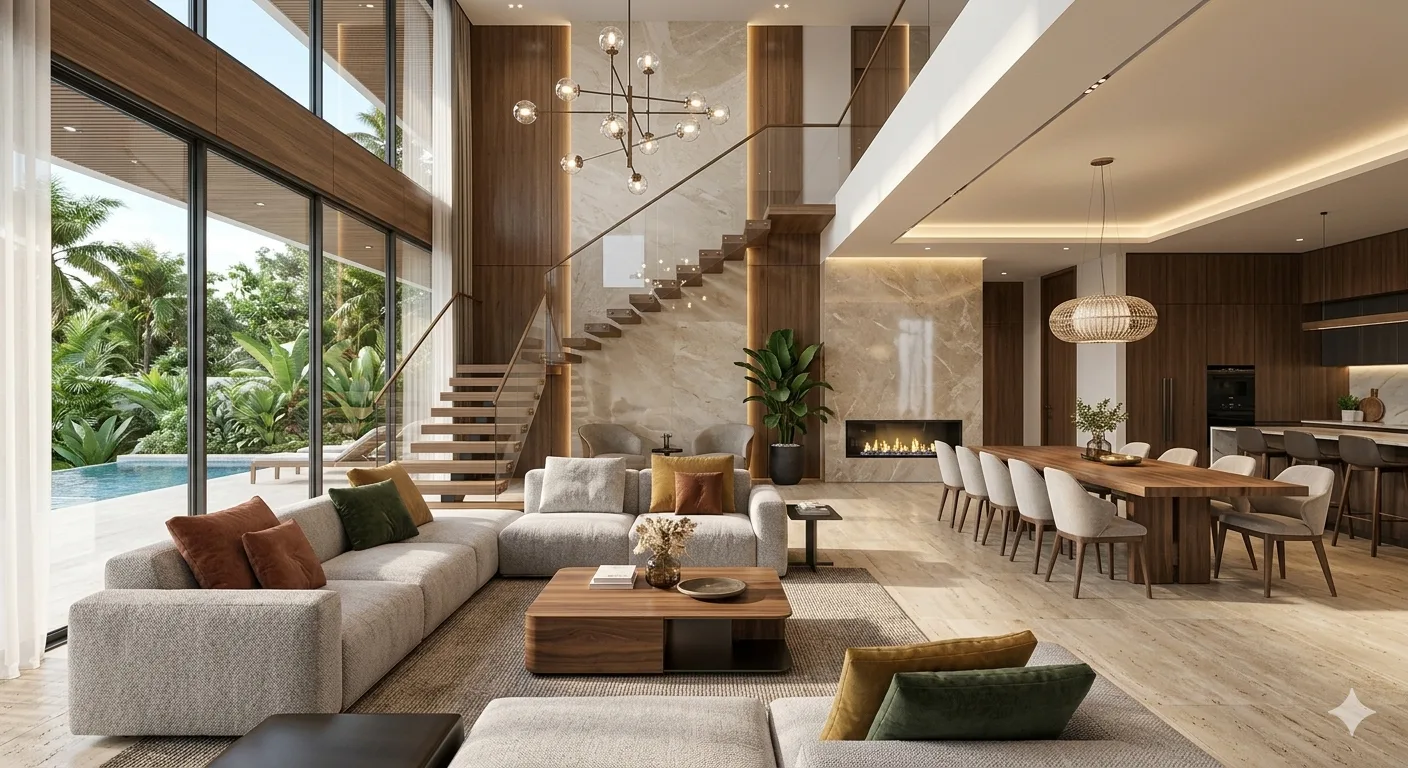
Professional Revit & BIM Course For Interior Designers
Only 02 seats left at this price.

Upskill Without Starting Over
Add BIM to Your Portfolio
Faster Project Delivery
100% Interior Design Focused
What will you learn from this Course?
- Learn to model interior spaces in Revit from space planning to detailed documentation using BIM workflows built for design practice.
- Gain hands-on expertise in partition walls, floors, ceilings, furniture placement, casework, and interior finish modeling.
- Master reflected ceiling plans, interior elevations, material schedules, and FF&E lists, generated automatically from one coordinated model.
- Create presentation-ready 3D views, renders, and walkthroughs using Revit and Twinmotion for confident client communication.
Course Highlights

One-on-One BIM & Revit Sessions
Cohort Group Discussions
Real-Life Interior Design Projects
Comprehensive Courseware
Who is this Course for?

Interior Design Students:
Build a working Revit portfolio while you study — and graduate with a skill that sets you apart in every studio interview.

Practising Interior Designers:
Move beyond AutoCAD and SketchUp into a single-model workflow that generates your plans, elevations, and schedules automatically — saving hours on every project.

Fresh Graduates:
Transition from college to professional practice with confidence by mastering the BIM tool that firms are actively hiring for.

Career Changers:
No prior Revit experience needed. If you understand space and can navigate design software, this course is built for you — step by step, live.

Hobbyists
Visualise your home renovation or interior ideas in accurate 3D — with real dimensions, materials, and furniture — before committing to a single decision.

Educators & Academics:
Expand your technical toolkit and bring Revit into your teaching with a curriculum designed around interior design pedagogy and real practice.
Course Curriculum
Week 1 - WHY BIM? INTRODUCTION TO REVIT FOR INTERIOR DESIGNERS


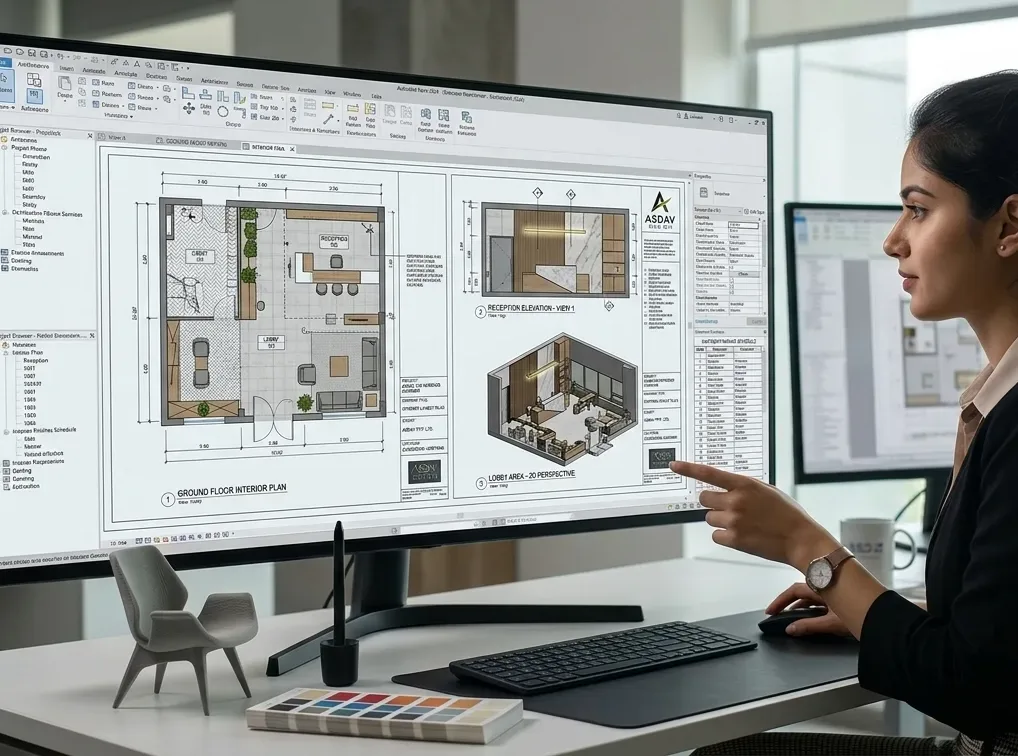
- Understand what BIM is and why interior designers — not just architects — need it in 2026.
- See how Revit differs from AutoCAD, SketchUp, and other tools you may already use.
- Navigate the Revit interface confidently: ribbons, properties panel, and the project browser.
- Open, save, and set up your first interior design project file using an ID-ready template.
- Explore the concept of Revit families — the furniture, fixtures, and fittings you'll build with.
- Understand how one model generates floor plans, elevations, sections, and 3D views simultaneously.
Week 2 - SPACE PLANNING FUNDAMENTALS — PARTITION WALLS, DOORS & OPENINGS
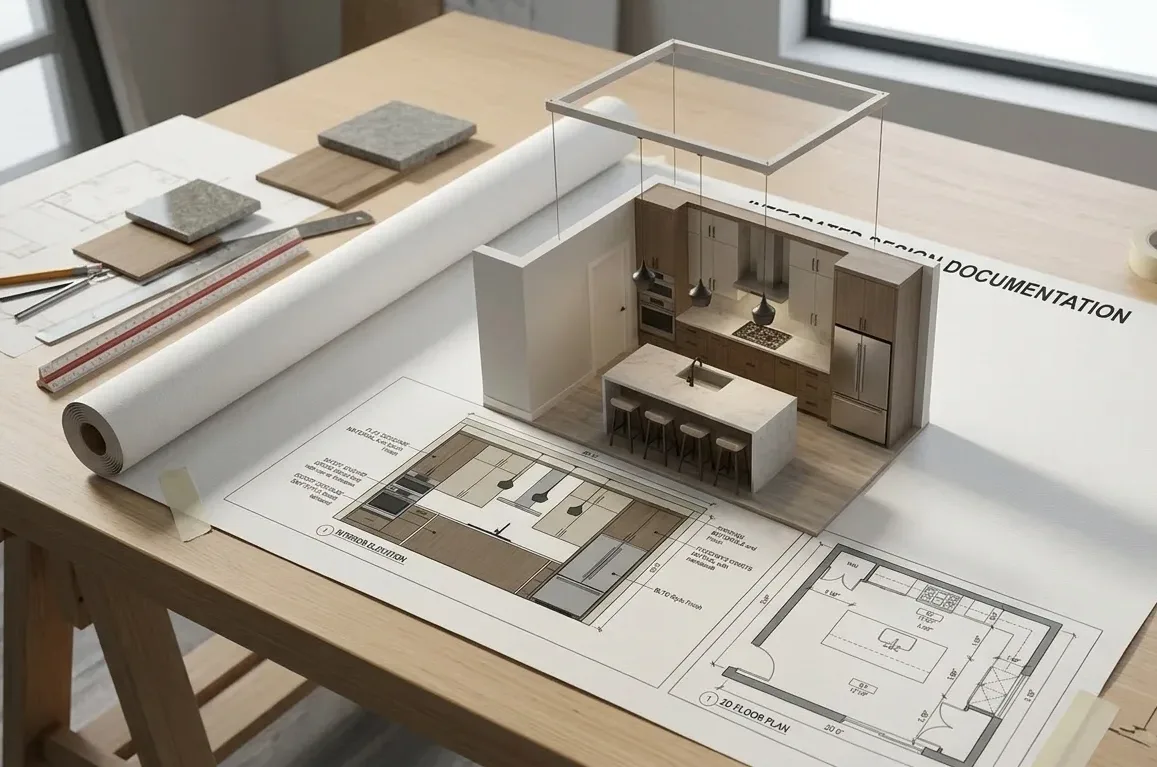
- Draw and edit interior partition walls with accurate thicknesses, heights, and finish layers.
- Place doors and windows — and see how Revit fits them into walls automatically.
- Modify door and window types, sizes, and swing directions to suit your design intent.
- Use snapping, alignment, and trim/extend tools for clean, professional floor plans.
- Understand Type vs. Instance parameters: change one door or all doors in a single click.
- Create and name rooms — the foundation of every finish schedule and FF&E list.
Week 3 - FLOORS, CEILINGS & THE THIRD DIMENSION
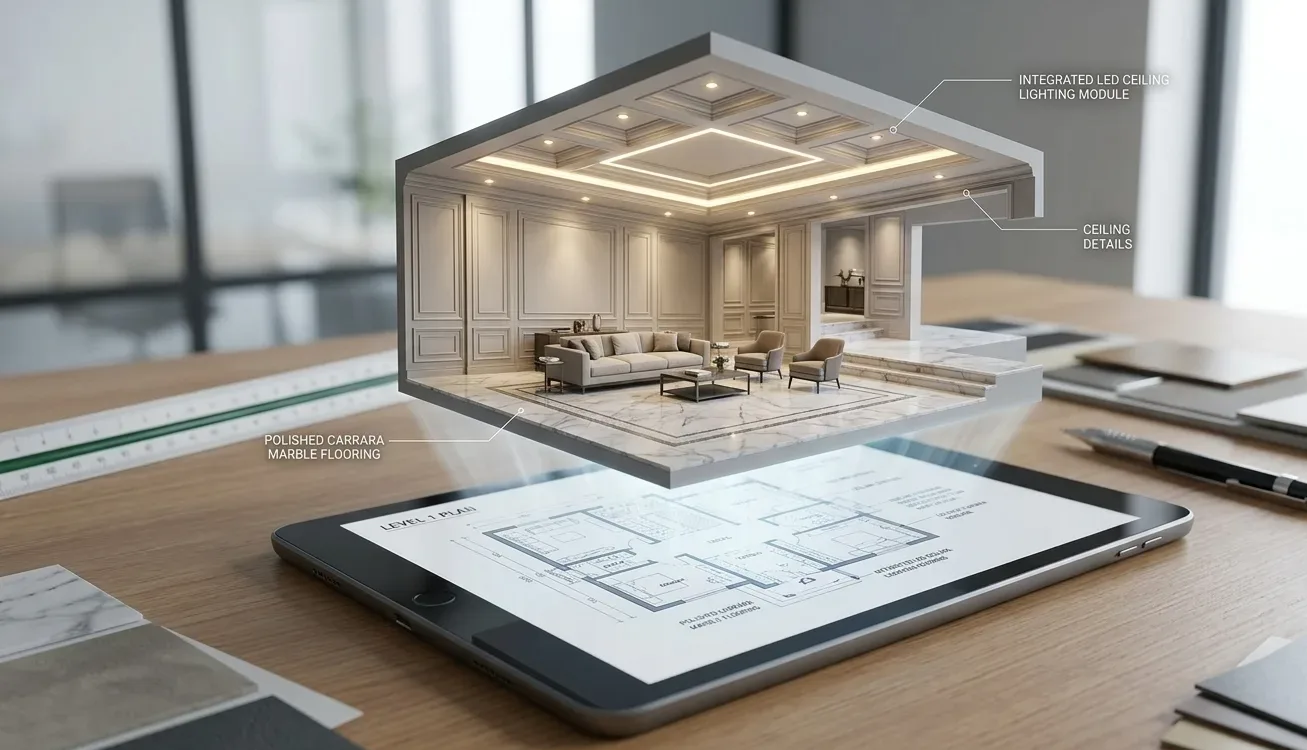
- Model floor finishes with real materials: tiles, hardwood, carpet, and stone patterns.
- Create floor finish zones within a single room — perfect for open-plan kitchens and living areas.
- Build Reflected Ceiling Plans (RCP) — the most requested deliverable in interior projects.
- Design flat ceilings, coffered ceilings, soffits, and feature ceiling elements.
- Place ceiling-mounted lights, pendants, and surface fixtures directly onto the ceiling model.
- Use the 3D section box to cut through your model and review interior spaces from any angle.
Week 4 - FURNITURE, FIXTURES & INTERIOR COMPONENTS (FF&E)
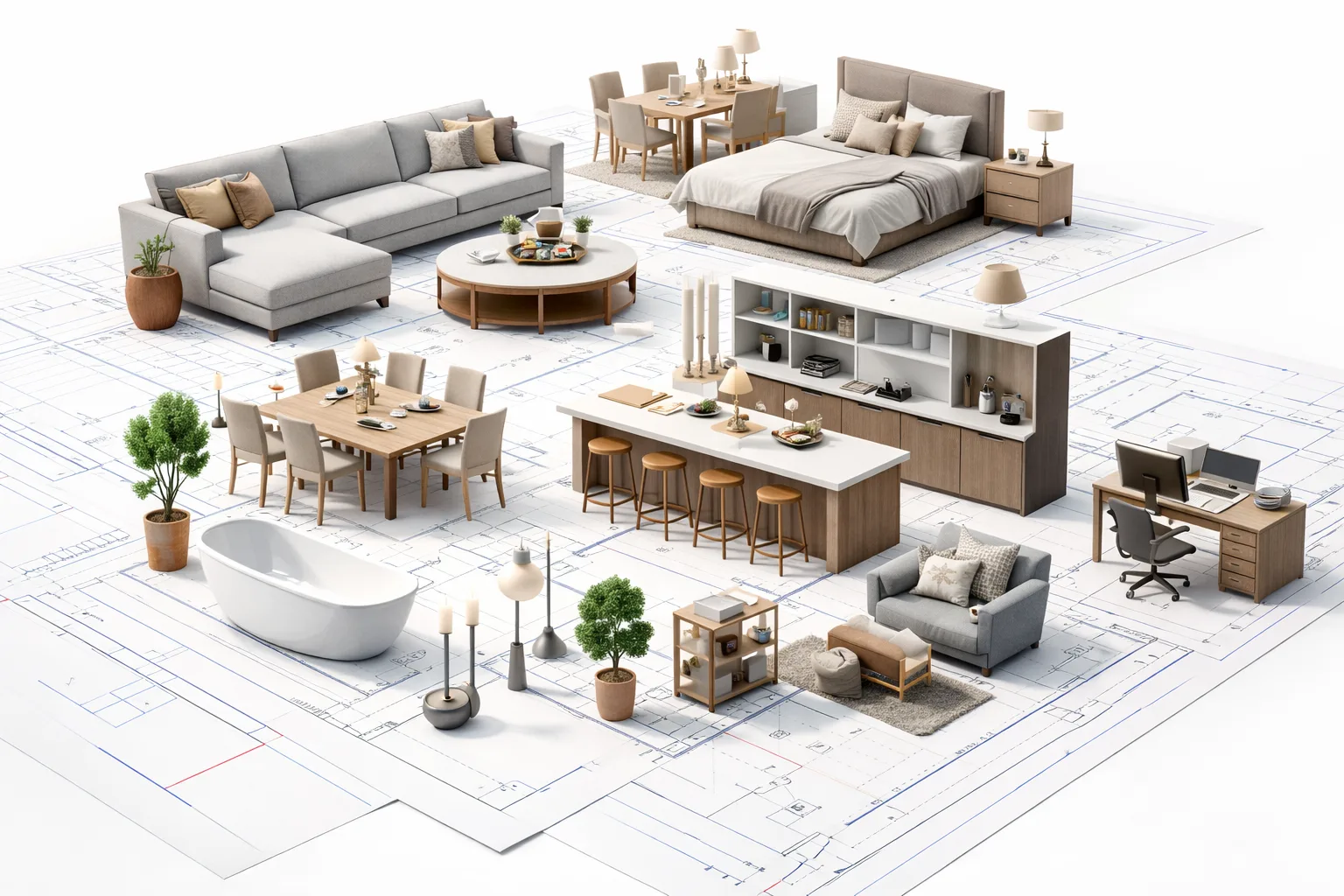
- Browse and download furniture families from the Autodesk Library and manufacturer BIM content portals.
- Place and arrange furniture in plan and 3D — and adjust dimensions, finishes, and materials.
- Model built-in casework: kitchen cabinets, wardrobes, TV units, and bathroom vanities.
- Add plumbing fixtures accurately — toilets, sinks, baths, and shower units — for bathroom layouts.
- Save furniture arrangements as Groups and reuse them across multiple rooms or floors.
- Use Design Options to show Client Option A vs. Option B within the same Revit file.
Week 5 - MATERIALS, FINISHES & VISUAL STYLES
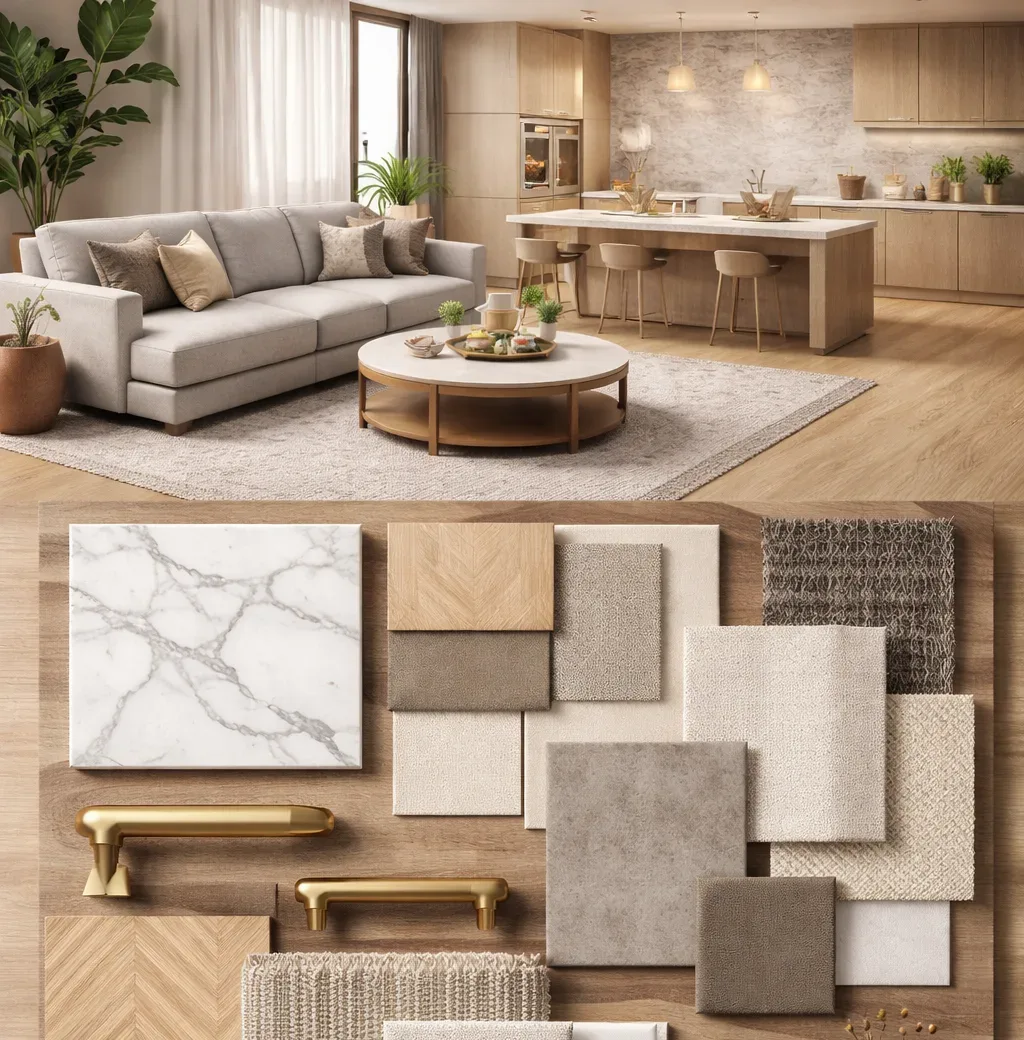
- Browse the Revit Material Library and apply finishes to walls, floors, ceilings, and furniture.
- Create custom materials with your own textures, paint colours, and fabric swatches.
- Apply surface patterns to represent tile grids, wood grain, stone veining, and fabric weaves.
- Understand graphic display modes — hidden line, shaded, and realistic — for different drawing uses.
- Control visibility overrides so materials appear differently in plan vs. 3D presentation views.
- Generate an automatic finish schedule directly from the model — no manual spreadsheet needed.
Week 6 - INTERIOR ELEVATIONS, SECTIONS & DETAILED DOCUMENTATION
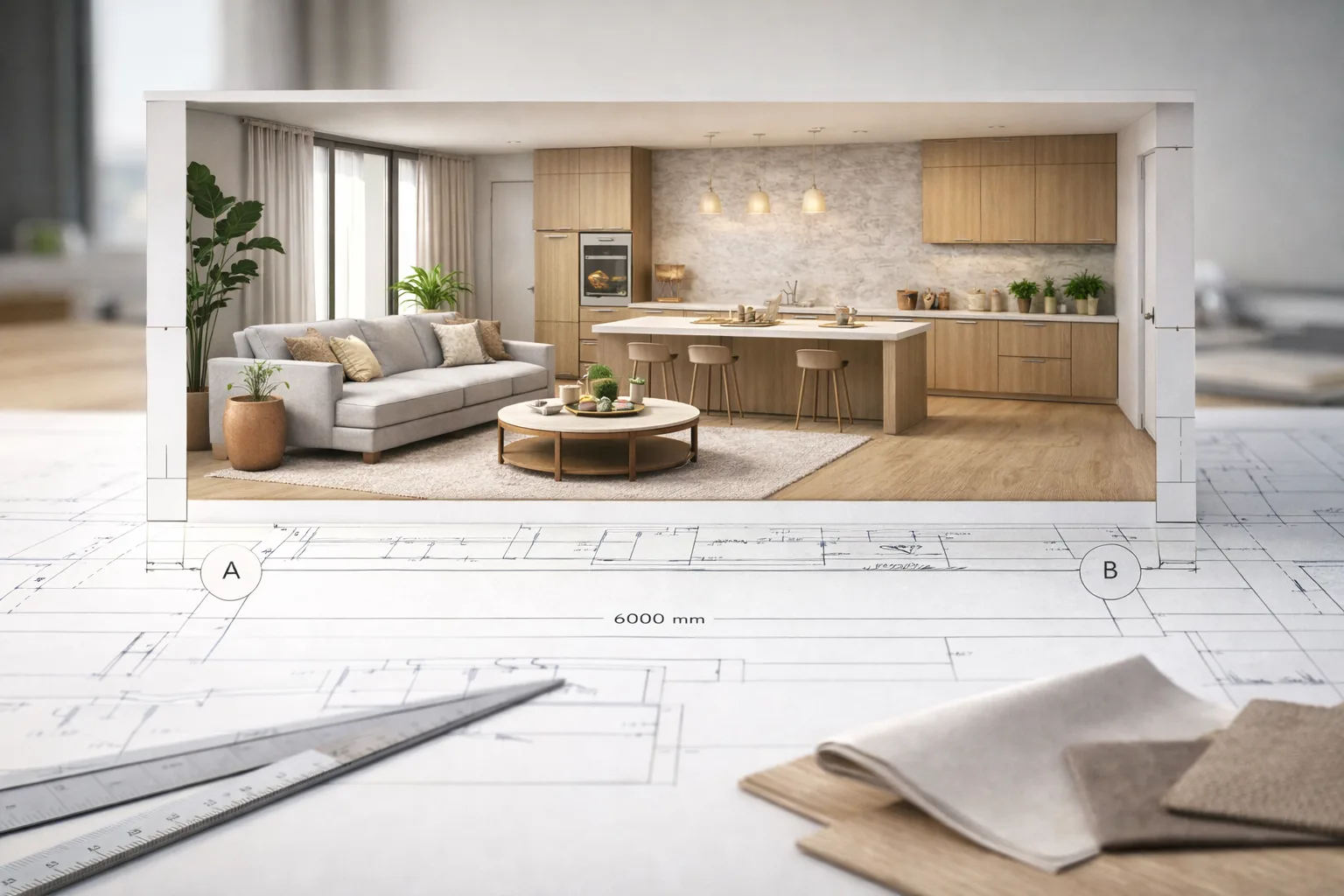
- Create interior elevations for kitchens, bathrooms, feature walls, and joinery — instantly from the model.
- Set up section cuts to reveal layered wall constructions, ceiling heights, and spatial sequences.
- Add dimensions, room tags, and notes to annotate drawings to professional standards.
- Use callouts to zoom into detailed areas — skirting profiles, niches, and custom joinery.
- Apply keynotes and tags to label materials and elements on your interior drawings.
- Control drawing scale: present the same room at 1:50 for overview and 1:20 for construction detail.
Week 7 - SCHEDULES, FF&E LISTS & PRESENTATION SHEETS
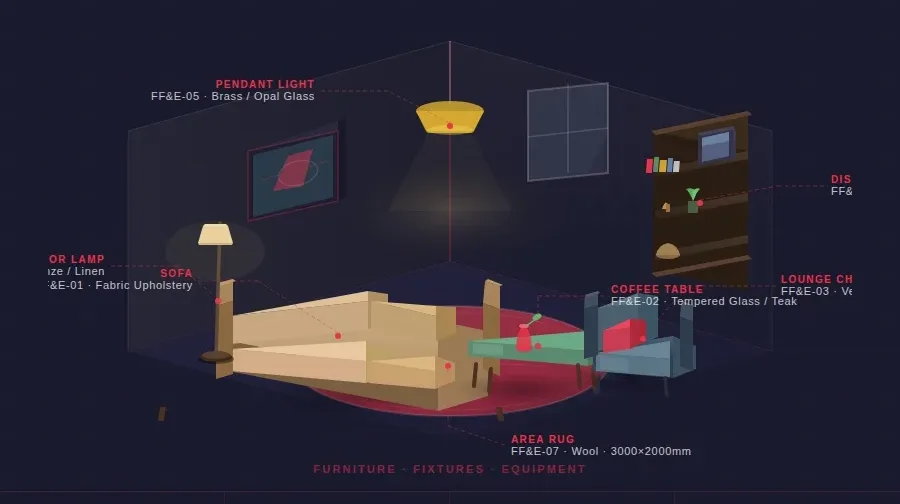
- Build a Room Finish Schedule — automatic floor, wall, and ceiling finishes for every space.
- Create door and window schedules with sizes, types, hardware finishes, and supplier details.
- Generate an FF&E list with quantities, manufacturer names, and specification notes.
- Customise schedule layouts: sort, group, filter, and format columns for client or contractor use.
- Compose drawing sheets and place multiple views — plan, elevations, and 3D — onto a single board.
- Export your complete sheet set as PDF or DWG for sharing with clients and contractors.
Week 8 - RENDERING, VISUALISATION & WORKING WITH AN ARCHITECT'S MODEL
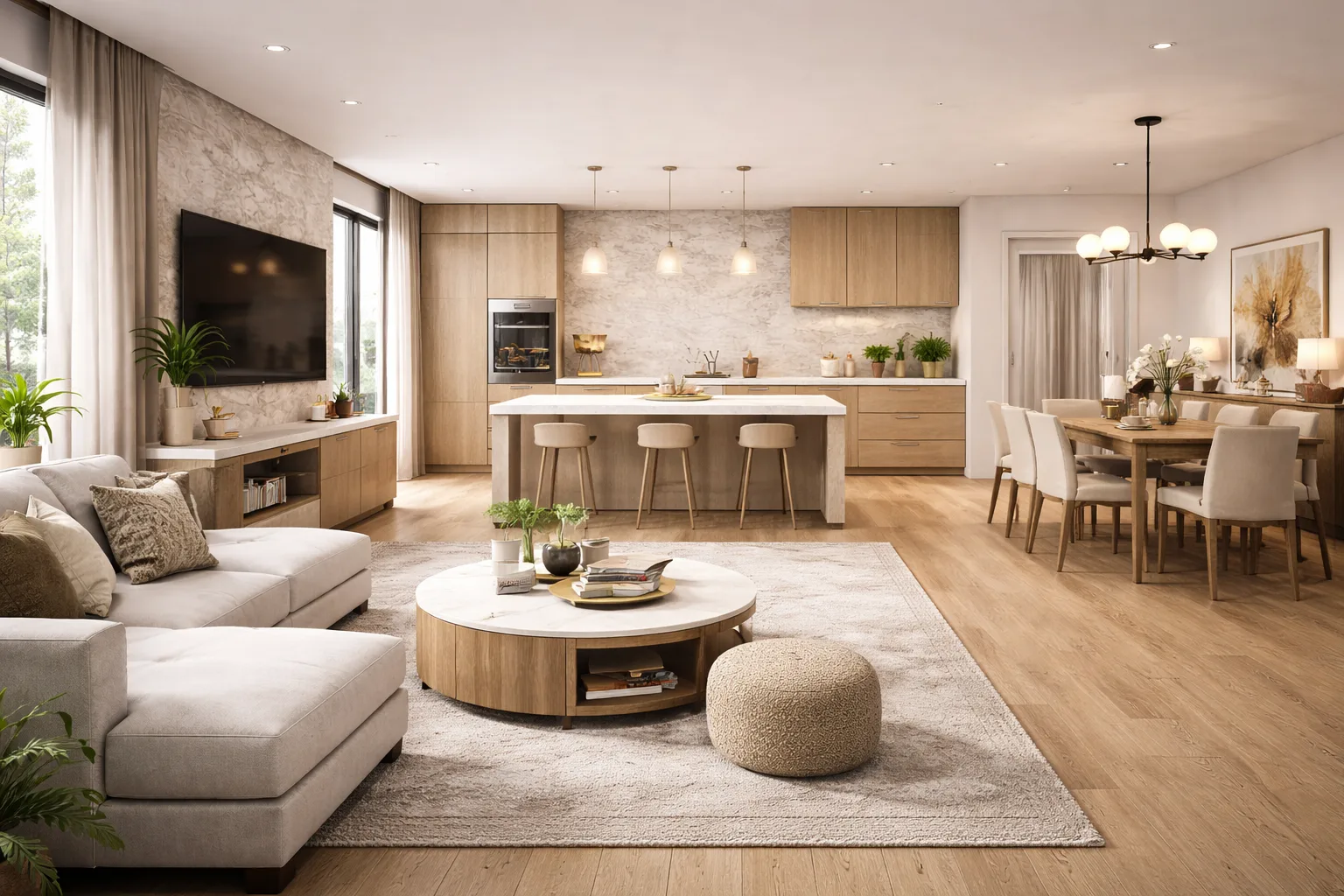
- Set up interior camera views and adjust field of view, depth, and perspective.
- Add and tune artificial lighting: recessed downlights, pendants, wall sconces, and floor lamps.
- Run a Revit local render and control quality, exposure, and background settings.
- Introduction to Twinmotion: import your Revit model and produce real-time cinematic renders.
- Create a client walkthrough animation — a fly-through of the furnished space.
- Work confidently within an architect-supplied linked model — understand what's yours and what isn't.


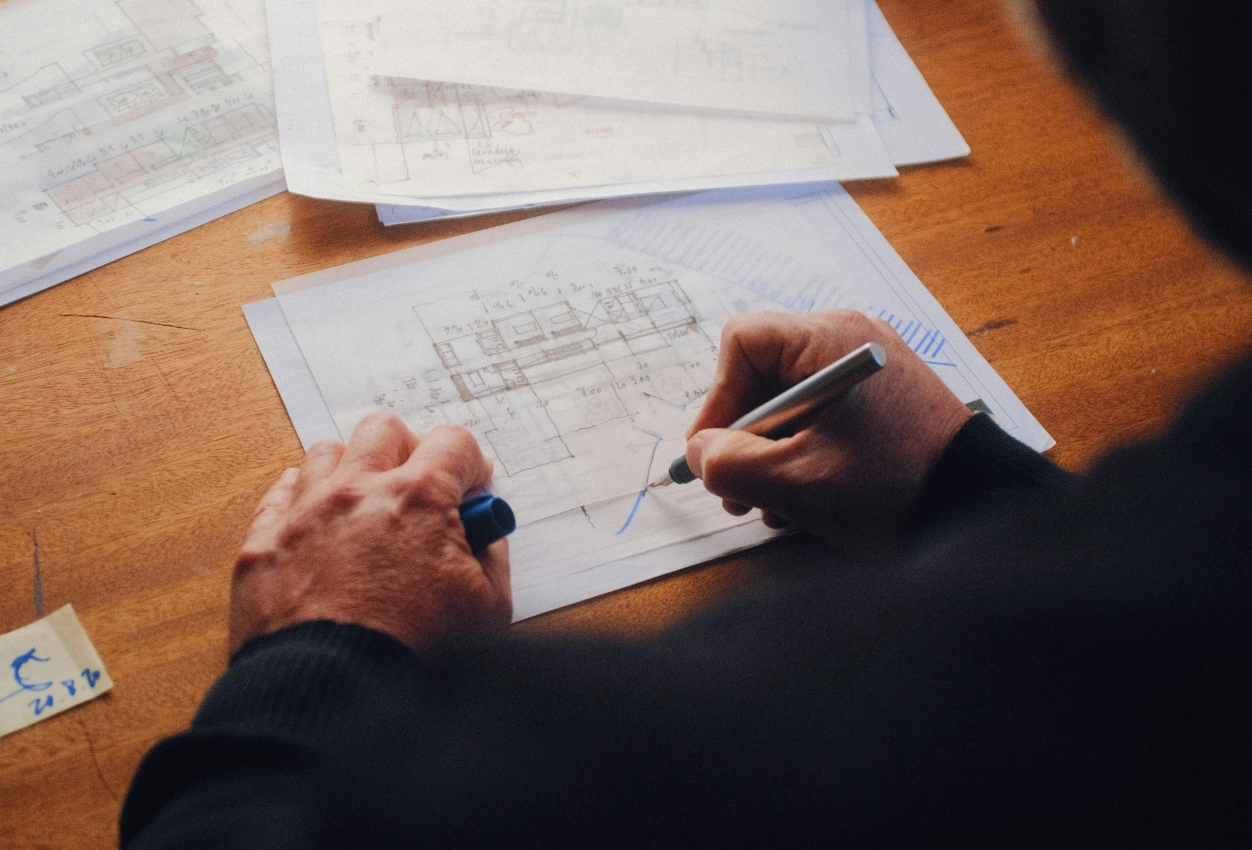
Learn through real-world, guided design projects
You will learn through live residential and Vastu-based design projects developed by ASDAV. Each project reflects real client requirements, site conditions, and execution challenges. You will apply design principles, space planning, and practical workflows while gaining industry-ready experience.

Tools we teach







How are we different?
Why settle for just another Revit Course?
We don't just upskill you, we give you the tools to excel in your path.
Interactive Lectures
Some
No
Hands-on Workshops
Yes
No
Real-life Case Studies
Yes
No
Group Discussions and Feedback Sessions
Yes
No
MEET THE HUMANS BEHIND ASDAV
We eat, learn, teach & repeat

Ar. Vijay P.
Architect | BIM Specialist
With 13+ years of experience across industry and academia, Vijay has led large-scale BIM projects like Nine Elms London, FIFA stadiums, and royal residences in Qatar. A CEPT alum and PhD scholar at IIT Roorkee, At ASDAV, he trains students to bridge the gap between practice and education through BIM.
Off duty, he’s a scale model collector and passionate photographer.

Ar. Aditya K.
Architect | Landscape Consultant
Aditya is a SPA Alum - landscape architect passionate about heritage, cultural spaces, and site-driven design. His work explores the sweet spot where history, ecology, and modern thinking meet.
At ASDAV, he helps students sharpen their ideas and design with clarity—encouraging them to question more, explain less.
Outside the classroom, you’ll find him jamming to music, and fuelling great conversations over chai.

Ar. Anuj K.
Architect | Interior Designer
Anuj is an architect with 5+ years of experience in residential, commercial interior design. As the Proprietor and Principal Designer of Base MUSC, he focuses on creating functional, well-planned spaces that balance aesthetics with everyday practicality.
At Base MUSC, he brings a thoughtful, detail-driven approach, ensuring each design meaningfully supports how people live and work.
When he’s not managing projects, he’s usually folding origami, exploring new trails, or going for a run to reset and recharge.

Ar. Shubham K
Architect | Sustainable Materials Advocate
Shubham is an architect with 5+ years of experience in architecture, product design, and brand strategy. He specialises in sustainable materials like bamboo, blending design with usability and commercial impact. At ASDAV, he brings sharp focus to execution, material thinking, and real-world design clarity.
When not designing, he’s usually trekking high-altitude trails or playing fetch with his dog.

Ar. Jasmine A
Architect | Global Vastu Consultant
Jasmine is an architect and global Vastu consultant with 8+ years of experience across design and teaching, including international work in architecture and interiors. Her approach blends architectural thinking, human-centered interiors, and practical Vastu.
At ASDAV, she leads with clarity, encouraging learners to design purposefully, and build meaningful careers with confidence.
When not mentoring students, she’s either bonding with dogs or finally finishing her first cup of coffee for the day.

Ar. Hitesh K
Furniture Designer | Interior Educator
Hitesh is a furniture and interior design professional with expertise in material-driven design, detailing, and production thinking. An NID graduate, he blends design craft with real-world execution.At ASDAV, he leads sessions on furniture design, spatial planning, and design software—helping students bridge ideas with execution through clarity, craft, and process.
When not teaching or designing, he’s deep into furniture case studies—or quietly redesigning the everyday.

Ar. Anushruti S
Landscape Architect | Urban Design Educator
Anushruti is a landscape architect with experience across real estate, urban infrastructure, and environmental design projects in India and Europe. At ASDAV, she helps students make sense of landscape and urban systems—focusing on critical thinking, environmental sensitivity, and scale-based design clarity.
When not mapping or mentoring, she’s out exploring green corners of the city and how people interact with them.

Ar. Meher T
Architect | Design + Construction Specialist
Meher is an architect with over 10 years of experience focused on the intersection of design vision and buildability. Her strength lies in translating conceptual ideas into precise construction drawings.
At ASDAV, she brings a practical lens to design education, helping students understand how ideas become structures.
Outside the studio, she’s obsessed with Travel and her harmonium.

Ar. Rayan M
Interior Architect | Global Design Consultant
Rayan is an interior architect with 9+ years of international experience across residential, commercial, and hospitality projects in the UAE, Italy, and Southeast Asia.
At ASDAV, he guides students through design detailing, spatial logic, and project workflows.
When he’s not teaching, you’ll find him exploring city backstreets, or hunting down the best De-cafe in town.
What Will You Gain Through This Course - Professional Revit & BIM Course For Interior Designers

A portfolio project you can show on day one of your next opportunity.
You will leave with a fully modelled, rendered, and documented interior design project built entirely in Revit — ready to share with clients, studios, or on LinkedIn.

The ability to work alongside architects on shared BIM models.
Understand how to navigate, link, and work within an architect-supplied Revit model — a skill that immediately changes how collaboratively you can operate on real projects.

Automatic documentation that updates itself.
Your floor plans, interior elevations, reflected ceiling plans, room finish schedules, and FF&E lists all stay coordinated. Change one material and every drawing updates with it.

A Revit skill set built for design briefs, not engineering drawings.
Every workflow, project, and exercise in this course is grounded in how interior designers actually work — not repurposed from an architecture or civil engineering syllabus.

Confidence to present in 3D to any client.
Produce photorealistic renders and walkthroughs directly from your Revit model using Twinmotion — without additional software subscriptions or a separate rendering pipeline.

An ASDAV course completion certificate.
Issued digitally and shareable on LinkedIn, your portfolio, or your CV — certifying your proficiency in BIM-based interior design practice.
Enroll Now for the 2026 batch
Join the first cohort of interior designers in India learning Revit the right way - built for your work.
- All 8 weeks of live sessions
- Recorded sessions for revision
- ASDAV Course Completion Certificate
- 30-day post-course WhatsApp support
- Real interior design project portfolio
- EMI options available
See What Our Learners Have to Say


Attain Industry-Recognized Certificate
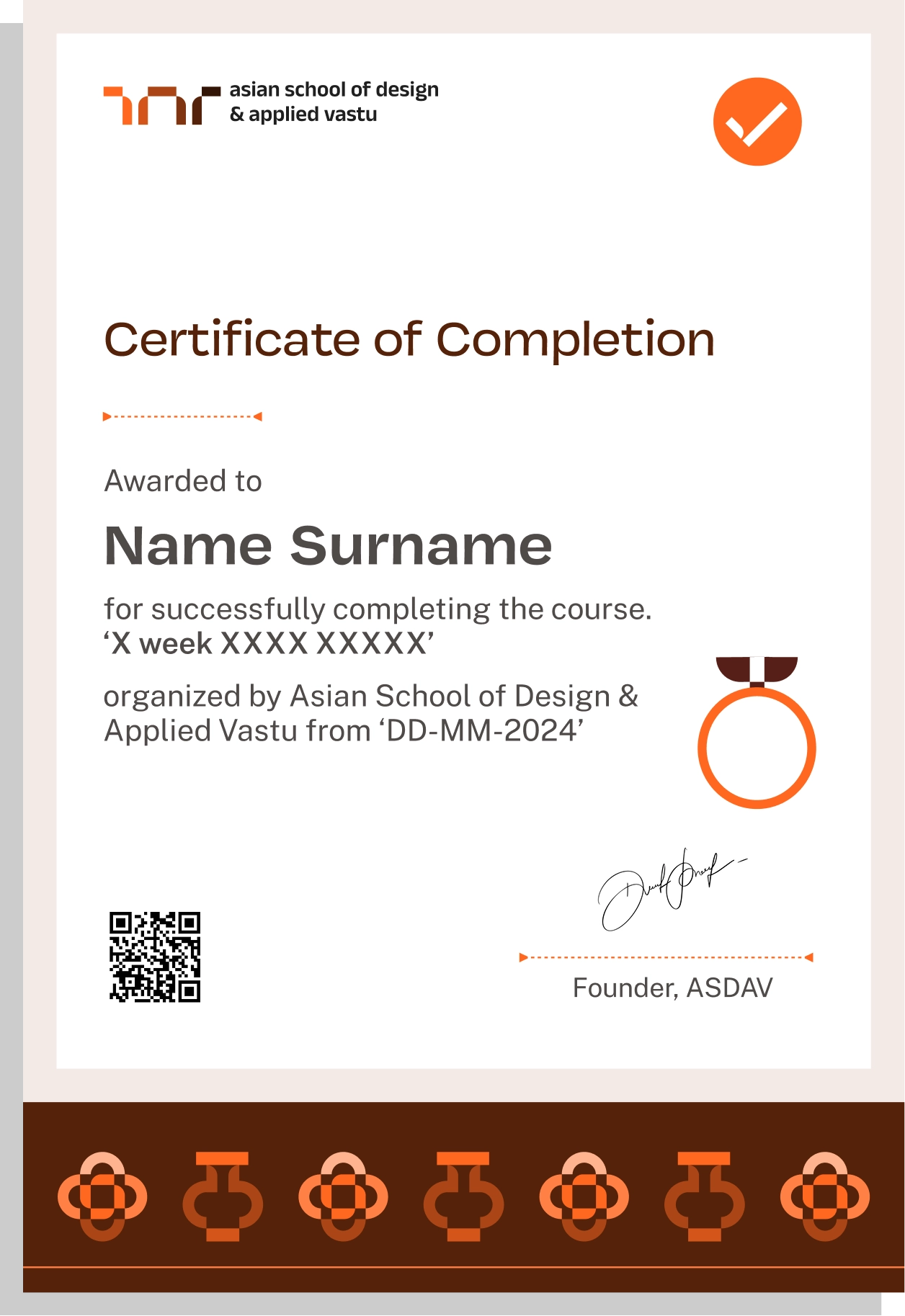
Earn Industry-Recognized Certification through Our Advanced Course, in Partnership with Google for Education, Elevating Your Career Profile
Easily sharable PDF document on LinkedIn, portfolio, resume or CV.


TAUGHT BY INSTRUCTORS FROM












ALUMNI GROWTH STORIES
Where our learners grow, lead & succeed






TESTIMONIALS
Your love inspires us, every minute. Inspirational Words Shared by Our Members
ASDAV's classes have empowered countless students to bridge theoretical knowledge with practical industry application.
Our community of passionate learners, where exploration knows no bounds.
Shavi Gupta


I am a practicing interior designer and when I got to know about their Vastu course, I immediately enrolled myself in it. They taught me practical Vastu and gave me several case studies to practice. I 100% recommend ASDAV’s Vastu course to everyone in the field.
Himanshi Rawat

Even though I studied design, I wasn’t confident with real interior designing tasks. At ASDAV, the trainers explained everything step by step. I built a complete portfolio with detailed floor plan, 3D views, and material palette. That portfolio helped me get my first interview.
Nikkita Bisht


I joined ASDAV’s masterclass because I wanted to design something that was accessible for everyone. The class taught me ramp gradient, turning radius, door clearance, and accessible bathrooms. I applied this to a community center project, and my client appreciated me a lot.
Aekeshwar Saxena

In practice, we are expected to design fast and think clearly, but college never really prepared me for that. ASDAV’s session helped me sharpen my decision making from site analysis to layout logic. It’s one of the few platforms that really understand how real-world architects work.
Jai Singh


Taking classes in ASDAV for Vastu has been a great experience. It wasn’t just about tradition, it’s about how spaces feel, how they function, how they can affect us. Even being a student in London, it has added a lot more depth to my approach.
NEED SOME HELP?
Here are some frequently asked questions
How is this course structured week by week?


The course runs over 8 weeks with live sessions per week. Every week builds on the last, following the natural sequence of a real interior design project: from space planning and furniture placement in the early weeks, to materials, elevations, schedules, and final renders by Week 8.

Are the sessions live or pre-recorded?
All sessions of this Revit interior design course are live and instructor-led. Recordings of Upto 5 sessions are available to students only on request.
How much time should I set aside each week outside of class?
We recommend 3-4 hours of independent practice per week alongside the live sessions. Most interior design assignments are short, hands-on exercises that reinforce what was covered in class – not lengthy homework.
Does the revit for interior designers course include practical assignments?
Yes, every module of this professional certification course for interior designers includes practical modeling and documentation tasks to reinforce real-world workflows.
What happens if I miss a live session?
All sessions are recorded. Recordings of Upto 5 sessions are available to students only on request.
Do I receive any support after the course ends?
Yes. Students receive 30 days of post-course support via WhatsApp — for questions that come up when you start applying Revit to your own client projects after the course concludes.
What level of Revit proficiency will I reach by the end of this course?
You will reach a confident working level, capable of independently modelling, documenting, and presenting a complete interior design projects in Revit.
Which version of Revit do we use?
The course is taught on Autodesk Revit 2024 and 2025. A free 30-day trial is available directly from Autodesk’s website, and we guide you through download and setup in the very first session.
Do I need any other software besides Revit?
Twinmotion is used in Week 8 for rendering and walkthroughs, it is free to download and integrates directly with Revit. No other paid software is required for this course.
What are the minimum system requirements?
A Windows PC with at least 8GB RAM (16GB recommended) and a dedicated graphics card is advised for smooth Revit performance. Full system requirements are shared with all enrolled students before the course begins. Mac users are advised to run Revit via a Windows virtual machine.
I already use SketchUp or AutoCAD. Will this course still add value?
Significantly. SketchUp and AutoCAD are strong tools for concept design and 2D drafting respectively — but Revit is a single-model environment where every plan, elevation, section, schedule, and 3D view is generated from the same intelligent model.
Will I be able to model complex custom furniture or joinery in Revit?
The course covers casework, built-in cabinetry, and furniture families in depth. For highly bespoke or freeform joinery, you will learn how to create and modify custom Revit families — giving you flexibility well beyond the standard content library.
Is Revit actually used by interior designers in professional practice?
Yes, and increasingly so. Firms working on commercial interiors, hospitality projects, and large residential schemes now routinely expect BIM fluency from their interior designers.
Will this course make me more competitive when applying for jobs or projects?
Yes. BIM-proficient interior designers are in shorter supply than BIM-trained architects – which means the skill differentiates you meaningfully. Whether you are applying to a design studio, pitching to an independent client, or collaborating with an architectural firm, Revit fluency signals a level of technical credibility that most interior designers do not yet have.
I run my own interior design practice. Is this relevant to my work?
Directly. Revit allows you to deliver more accurate documentation, generate automatic finish schedules and FF&E lists, coordinate more effectively with contractors and architects, and present photorealistic 3D visuals to clients.
I work mostly on residential projects. Is Revit overkill for that scale?
Not at all. Revit is widely used on single-apartment and villa-scale interior projects, not just large commercial builds.
How does Revit change the way I present to clients?
Instead of hand sketches or static renders produced in a separate tool, Revit lets you generate 3D views, walkthroughs, and photorealistic renders directly from your live model. Any design change is reflected across every view immediately – so client presentations become faster, more accurate, and visually far more compelling.
Is Revit used differently by interior designers and architects, and does this course address that?
Yes, and this is precisely what sets this course apart. The workflows architects use in Revit – structural grids, MEP coordination, massing – are entirely different from what interior designers need. This course was built around interior design practice from the ground up: space planning, casework, materials, finish schedules, interior elevations, and FF&E documentation.
How are the live sessions conducted?
Sessions are held online via a video conferencing platform. The instructor shares their screen for software demonstrations, and students follow along in Revit in real time. Sessions include live Q&A, and periodic screen shares from students for feedback.
Can I interact directly with the instructor during class?
Yes. Every live session includes dedicated time for questions and screen-sharing. You can ask the instructor to revisit a tool, demonstrate a specific workflow, or review your in-progress model – all within the live session.
Is the batch size small enough for individual attention?
Yes. ASDAV intentionally keeps batch sizes small to ensure every student receives meaningful feedback. One-on-one Revit & BIM sessions are available at key milestones within the course, in addition to cohort group discussions.
What is the weekly time commitment for this course?
This certification course for revit & BIM for interior designers requires approximately 4 hours per week for self- guided practice, and independent assignments.
Is there a community or peer group as part of the course?
Yes. All enrolled students are added to a cohort group where they can share work-in-progress, ask questions, and give peer feedback. Many students find this peer network as valuable as the instruction itself.
Are the sessions scheduled at a time that works for working professionals?
Session timings are designed to accommodate working professionals and students. Exact timings are confirmed with each batch before it begins. If you have a scheduling concern before enrolling, write to us at hello@asdav.in and we will confirm the batch schedule for you.
Do I need a degree in interior design or architecture to join this course?
No formal qualification is required. This course is open to interior design students, practising designers, architecture graduates, homemakers, and career changers alike. A basic familiarity with design concepts and comfort with using a computer is all you need to begin.
I have never used Revit or any BIM software. Can I still join?
Absolutely. The course begins from zero – interface navigation, setting up your first project, understanding how Revit works – before progressing step by step. No prior BIM experience is assumed at any point.
Can hobbyists with certain professional background enrol?
Yes, and they are very welcome. Several students join ASDAV courses specifically to model their own home renovation or design their own space with accuracy and confidence. The course is structured to be accessible regardless of professional background.
What career opportunities does this course support?
Graduates of this course are better positioned for roles in interior design studios, architecture firms with interior departments, real estate companies requiring space planning, and hospitality design teams. Freelance designers find it equally valuable for pitching to and working alongside architectural consultants who use BIM.
I already work as an interior designer. Will this course help me charge more or take on bigger projects?
Yes, meaningfully. BIM-fluent designers can deliver more accurate documentation, coordinate more professionally with contractors and architects, and take on technically demanding commercial and hospitality projects that would otherwise require outsourcing the BIM work. Many practitioners find that Revit directly enables them to move upmarket.
Will the certificate from this course be recognised by employers or clients?
The ASDAV certificate demonstrates completion of a structured, practical Revit training programme specifically designed for interior designers. While it is not a government-regulated qualification, it holds professional weight as evidence of working-level Revit competency — and the portfolio project you produce during the course is typically the more compelling proof of your skill for employers and clients alike.
