Interior design is no longer limited to professional studios and architecture firms. Today, students, homeowners, freelancers, and aspiring designers are using digital tools to create floor plans, visualize spaces in 3D, and experiment with layouts before making design decisions.
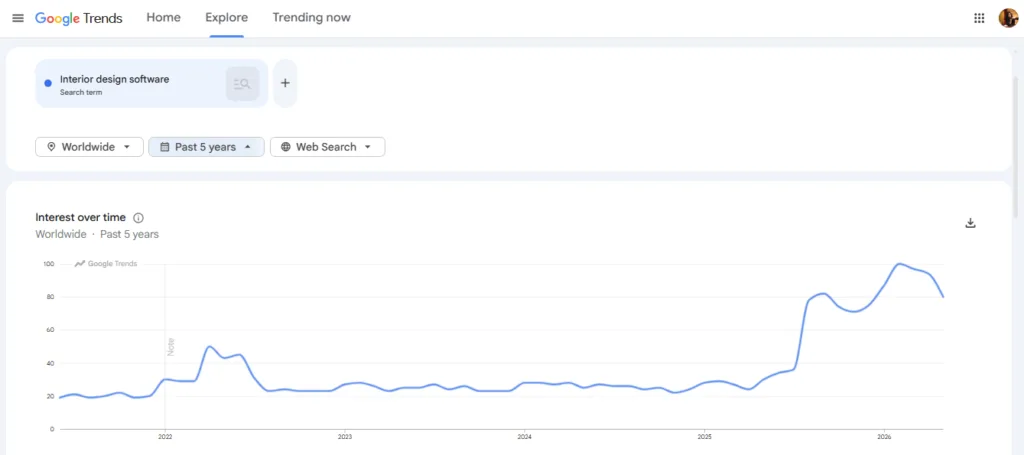
Google Trends shows a steady rise in searches for “Interior design software” globally over the past five years, highlighting how quickly software adoption in Interior designing is growing across industries.
To help you save time researching the best interior design software for beginners, we have shortlisted and reviewed the top 10 interior design software for beginners.
💡 How we selected the list of interior design software:
Our team at ASDAV reviewed each platform’s floor planning, 3D modeling, rendering quality, furniture libraries, AI features, integrations, and collaboration capabilities to understand how well they support new designers.
Want to Build a Career in Interior Design?
Join ASDAV’s Professional Program in Interior Design and gain practical industry skills through expert-led training. This certification course covers design principles, space planning, materials, software tools, and real-world projects to help you become job-ready.
To identify real-world strengths and limitations, we also analyzed user feedback and ratings across review platforms such as G2 and Capterra. This helped us understand common pros, cons, usability challenges, and overall customer satisfaction.
👉 Download Residential Interior Design Course Syllabus
Best Interior Design Software for Beginners at a glance
- Floorplanner — Best for creating quick floor plans and room layouts
- Planner 5D — Best for AI-assisted home design and 3D visualization
- RoomSketcher — Best for floor plans and real estate presentations
- Sweet Home 3D — Best free open source interior design software
- SketchUp — Best for architectural modeling and professional design workflows
- Homestyler — Best for interior styling with real furniture products
- HomeByMe — Best for furniture specification and client approvals
- D5 Render — Best for photorealistic renders and architectural visualization
- SmartDraw — Best for floor planning and design documentation
- Foyr Neo — Best for AI-powered interior design workflows and fast rendering
1. Floorplanner

Category: Interior Design Software
Suitable for: Beginner interior designers, homeowners, students, real estate professionals, and architects who need quick concept visualizations
Pricing: Free plan available. Paid plans start at $5/month.
Floorplanner helps architects quickly create floor plans, room layouts, and interior design concepts without using complex CAD software. Architects can draw spaces, define room dimensions, place doors and windows, and furnish interiors using a library of over 260,000 3D objects.
The platform provides instant 2D and 3D visualization, making it easier to communicate design ideas to clients during the early planning and concept development stages.
Floorplanner also supports 3D previews, photorealistic renders, and virtual walkthroughs, helping architects present design concepts before moving to detailed architectural drafting.
2. Planner 5D
Category: Home Design and Interior Design Software
Suitable for: Homeowners, interior designers, architects, real estate professionals, and design students
Pricing: Free plan available. Paid plans start at $4.99/month.
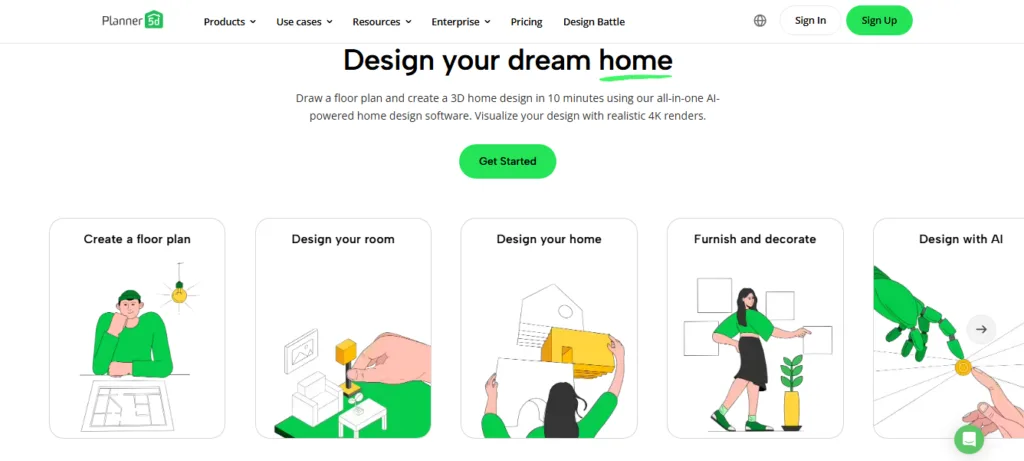
Planner 5D helps architects quickly transform sketches, floor plans, and design concepts into interactive 2D and 3D models. Its standout features include AI floor plan recognition, automated furniture arrangement, AR visualization, room scanning, and an AI design generator that can suggest layouts and decor ideas.
Architects can use the platform to develop early-stage concepts, test multiple design options, create realistic 4K renders, and generate immersive 360° walkthroughs for client presentations. The software also supports CAD exports, custom 3D model imports, and cost estimation tools, making it useful from concept visualization through design documentation.
3. RoomSketcher
Category: Floor Plan and Home Design Software
Suitable for: Architects, real estate professionals, interior designers, property developers, and renovation consultants
Pricing: Free plan available. Pro plan starts at $12/month.
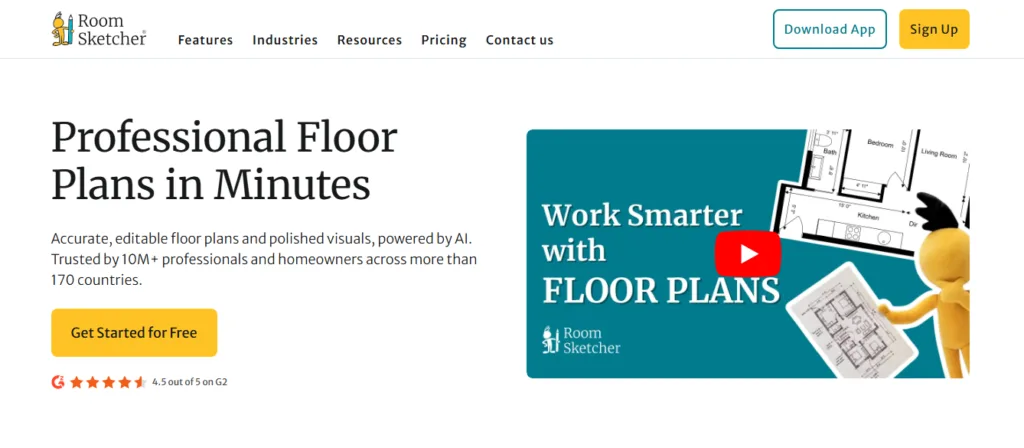
RoomSketcher is designed for architects and property professionals who need to transform floor plans into polished visual presentations. The platform supports multiple ways to create layouts, including LiDAR scanning, AI-powered floor plan conversion, blueprint tracing, and manual drawing.
Once a project is complete, users can generate branded 2D and 3D floor plans, interactive walkthroughs, and 360-degree property views from the same design file.
Its automatic area calculations, measurement tools, material replacement features, and cross-device access make it particularly valuable for residential design, renovation planning, and real estate marketing.
4. Sweet Home 3D
Category: Open Source Interior Design Software
Suitable for: Architects, interior designers, students, homeowners, and DIY renovation planners
Pricing: Ask the team for details
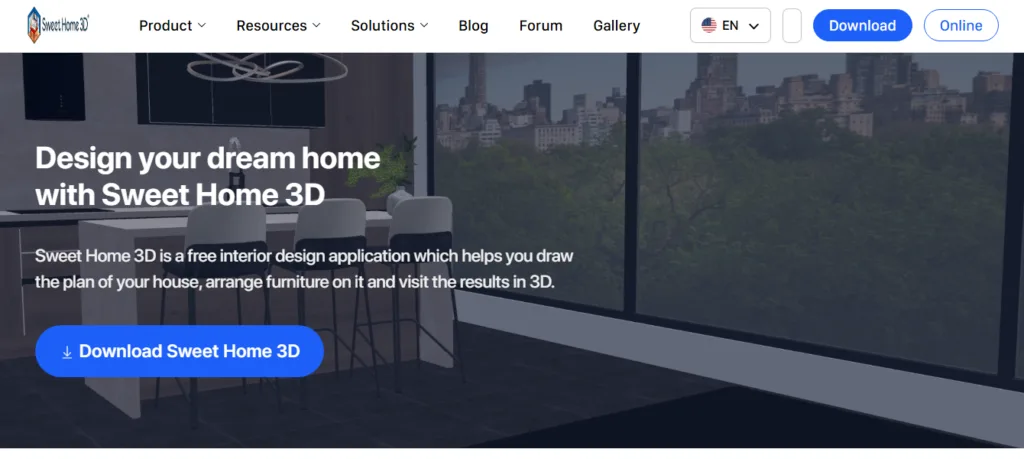
Sweet Home 3D streamlines the process of turning floor plans into fully visualized interior spaces. Architects can create accurate layouts, import reference blueprints, and work with straight, curved, or sloped walls while adding doors, windows, dimensions, room annotations, and furniture. The software displays 2D plans and 3D views side by side, making it easier to evaluate design decisions as they are made.
Features such as material and texture customization, sunlight simulation based on location and time of day, photorealistic rendering, walkthrough video creation, and support for custom 3D model imports help architects communicate design concepts more effectively.
Its plugin support and broad export options for PDFs, images, videos, and 3D files also make it a flexible tool for residential design, remodeling projects, and client presentations.
5. SketchUp
Category: 3D Modeling and Architectural Design Software
Suitable for: Architects, architectural firms, interior designers, builders, and construction professionals
Pricing: Free web version available. Paid plans start at $129/year.
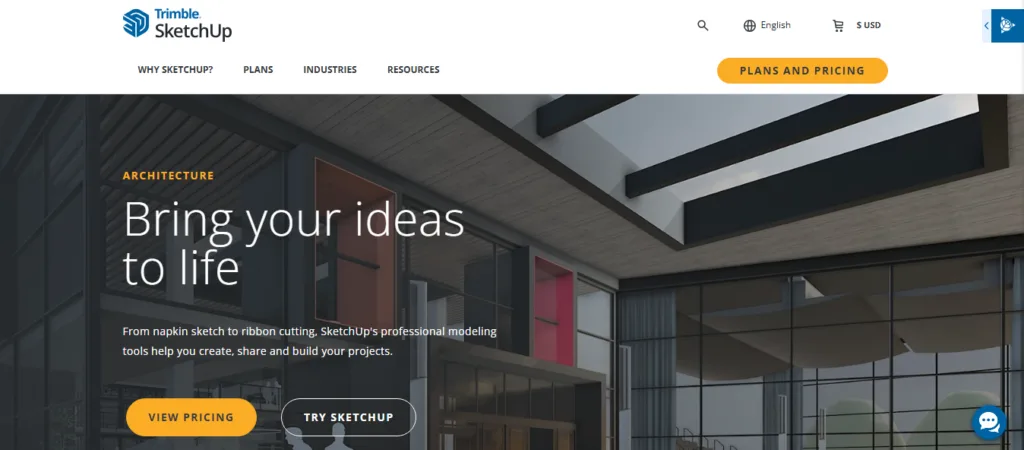
SketchUp is widely used for architectural concept development because it combines fast 3D modeling with tools that support design communication and project documentation. Its intuitive modeling environment allows architects to quickly transform sketches into detailed building models, while features such as LayOut generate plans, elevations, sections, and construction documents that automatically update when the model changes.
The platform includes access to millions of prebuilt objects through 3D Warehouse, support for third-party extensions, cloud-based collaboration through Trimble Connect, and integrations with tools such as Revit, V-Ray, and Sefaira.
6. Homestyler
Category: AI-Powered Interior Design and Home Visualization Software
Suitable for: Interior designers, architects, home decor consultants, furniture retailers, and real estate professionals
Pricing: Free plan available. Paid plans start at ₹259/month.
Homestyler brings product selection, space planning, and visualization into a single design environment. Architects can transform 2D floor plans into editable 3D spaces, furnish them with millions of real-world furniture and decor products, and instantly test different layouts, materials, and lighting schemes.
The platform’s cloud rendering engine generates photorealistic images, panoramas, videos, and VR walkthroughs without relying on local hardware, while AI-powered tools accelerate modeling and interior styling tasks.
Its combination of branded product catalogs, immersive visualization features, and collaborative workflows makes it particularly useful for residential architecture, interior design proposals, and client presentation projects.
7. HomeByMe
Category: Interior Design and Home Visualization Software
Suitable for: Architects, interior designers, residential design firms, furniture retailers, and home renovation professionals
Pricing: Free plan available. Paid plans start from ₹813/month.
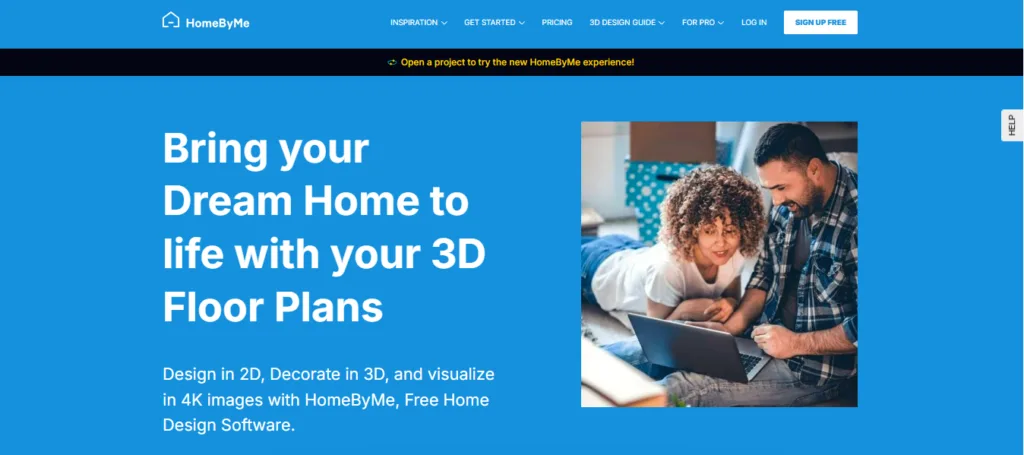
HomeByMe places furniture specification and interior product selection at the center of the design process. Architects can create detailed floor plans, furnish spaces with products from more than 300 brands, and evaluate how materials, finishes, and furnishings work together before any purchasing decisions are made.
The platform supports custom furniture creation through its MakeByMe tool, allowing designers to build pieces that match exact project requirements.
Its features, such as realistic lighting simulations, 4K renderings, 360° panoramas, virtual walkthroughs, and branded product catalogs, help transform design concepts into presentation-ready spaces that clients can confidently review and approve.
8. D5 Render
Category: Architectural Visualization and Real-Time Rendering Software
Suitable for: Architects, architectural visualization artists, interior designers, landscape designers, and 3D rendering studios
Pricing: Free Community plan available. Paid plans available for professionals and teams.
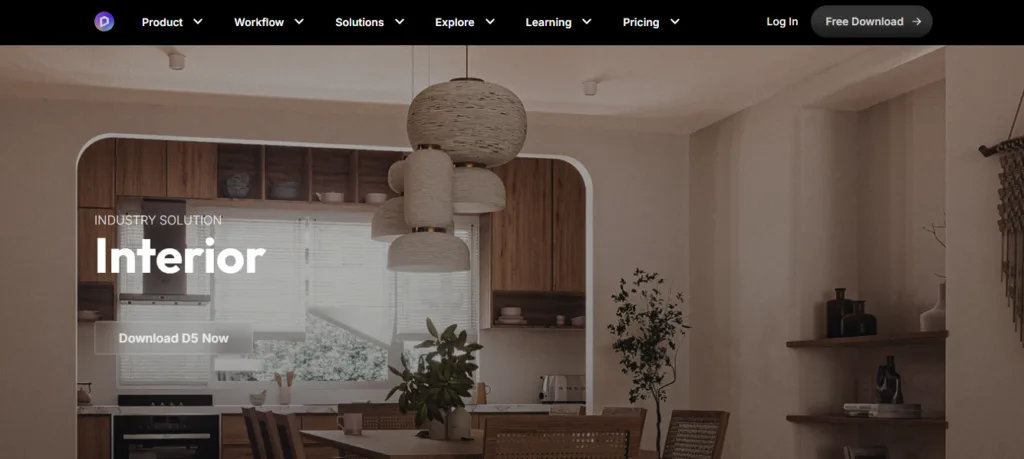
D5 Render sits at the final stage of the architectural workflow, where concepts need to become convincing visual stories. Models created in SketchUp, Revit, Rhino, Archicad, or Blender can be synchronized directly into D5 and transformed into cinematic scenes with realistic lighting, reflections, weather effects, vegetation, and animated assets.
The platform’s biggest strength lies in its real-time rendering engine, which allows designers to adjust materials, camera angles, and environmental conditions while instantly seeing the results.
Recent AI features can generate materials, create 3D models from prompts, match atmospheres from reference images, and automate landscape planning, helping visualization teams produce presentation-quality imagery, animations, VR tours, and large-scale architectural marketing content much faster.
9. SmartDraw
Category: Floor Planning and Diagramming Software
Suitable for: Architects, interior designers, construction teams, facility planners, and space planning professionals
Pricing: Paid plans start at $9.95/month (billed annually).
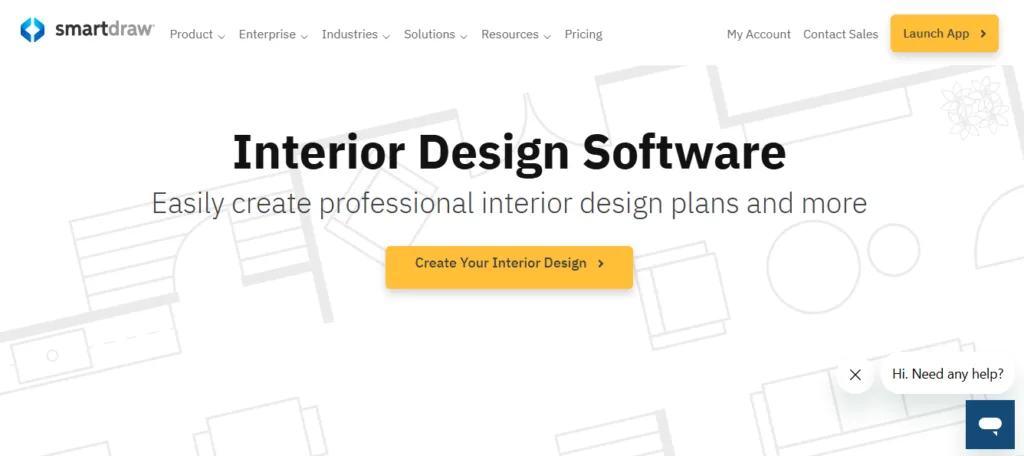
SmartDraw approaches interior design from a planning and documentation perspective rather than a visualization-focused workflow. The platform provides thousands of ready-made symbols for furniture, fixtures, cabinetry, lighting, landscaping, and architectural layouts, allowing users to assemble professional floor plans without CAD expertise. Its biggest advantage lies in collaboration and business integration.
Designs in SmartDraw can be created, edited, and shared directly within Microsoft Office, Google Workspace, Teams, Jira, Confluence, and major cloud storage platforms.
For architects and design teams that need to produce space plans, layout diagrams, and client-ready documentation while working across multiple business systems, SmartDraw offers a practical alternative to traditional CAD software.
10. Foyr Neo
Category: AI-Powered Interior Design and 3D Visualization Software
Suitable for: Interior designers, residential design studios, freelance designers, home staging professionals, and furniture consultants
Pricing: Free trial available. Paid plans start at ₹316/month.
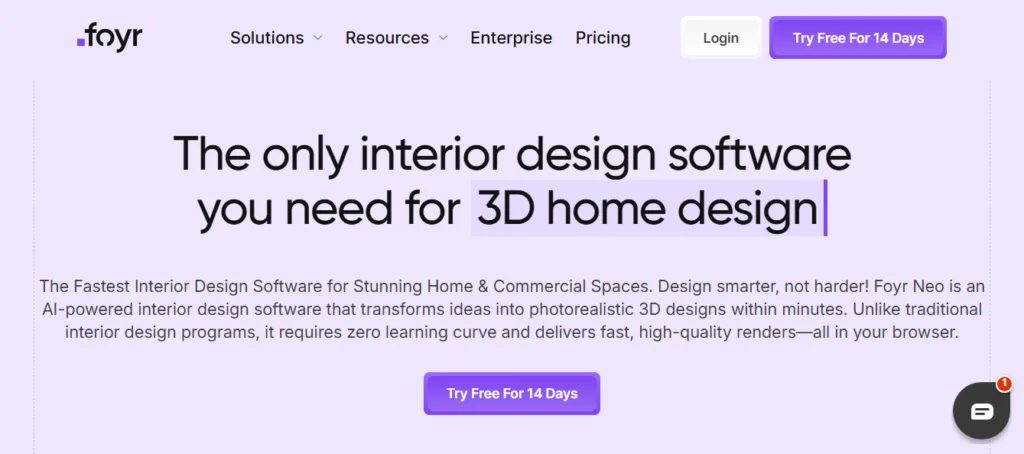
Foyr Neo replaces the traditional workflow of using separate applications for drafting, 3D modeling, and rendering. Floor plans, 3D design, material selection, walkthrough creation, and photorealistic rendering all happen within the same browser-based workspace.
The platform’s AI capabilities automate tasks that typically consume hours, including furniture placement, rendering setup, and design adjustments. Access to more than 60,000 ready-to-use 3D models and 10,000 design templates reduces the need for manual modeling, while cloud rendering removes hardware limitations.
For designers managing multiple client projects, Foyr Neo prioritizes speed, enabling concepts to move from floor plan to presentation-ready visuals in a fraction of the time traditional design software takes.
Go Beyond Design Software and Learn How Real Projects Work
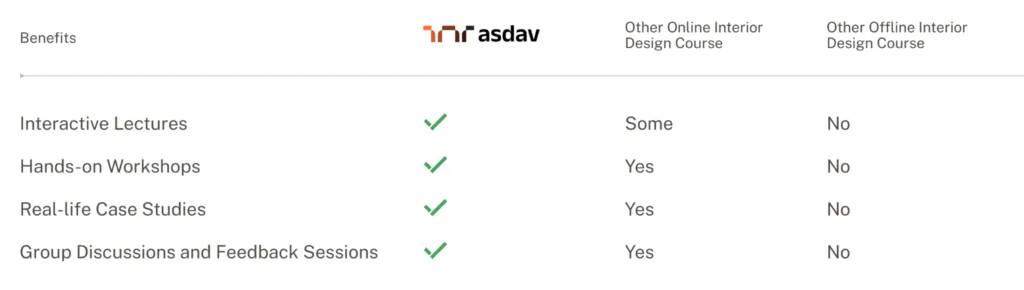
Learning software is only one part of becoming a successful interior designer. You also need to understand space planning, furniture layouts, materials, lighting design, client communication, and real project workflows.
ASDAV’s 12-week Professional Interior Design Certification Course teaches both the creative and technical sides of interior design through live online sessions, case studies, portfolio projects, and hands-on software training.
Whether you are a student, career switcher, architect, homemaker, or aspiring designer, the program helps you build practical skills that can be applied in professional projects, freelance work, or interior design careers.
Apply for the next batch of online interior design course.
You may also apply for short masterclasses:
- Interior Photography Masterclass With Certification
- Interior Styling & Spatial Decoration Masterclass [Enroll Now]
- Green Building & Sustainable Design Masterclass
- Master Freehand Sketching & Drawing For Architects & Designers

Jasmine Ahluwalia is a Licensed Architect, Interior designer, Global Vastu consultant and the founder of ASDAV.
She is a graduate of Scuola Master F.lli Pesenti, Politecnico di Milano, and brings strong global exposure through academic learning and professional design projects. Her background combines architecture, interior design, and applied design education.
Before founding ASDAV, Jasmine worked as an assistant professor at Amity School of Architecture and Planning, Amity University Noida. Her research covers sustainable architecture, urban heat island reduction, and circular economy practices in construction. Her work has been published in Scopus indexed and peer reviewed journals as well. She also has strong international on-site experience from countries like Canada, Mauritius, UK, and many more.
Through ASDAV, she has trained more than 500 students across 25 cities. The ASDAV platform has 12+ instructors from IIT, SPA, CEPT and NID , and has delivered over 200 live learning sessions. Her mission is to bridge the gap between design education and real industry expectations, to deliver real growth for her students.
She designs spaces for a living, but her favourite project is designing careers.